Diplomacy is Not an Option Trainer
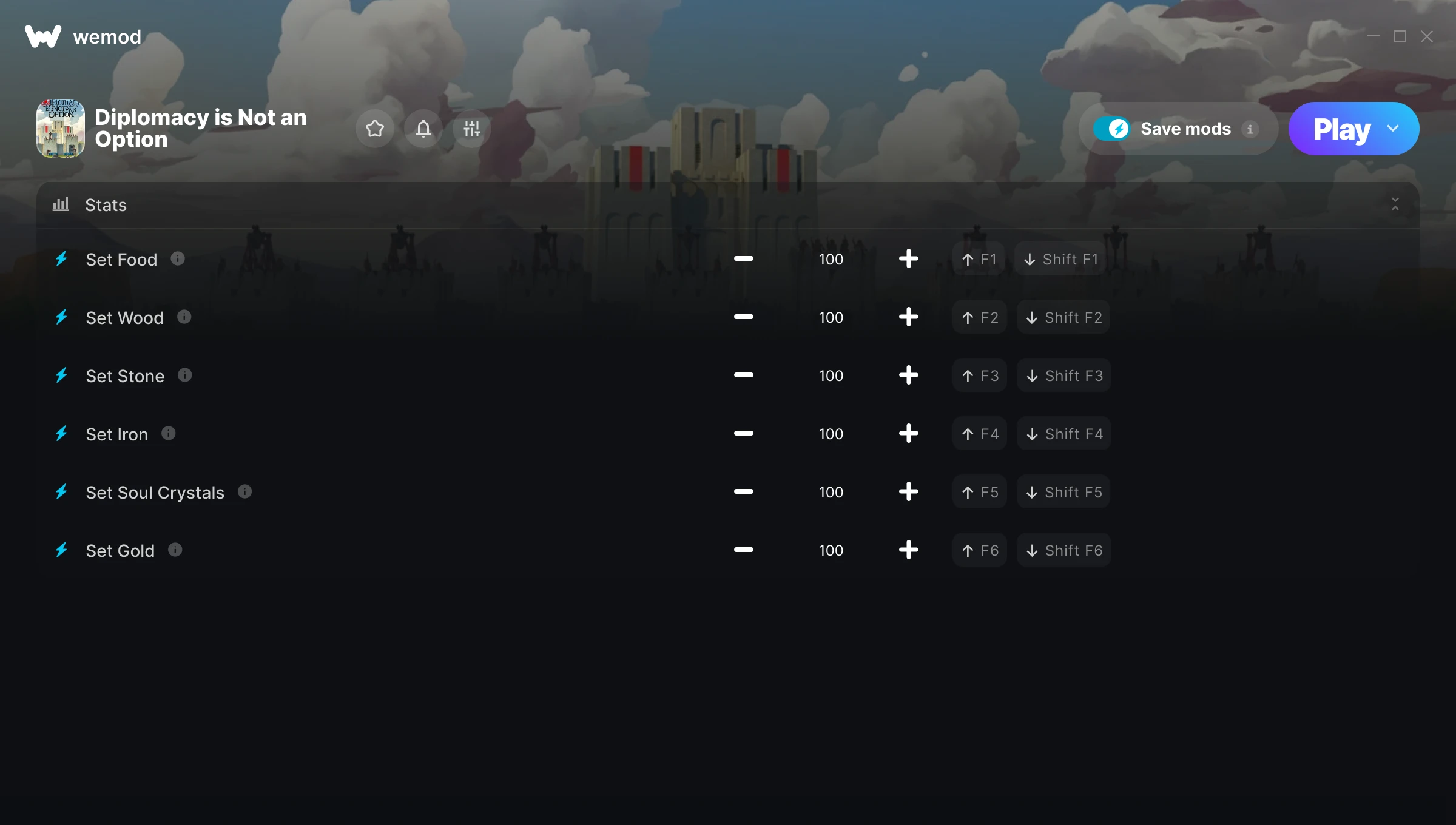
The Diplomacy is Not an Option Trainer gives you access to 6 cheats that let you play the game however you want. Struggling with a tough section? Want to skip the grind? Just want to mess around? This trainer has you covered.
We’ve seen people sink hundreds of hours into this game with cheats on. It hits different.
First hitting the scene in 2024, this real time strategy (rts) and simulator title keeps attracting players who want more control over their run.
This trainer stays in sync with game patches automatically. You’ll never have to worry about downloading a new version after an update – it handles everything behind the scenes.
Some of the most popular cheats included in this trainer are Set Food, Set Wood, Set Stone, Set Iron, and many more. These modifications let you customize difficulty, skip grinding, or simply experiment with the game in new ways.
Diplomacy is Not an Option Trainer Cheats
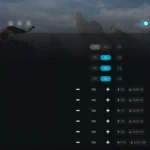
This trainer includes 6 cheats covering resources.
| # | Cheat | Effect |
|---|---|---|
| 1 | Set Food | Adjust food to whatever feels right |
| 2 | Set Wood | Pick your own value for wood |
| 3 | Set Stone | Choose exactly how much stone you want |
| 4 | Set Iron | Manually set your iron to any number |
| 5 | Set Soul Crystals | Adjust soul crystals to whatever feels right |
| 6 | Set Gold | Manually set your gold to any number |
What Can You Do With This Trainer?
Here are some of the standout cheats in this trainer – the ones that really change how you play:
- Set Food – Pick your own value for food
- Set Wood – Manually set your wood to any number
- Set Stone – Pick your own value for stone
- Set Iron – Adjust iron to whatever feels right
- Set Soul Crystals – Choose exactly how much soul crystals you want
And that’s just scratching the surface. The full Diplomacy is Not an Option cheat list above has everything you need to play completely on your own terms.
Download Diplomacy is Not an Option Trainer
Download the latest version of this trainer for PC below.
| Version | Creator | Platform | Date Added | Download |
|---|---|---|---|---|
| Auto-Updating Version (Latest) | ColonelRVH | Steam | 2025-05-14 | Download |
How to Use This Trainer
- Open Diplomacy is Not an Option – Launch the game and wait until you’re in-game or at the main menu. The trainer needs the game process running to hook into it.
- Start the Trainer – Open WeMod, type “Diplomacy is Not an Option” in the search bar, and click Play. The overlay pops up in-game and you’re ready to go.
- Toggle Your Cheats – Flip on whichever cheats you want from the WeMod overlay. Each one takes effect immediately – no restart needed.
- Dive In – Everything is ready. Return to Diplomacy is Not an Option and enjoy the game your way. Swap cheats around whenever you feel like mixing things up.
Tips & Known Issues
- Never activate this trainer during online play. It’s built for single-player only and multiplayer anti-cheat will catch it.
- The Steam Overlay can occasionally conflict with trainer software. Disable it in Steam settings if you notice problems.
- Multiple overlays running at once can cause issues. If the trainer isn’t responding, close any unnecessary overlay software.
- For the trainer to work properly, make sure you launch it with Administrator privileges.
- Using WeMod? The trainer stays current on its own – it auto-patches after every game update.
Frequently Asked Questions
What should I do if the trainer stops working after an update?
If a game patch breaks things, the auto-updating trainer will fix itself automatically – usually within a day or two.
How do I use this trainer?
Grab the download, launch the game, then fire up the trainer. Toggle cheats with the hotkeys or the overlay – done.
Can I use multiple cheats at the same time?
Of course. There’s no limit to how many you can have active. Layer them however you want.
Is this trainer compatible with mods?
Usually, yes. Trainers and mods can run side by side without issues. The only time you might hit a snag is if a mod changes the same values the trainer is targeting.
Can I customise how much health or money I get?
Certain cheats let you choose exact amounts instead of just toggling unlimited. Check for any ‘set’ or ‘edit’ options in the cheat list.
How often is this trainer updated?
This trainer auto-updates shortly after each game patch, so it stays compatible without you having to do anything.
Does this trainer work with Steam?
Yes. The trainer hooks into the game process when launched through Steam.