Stronghold Crusader HD Trainer
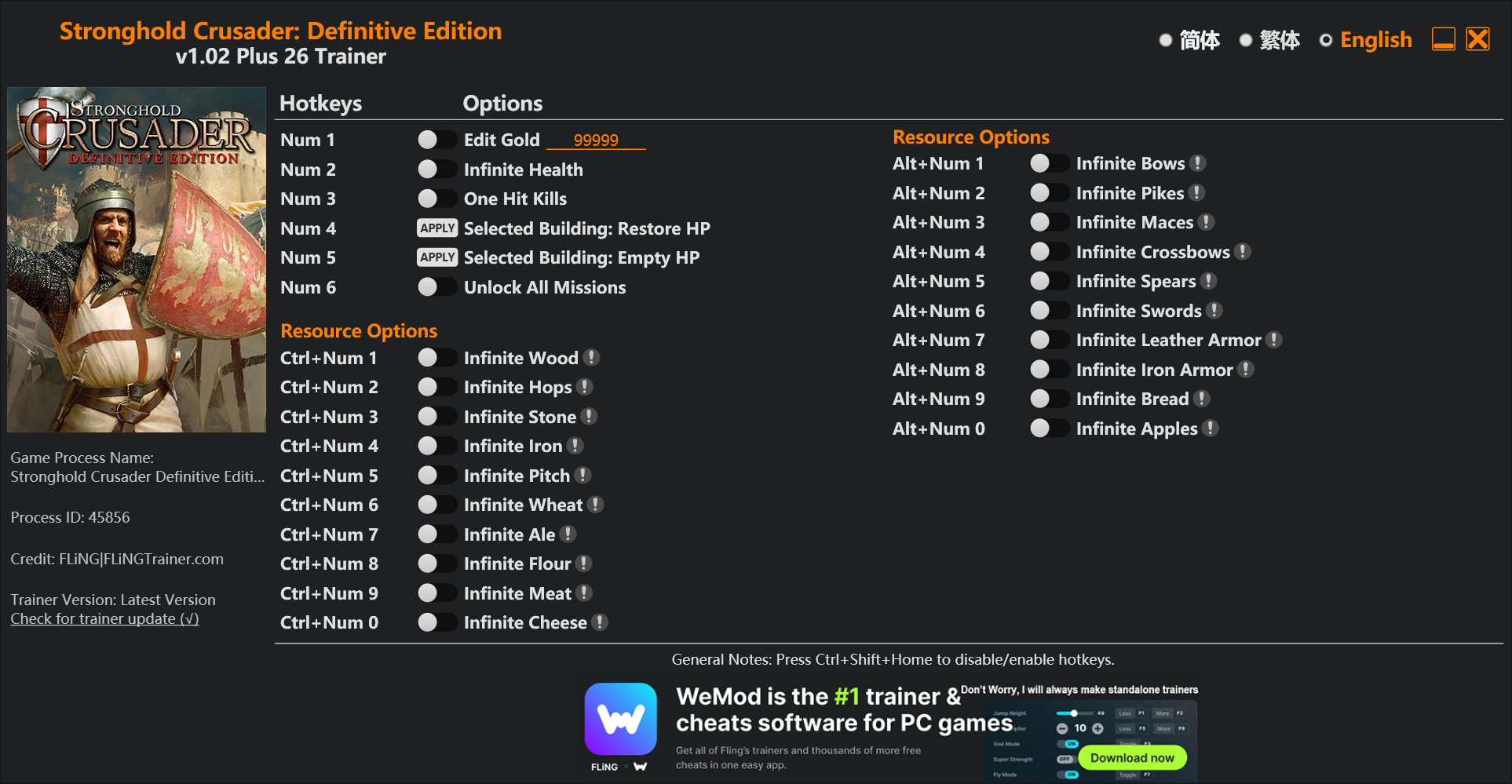
The Stronghold Crusader HD Trainer gives you access to 3 cheats that let you play the game however you want. Struggling with a tough section? Want to skip the grind? Just want to mess around? This trainer has you covered.
Pro tip: start with one or two cheats and see how it feels. Or turn them all on. Your call.
It’s been a while since Stronghold Crusader HD first hit in 2013, but this real time strategy (rts) and simulator title still has plenty to offer.
Grab the Auto-Updating Version if you want this PC trainer to stay compatible after every patch – it handles updates in the background. The Standalone version is there if you’d rather have a single, fixed download.
Stronghold Crusader HD Trainer Cheats
This trainer includes 3 cheats covering resources.
| # | Cheat | Effect |
|---|---|---|
| 1 | Unlimited Population | Your population never runs out or depletes |
| 2 | Unlimited Resources | Gather and spend resources without worrying about running low |
| 3 | Unlimited Gold | Gold for days – never worry about currency again |
What Can You Do With This Trainer?
Here are some of the standout cheats in this trainer – the ones that really change how you play:
- Unlimited Population – Remove all limits on your population
- Unlimited Resources – Gather and spend resources without worrying about running low
- Unlimited Gold – Gold for days – never worry about currency again
And that’s just scratching the surface. The full Stronghold Crusader HD cheat list above has everything you need to play completely on your own terms.
Recommended Cheat Presets
Not sure which cheats to enable? Here are some recommended preset combinations for different playstyles:
Farming Preset
Skip the grind entirely. Max out your loot, XP, and cash without spending hours farming the same enemies over and over.
- Unlimited Resources
- Unlimited Gold
Download Stronghold Crusader HD Trainer
Download the latest version of this trainer for PC below.
| Version | Creator | Platform | Date Added | Download |
|---|---|---|---|---|
| Auto-Updating Version (Latest) | MrAntiFun | Steam | 2025-12-10 | Download |
How to Use This Trainer
- Get Stronghold Crusader HD Running – Launch the game through your usual platform. Wait until you’re past any intro screens and into the menu or gameplay.
- Start the Trainer – Open WeMod, type “Stronghold Crusader HD” in the search bar, and click Play. The overlay pops up in-game and you’re ready to go.
- Activate Cheats – Toggle the cheats you want using the WeMod overlay or press the assigned hotkeys. Cheats activate in real-time while you play.
- Dive In – Everything is ready. Return to Stronghold Crusader HD and enjoy the game your way. Swap cheats around whenever you feel like mixing things up.
Tips & Known Issues
- Keep this trainer offline. Single-player only – any online or multiplayer use risks a permanent ban from the game.
- If cheats toggle on but have no effect, your game version might be out of date. Update the game and try again.
- Multiple overlays running at once can cause issues. If the trainer isn’t responding, close any unnecessary overlay software.
- It’s good practice to back up your saves before activating cheats. That way you can revert if anything feels off.
- No need to check for updates manually with WeMod. The trainer patches itself whenever the game is updated.
Frequently Asked Questions
Is this trainer compatible with mods?
They’re typically fine together. The rare exception is when a mod overwrites the same values the trainer hooks into, but that’s uncommon.
Do I need to restart the game after activating cheats?
No restart needed. Cheats take effect the moment you activate them – toggle freely while you play.
What cheats are included in this trainer?
You get 3 cheats to play with. Scroll up to the cheat list to see exactly what’s available.
What should I do if the trainer stops working after an update?
Sit tight. The auto-updating trainer usually fixes itself within a day or so after a patch. If you’re on the Standalone version, look for a newer build.
Will the trainer work with the latest game version?
If you’re using the Auto-Updating Version, yes – it patches itself after every game update. The Standalone build may lag behind slightly after major patches.
How often is this trainer updated?
Updates roll out shortly after game patches for the Auto-Updating Version. The Standalone build gets refreshed less frequently.
Does this trainer work with Steam?
It does. This trainer is built to work with the Steam version.