Warhammer 40,000: Dawn of War – Dark Crusade Trainer
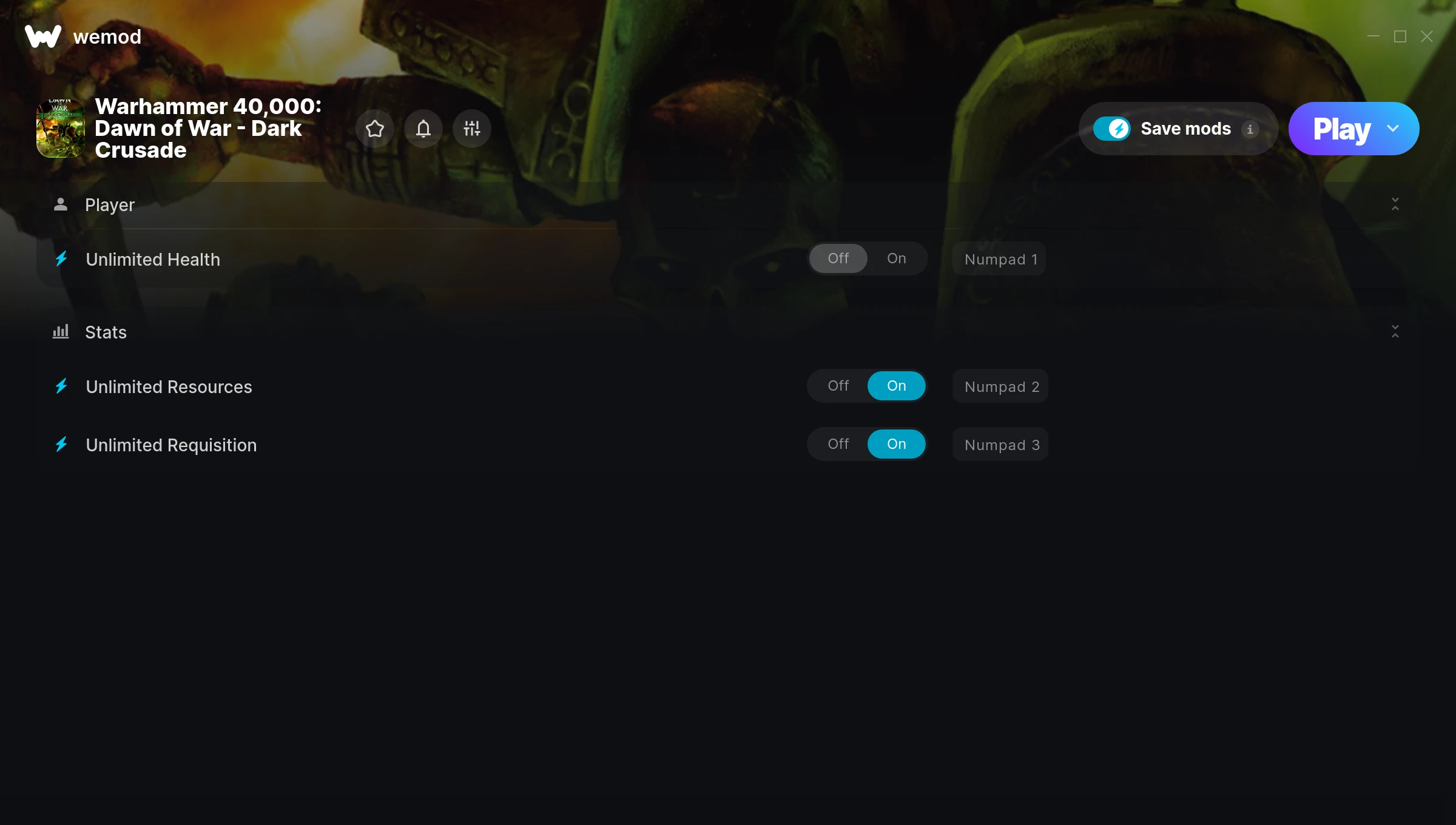
The Warhammer 40,000: Dawn of War – Dark Crusade Trainer gives you access to 3 cheats that let you play the game however you want. Struggling with a tough section? Want to skip the grind? Just want to mess around? This trainer has you covered.
You can play it straight or go full chaos mode. No judgement either way.
Dropping in 2006, Warhammer 40,000: Dawn of War – Dark Crusade brought something different to the real time strategy (rts) and strategy scene and players are still hooked.
No need to check for updates manually. This auto-updating trainer keeps itself compatible with the latest version of the game so your cheats always work.
Warhammer 40,000: Dawn of War – Dark Crusade Cheats
This trainer includes 3 cheats covering health, resources.
| # | Cheat | Effect |
|---|---|---|
| 1 | Unlimited Health | Your health stays maxed out no matter what hits you |
| 2 | Unlimited Resources | Gather and spend resources without worrying about running low |
| 3 | Unlimited Requisition | Use your requisition as much as you want without limits |
What Can You Do With This Trainer?
Here are some of the standout cheats in this trainer – the ones that really change how you play:
- Unlimited Health – Your health stays maxed out no matter what hits you
- Unlimited Resources – Gather and spend resources without worrying about running low
- Unlimited Requisition – Your requisition never runs out or depletes
And that’s just scratching the surface. The full Warhammer 40,000: Dawn of War – Dark Crusade cheat list above has everything you need to play completely on your own terms.
Download Warhammer 40,000: Dawn of War – Dark Crusade Trainer
Download the latest version of this trainer for PC below.
| Version | Creator | Platform | Date Added | Download |
|---|---|---|---|---|
| Auto-Updating Version (Latest) | STiNGERR | Steam | 2025-08-12 | Download |
How to Use This Trainer
- Start Warhammer 40,000: Dawn of War – Dark Crusade – Fire up the game and get to the main menu or load your save. The game needs to be running before you open the trainer.
- Connect WeMod – Launch the WeMod application and find “Warhammer 40,000: Dawn of War – Dark Crusade” in the library. Press Play and WeMod will hook into the running game automatically.
- Flip On the Cheats – In the WeMod overlay, toggle the cheats you’re interested in. They apply immediately to your game session.
- Enjoy Your Playthrough – All done. Now play Warhammer 40,000: Dawn of War – Dark Crusade however you want. You can tweak your active cheats at any point without restarting.
Tips & Known Issues
- Trainers are designed for single-player use only. Using them online or in multiplayer will result in a ban.
- Having issues on Steam? Try disabling the Steam Overlay under Settings > In-Game. It can sometimes clash with trainers.
- Always run the trainer as Administrator for best compatibility.
- This trainer is for the PC version of the game only. PlayStation, Xbox, and Switch are not supported.
- The WeMod version updates itself automatically after each game patch. No action needed on your end.
Frequently Asked Questions
Is this trainer compatible with mods?
Generally, yes. Most mods and trainers operate independently. You might see odd behaviour if a mod directly changes the same stats the trainer controls.
Is this trainer free to download?
Free as it gets. The download links are right above this section, pick whichever version suits you.
What should I do if the trainer stops working after an update?
If a game patch breaks things, the auto-updating trainer will fix itself automatically – usually within a day or two.
Can I get banned for using this trainer?
Trainers are for single-player only. Seriously, do not try these in online or multiplayer modes – that is a fast track to a ban.
Does this trainer work with Steam?
Yes, it works with the Steam version of the game.