Warhammer 40,000: Dawn of War – Soulstorm Trainer
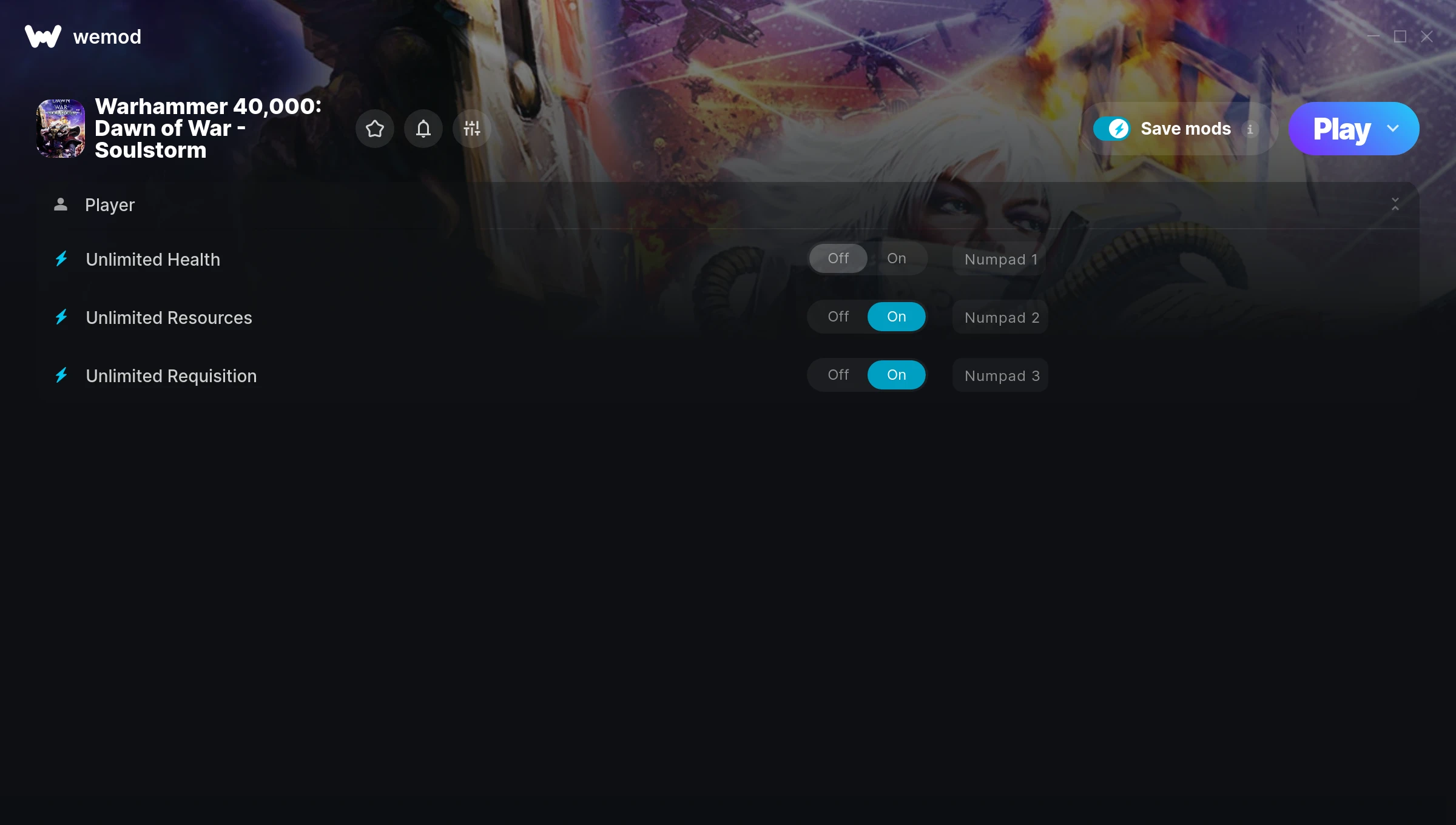
The Warhammer 40,000: Dawn of War – Soulstorm Trainer gives you access to 3 cheats that let you play the game however you want. Struggling with a tough section? Want to skip the grind? Just want to mess around? This trainer has you covered.
If you’ve already finished the story and want to replay it like an overpowered lunatic, this is for you.
Out since 2008, this real time strategy (rts) and strategy title is still going strong with players who want to shape the experience on their own terms.
This is an auto-updating trainer that keeps pace with every game patch automatically. No need to manually grab new versions after updates.
Warhammer 40,000: Dawn of War – Soulstorm Cheats
This trainer includes 3 cheats covering health, resources.
| # | Cheat | Effect |
|---|---|---|
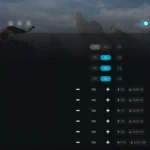
| 1 | Unlimited Health | Your health stays maxed out no matter what hits you |
| 2 | Unlimited Resources | Gather and spend resources without worrying about running low |
| 3 | Unlimited Requisition | Remove all limits on your requisition |
What Can You Do With This Trainer?
Here are some of the standout cheats in this trainer – the ones that really change how you play:
- Unlimited Health – Your health stays maxed out no matter what hits you
- Unlimited Resources – Gather and spend resources without worrying about running low
- Unlimited Requisition – Use your requisition as much as you want without limits
And that’s just scratching the surface. The full Warhammer 40,000: Dawn of War – Soulstorm cheat list above has everything you need to play completely on your own terms.
Download Warhammer 40,000: Dawn of War – Soulstorm Trainer
Download the latest version of this trainer for PC below.
| Version | Creator | Platform | Date Added | Download |
|---|---|---|---|---|
| Auto-Updating Version (Latest) | STiNGERR | Steam | 2026-01-09 | Download |
How to Use This Trainer
- Boot Up Warhammer 40,000: Dawn of War – Soulstorm – Start the game like you normally would. Once you’re at the main menu or loaded into your save, you’re ready for the next step.
- Activate WeMod – Run the WeMod app, locate “Warhammer 40,000: Dawn of War – Soulstorm”, and hit Play. WeMod attaches to the game and shows you the full cheat list in the overlay.
- Activate Cheats – Toggle the cheats you want using the WeMod overlay or press the assigned hotkeys. Cheats activate in real-time while you play.
- Enjoy Your Playthrough – All done. Now play Warhammer 40,000: Dawn of War – Soulstorm however you want. You can tweak your active cheats at any point without restarting.
Tips & Known Issues
- Keep this trainer offline. Single-player only – any online or multiplayer use risks a permanent ban from the game.
- Cloud gaming services like GeForce NOW or Xbox Cloud Gaming are not compatible with trainers. You need the game running locally on PC.
- If the trainer isn’t working, make sure your game is fully updated to the latest version.
- While trainers are safe to use, backing up your save file beforehand is always a smart precaution.
- WeMod auto-updates the trainer after game patches, so you never have to manually download a new version.
Frequently Asked Questions
Is this trainer free to download?
It is. No hidden fees, no sign-up walls – just download it from the links above and start playing.
Will the trainer work with the latest game version?
If you’re using the Auto-Updating Version, yes – it patches itself after every game update.
Can I customise how much health or money I get?
Where available, yes. Look for cheats labelled ‘Set’ or ‘Edit’ – these let you punch in a custom value instead of going straight to infinite.
Will this trainer affect my save files?
It won’t corrupt your saves. The trainer works in memory only – but keep in mind that any progress made with cheats enabled will be saved normally.
How do I know which version to download?
This trainer auto-updates whenever the game is patched, so you always have the latest compatible version. Just download it once and you’re set.
Does this trainer work with Steam?
Yes. The trainer hooks into the game process when launched through Steam.