1849 Trainer
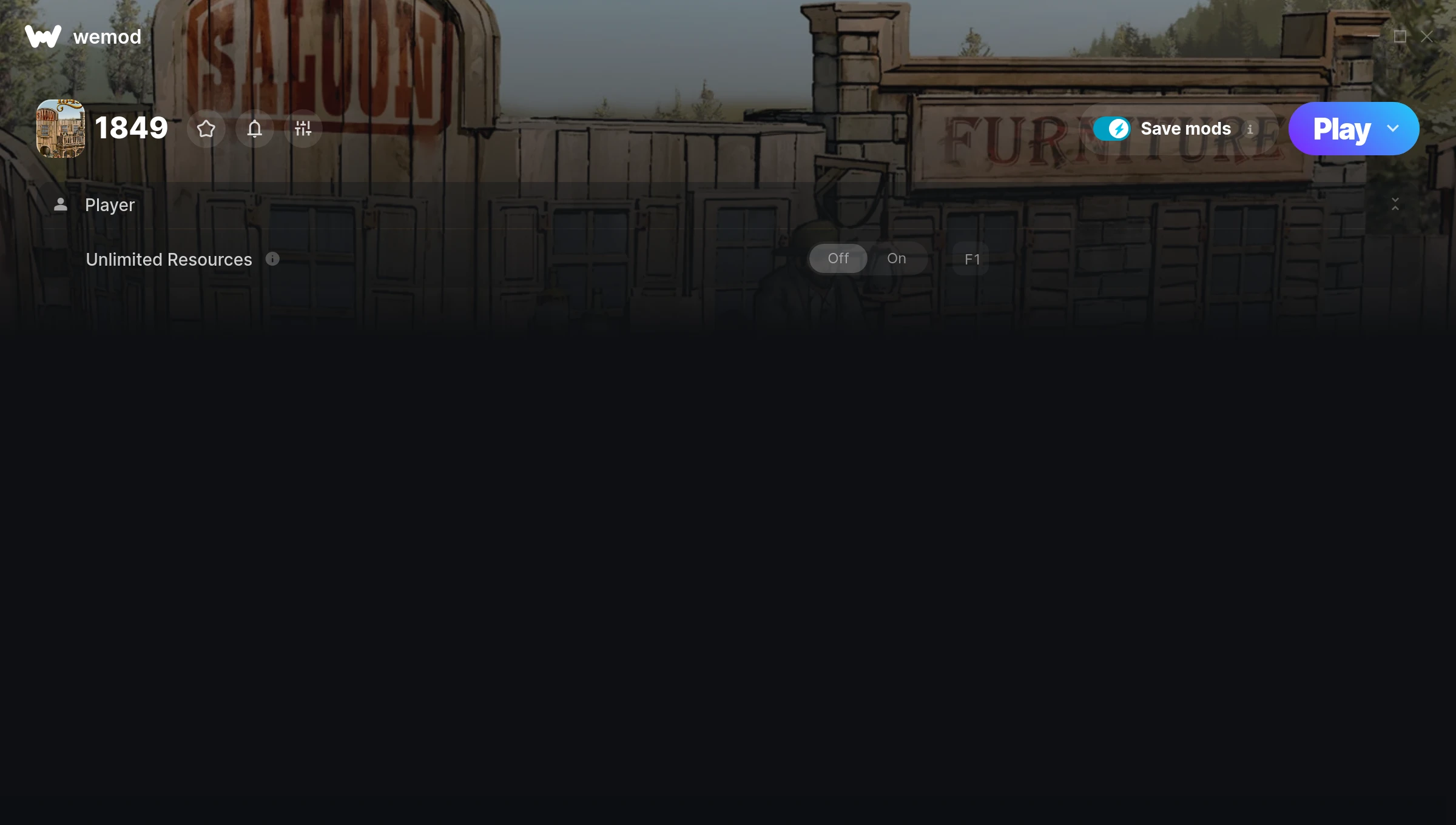
The 1849 Trainer gives you access to 1 cheats that let you play the game however you want. Struggling with a tough section? Want to skip the grind? Just want to mess around? This trainer has you covered.
Some of these cheats are genuinely overpowered. You’ve been warned.
Dropping in 2014, 1849 brought something different to the simulator and strategy scene and players are still hooked.
The best part? This PC trainer auto-updates whenever the game is patched. Zero effort on your part – it stays compatible in the background so you can just play.
1849 Trainer Cheats
This trainer includes 1 cheats covering resources.
| # | Cheat | Effect |
|---|---|---|
| 1 | Unlimited Resources | Gather and spend resources without worrying about running low |
Download 1849 Trainer
Download the latest version of this trainer for PC below.
| Version | Creator | Platform | Date Added | Download |
|---|---|---|---|---|
| Auto-Updating Version (Latest) | MrAntiFun | Steam | 2026-01-11 | Download |
How to Use This Trainer
- Boot Up 1849 – Start the game like you normally would. Once you’re at the main menu or loaded into your save, you’re ready for the next step.
- Open the Trainer – Open the WeMod app and search for “1849”. Click Play to launch the overlay. WeMod will detect the game and enable all available cheats.
- Turn On Cheats – Pick the cheats you want from the WeMod overlay and switch them on. They kick in instantly and you can toggle them off anytime.
- Play Your Way – That’s the full setup. Get back into 1849 and play on your own terms. Adjust cheats whenever the mood strikes.
Tips & Known Issues
- This is a single-player trainer only. Do not use it in online or multiplayer modes – you will get banned.
- If the trainer isn’t working, make sure your game is fully updated to the latest version.
- While trainers are safe to use, backing up your save file beforehand is always a smart precaution.
- The Steam Overlay can occasionally conflict with trainer software. Disable it in Steam settings if you notice problems.
- Using WeMod? The trainer stays current on its own – it auto-patches after every game update.
Frequently Asked Questions
Will the trainer work with the latest game version?
The auto-updating trainer stays compatible with new patches on its own. If you grabbed the Standalone version, you might need to check for a newer release after big updates.
How do I know which version to download?
This trainer auto-updates whenever the game is patched, so you always have the latest compatible version. Just download it once and you’re set.
Can I customise how much health or money I get?
Some cheats include an edit mode where you can set a specific value rather than just maxing things out. Great for keeping things balanced if you want.
Do I need to restart the game after activating cheats?
No. Cheats are live the instant you toggle them. You can switch them on and off mid-gameplay without interruption.
Does this trainer work with Steam?
Yes. The trainer hooks into the game process when launched through Steam.