Act of War: Direct Action Trainer
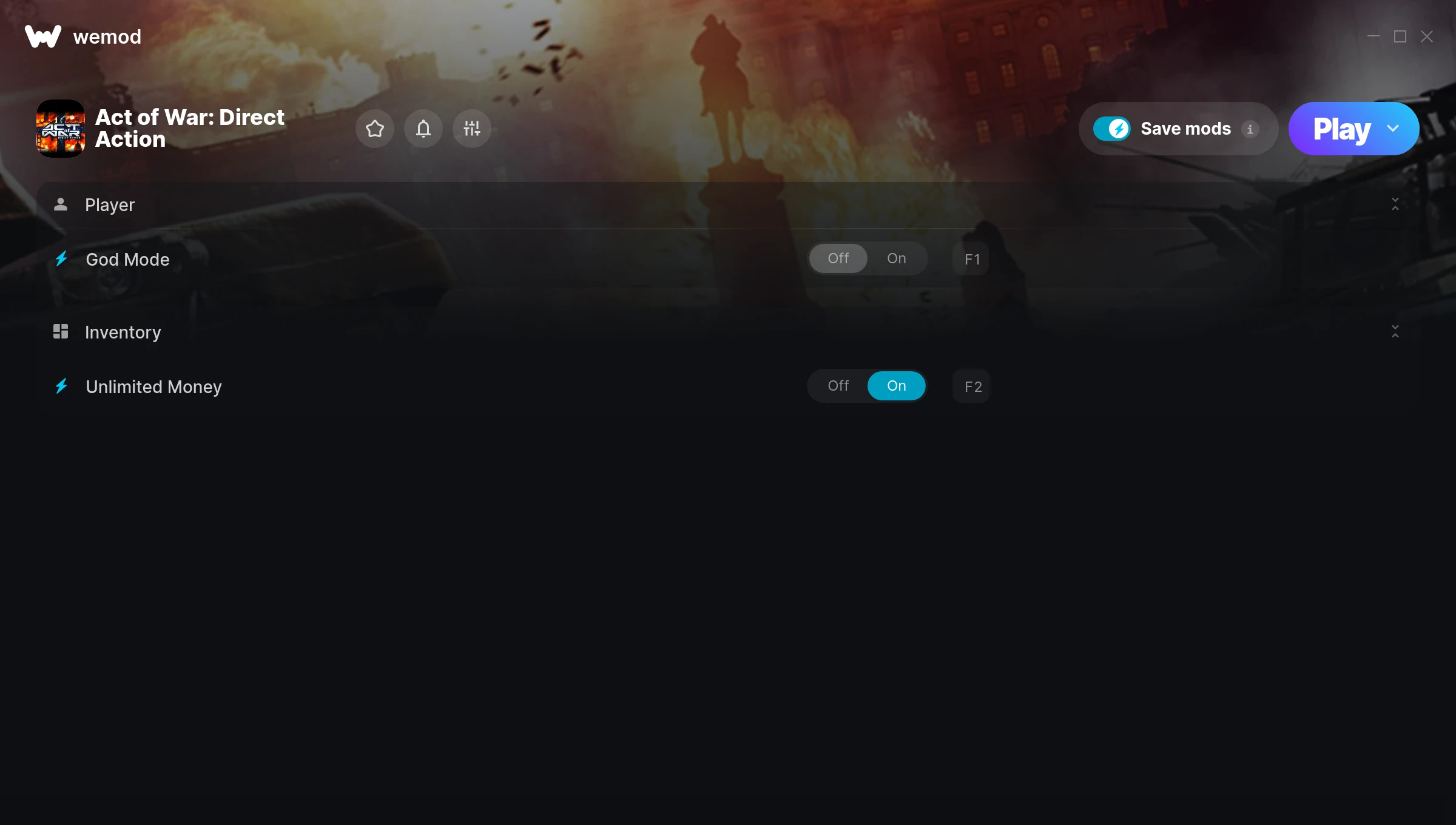
The Act of War: Direct Action Trainer gives you access to 2 cheats that let you play the game however you want. Struggling with a tough section? Want to skip the grind? Just want to mess around? This trainer has you covered.
God mode lets you take on anything the game throws at you without breaking a sweat. Boss fights become victory laps. These cheats let you get past the frustrating parts and actually enjoy the game at your own pace.
The cheat list below covers basically everything you’d want to tweak. Health, resources, speed – all of it.
Act of War: Direct Action has been a go-to real time strategy (rts) and strategy title since 2005, and players are still finding new ways to enjoy it.
No need to check for updates manually. This auto-updating trainer keeps itself compatible with the latest version of the game so your cheats always work.
Act of War: Direct Action Trainer Cheats
This trainer includes 2 cheats covering health, resources.
| # | Cheat | Effect |
|---|---|---|
| 1 | God Mode | Become completely invincible – nothing in the game can hurt you |
| 2 | Unlimited Money | Buy anything you want without thinking about cost |
Download Act of War: Direct Action Trainer
Download the latest version of this trainer for PC below.
| Version | Creator | Platform | Date Added | Download |
|---|---|---|---|---|
| Auto-Updating Version (Latest) | MrAntiFun | Steam | 2025-08-13 | Download |
How to Use This Trainer
- Launch the Game – Open Act of War: Direct Action and get to the point where you’re actually playing. The trainer hooks into the game while it’s running.
- Open WeMod Overlay – Search for “Act of War: Direct Action” in WeMod and click Play. The in-game overlay will appear with toggles for every available cheat.
- Turn On Cheats – Pick the cheats you want from the WeMod overlay and switch them on. They kick in instantly and you can toggle them off anytime.
- Enjoy the Game – You’re all set. Play the game with your cheats active and switch them around as you go. Try different combinations to see what’s the most fun.
Tips & Known Issues
- Trainers are designed for single-player use only. Using them online or in multiplayer will result in a ban.
- The Steam Overlay can occasionally conflict with trainer software. Disable it in Steam settings if you notice problems.
- For the trainer to work properly, make sure you launch it with Administrator privileges.
- Make a copy of your save data before experimenting with cheats. Better safe than sorry.
- One of the perks of WeMod is automatic updates. The trainer syncs with game patches behind the scenes.
Frequently Asked Questions
Is this trainer free to download?
It is. No hidden fees, no sign-up walls – just download it from the links above and start playing.
Can I use multiple cheats at the same time?
You can run every single cheat at once if you want. Mix and match until you find a combination you enjoy.
Will the trainer work with the latest game version?
The auto-updating trainer stays compatible with new patches on its own. If you grabbed the Standalone version, you might need to check for a newer release after big updates.
What should I do if the trainer stops working after an update?
If a game patch breaks things, the auto-updating trainer will fix itself automatically – usually within a day or two.
Do I need to restart the game after activating cheats?
Not at all. Everything applies in real-time. Turn cheats on, turn them off, no restarts required at any point.
Will this trainer affect my save files?
Your save files are safe. Cheats only change values in RAM while you play. Just be aware that anything you accomplish with cheats active gets saved like normal progress.
Does this trainer work with Steam?
Yes. The trainer hooks into the game process when launched through Steam.