Act of War: High Treason Trainer
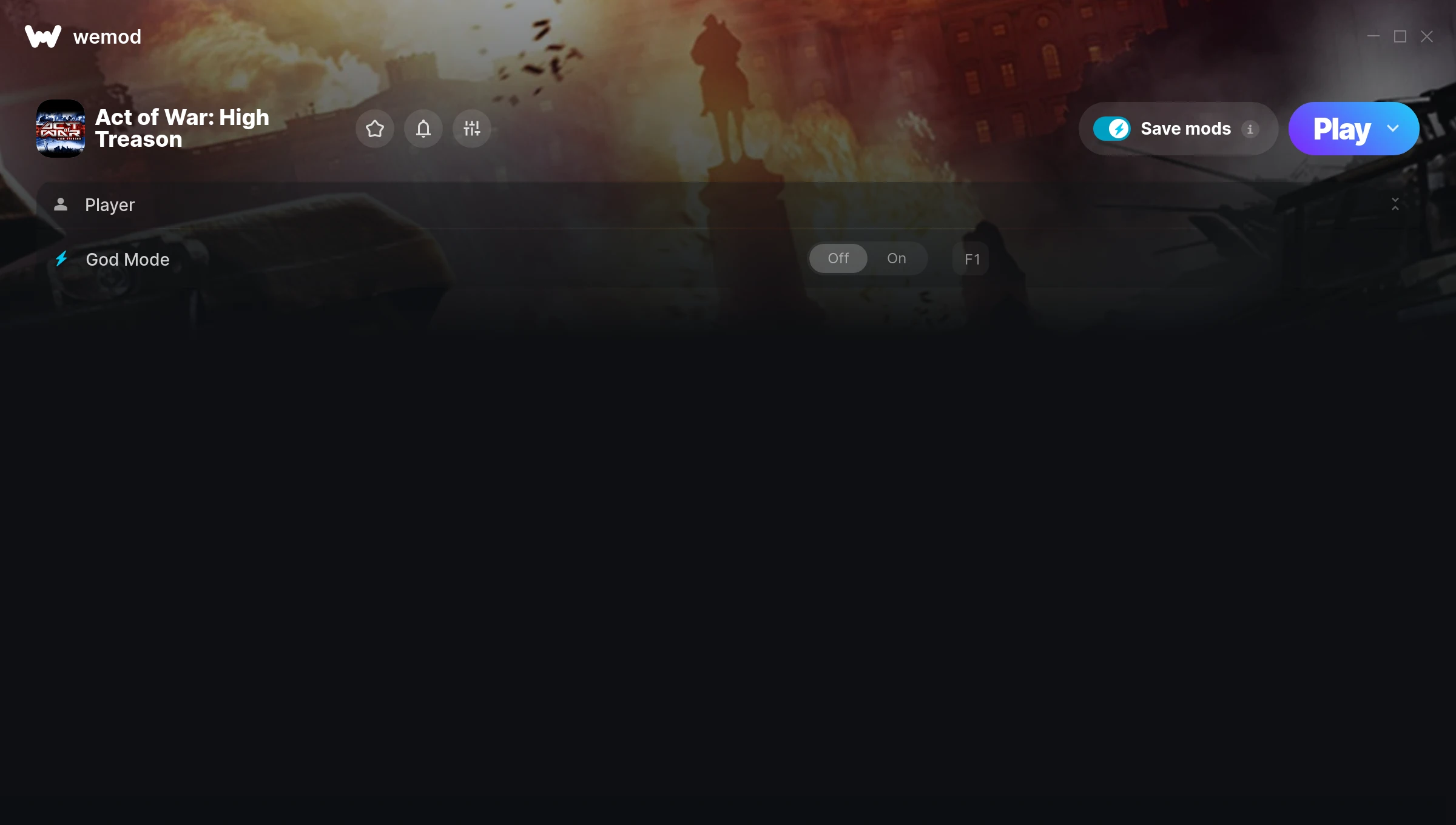
The Act of War: High Treason Trainer gives you access to 1 cheats that let you play the game however you want. Struggling with a tough section? Want to skip the grind? Just want to mess around? This trainer has you covered.
God mode lets you take on anything the game throws at you without breaking a sweat. Boss fights become victory laps. These cheats let you get past the frustrating parts and actually enjoy the game at your own pace.
Consider this your shortcut past every annoying difficulty spike in the game.
This real time strategy (rts) and strategy title has been around since 2006 and remains a popular pick for players looking to push their experience further.
Once you’ve got this trainer installed, it takes care of itself. Every time the game gets a patch, the trainer updates automatically so your cheats keep working.
Act of War: High Treason Trainer Cheats
This trainer includes 1 cheats covering health.
| # | Cheat | Effect |
|---|---|---|
| 1 | God Mode | Become completely invincible – nothing in the game can hurt you |
Download Act of War: High Treason Trainer
Download the latest version of this trainer for PC below.
| Version | Creator | Platform | Date Added | Download |
|---|---|---|---|---|
| Auto-Updating Version (Latest) | MrAntiFun | Steam | 2025-12-12 | Download |
How to Use This Trainer
- Get Into Act of War: High Treason – Launch the game, get past the splash screens, and load into gameplay. Once you can see your character or the main menu, move to step 2.
- Open WeMod Overlay – Search for “Act of War: High Treason” in WeMod and click Play. The in-game overlay will appear with toggles for every available cheat.
- Turn On Cheats – Pick the cheats you want from the WeMod overlay and switch them on. They kick in instantly and you can toggle them off anytime.
- Jump Back In – You’re good to go. Return to the game and enjoy your modified experience. Toggle cheats on or off anytime as you play.
Tips & Known Issues
- Keep this trainer offline. Single-player only – any online or multiplayer use risks a permanent ban from the game.
- While trainers are safe to use, backing up your save file beforehand is always a smart precaution.
- For the trainer to work properly, make sure you launch it with Administrator privileges.
- Steam users may want to turn off the Steam Overlay to prevent it from interfering with the trainer.
- The WeMod version updates itself automatically after each game patch. No action needed on your end.
Frequently Asked Questions
How do I use this trainer?
Grab the download, launch the game, then fire up the trainer. Toggle cheats with the hotkeys or the overlay – done.
Can I use multiple cheats at the same time?
Of course. There’s no limit to how many you can have active. Layer them however you want.
Is this trainer compatible with mods?
In most cases they work fine together. Conflicts only happen when a mod alters the exact same memory values the trainer is trying to modify.
Will the trainer work with the latest game version?
If you’re using the Auto-Updating Version, yes – it patches itself after every game update.
Does this trainer work with Steam?
Yes, it works with the Steam version of the game.