Bulwark: Falconeer Chronicles Trainer
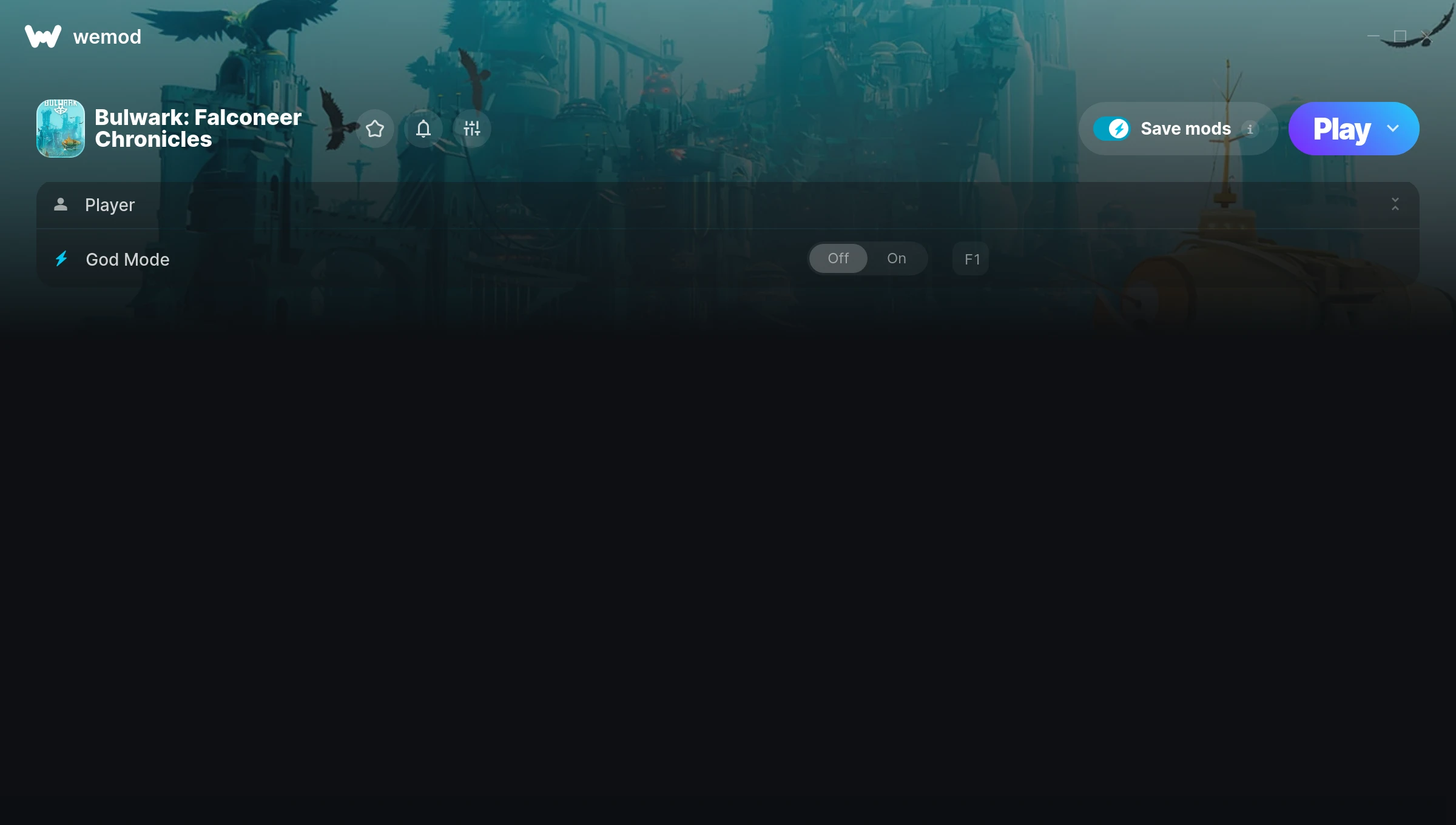
The Bulwark: Falconeer Chronicles Trainer gives you access to 1 cheats that let you play the game however you want. Struggling with a tough section? Want to skip the grind? Just want to mess around? This trainer has you covered.
God mode lets you take on anything the game throws at you without breaking a sweat. Boss fights become victory laps. These cheats let you get past the frustrating parts and actually enjoy the game at your own pace.
Perfect for a second playthrough where you just want to mess around and have fun.
If you missed Bulwark: Falconeer Chronicles when it launched in 2024, now’s a great time to jump into this simulator and strategy title.
No need to check for updates manually. This auto-updating trainer keeps itself compatible with the latest version of the game so your cheats always work.
Bulwark: Falconeer Chronicles Trainer Cheats
This trainer includes 1 cheats covering health.
| # | Cheat | Effect |
|---|---|---|
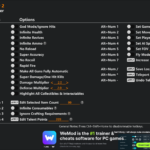
| 1 | God Mode | Become completely invincible – nothing in the game can hurt you |
Download Bulwark: Falconeer Chronicles Trainer
Download the latest version of this trainer for PC below.
| Version | Creator | Platform | Date Added | Download |
|---|---|---|---|---|
| Auto-Updating Version (Latest) | Recifense | Steam | 2025-12-12 | Download |
How to Use This Trainer
- Start the Game First – Always start Bulwark: Falconeer Chronicles before the trainer. Load your save or start a new game – the trainer needs an active game process.
- Connect WeMod – Launch the WeMod application and find “Bulwark: Falconeer Chronicles” in the library. Press Play and WeMod will hook into the running game automatically.
- Choose Your Cheats – Scroll through the WeMod overlay and enable the cheats that interest you. All changes happen live while you play.
- Start Playing – That’s all there is to it. Dive back in and enjoy Bulwark: Falconeer Chronicles with your cheats running. Feel free to adjust them anytime mid-game.
Tips & Known Issues
- This trainer is strictly for single-player gameplay. Anti-cheat software in online modes will flag and ban your account.
- For the smoothest experience on Steam, switch off the Steam Overlay in your Steam settings before running the trainer.
- Some antivirus software may flag the trainer as a false positive. You may need to add an exception for it.
- Overlay apps from Discord, NVIDIA, or Razer can occasionally clash with trainer hooks. Disable them as a troubleshooting step.
- No need to check for updates manually with WeMod. The trainer patches itself whenever the game is updated.
Frequently Asked Questions
Can I customise how much health or money I get?
Yes – many cheats have edit or set options that let you type in the exact value you want. Perfect for dialling things in without going completely overboard.
Do I need to restart the game after activating cheats?
Not at all. Everything applies in real-time. Turn cheats on, turn them off, no restarts required at any point.
Is this trainer compatible with mods?
They’re typically fine together. The rare exception is when a mod overwrites the same values the trainer hooks into, but that’s uncommon.
What should I do if the trainer stops working after an update?
If a game patch breaks things, the auto-updating trainer will fix itself automatically – usually within a day or two.
Does this trainer work with Steam?
It does. This trainer is built to work with the Steam version.