Crashlands Trainer
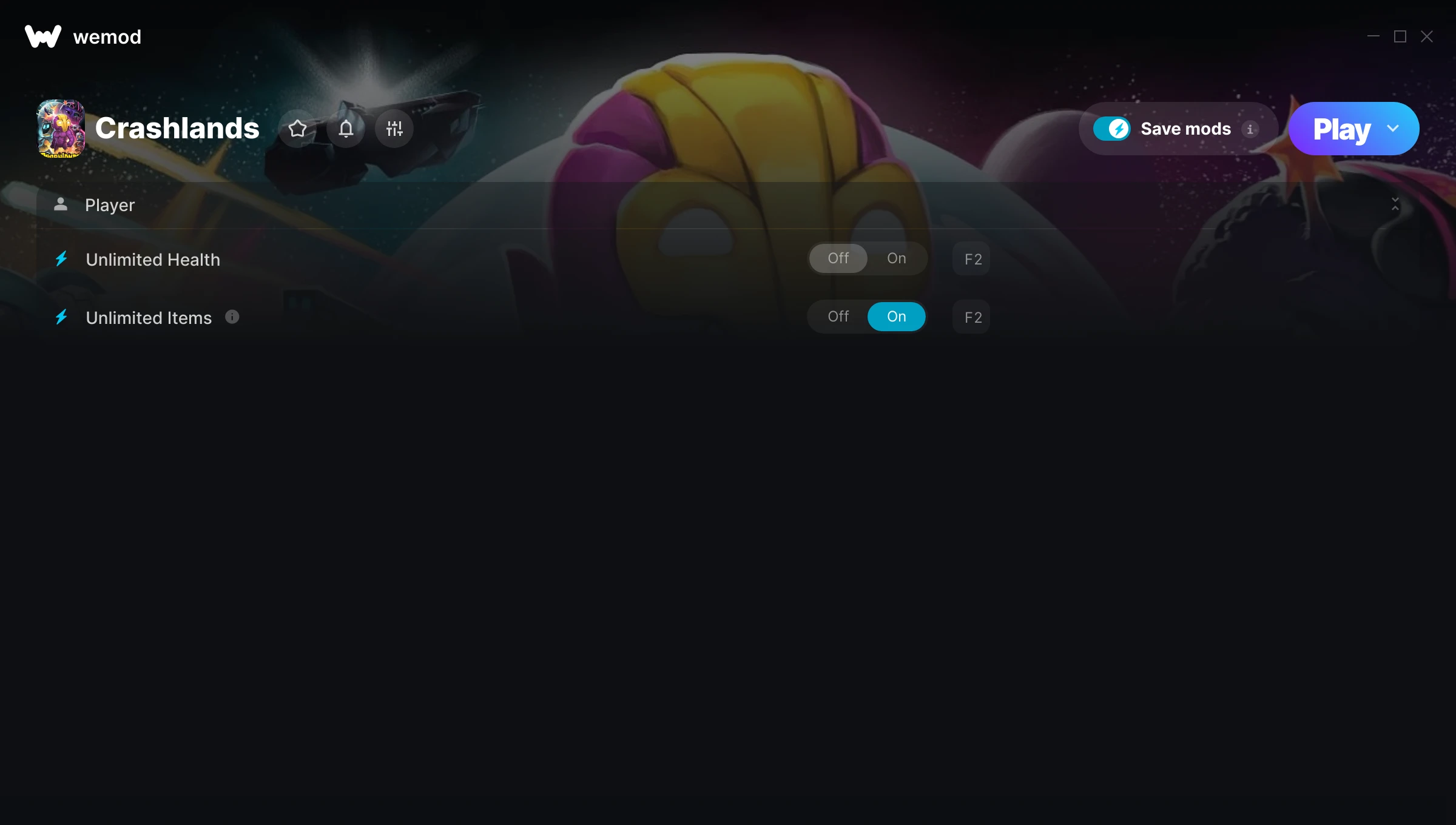
The Crashlands Trainer gives you access to 2 cheats that let you play the game however you want. Struggling with a tough section? Want to skip the grind? Just want to mess around? This trainer has you covered.
Whether you’ve already beaten it legit or just want to cause some chaos, you’re in the right place.
A role-playing (rpg) and simulator title that first dropped in 2016, Crashlands still draws players who want to tweak the experience to their liking.
You get two download options here. The Auto-Updating Version stays current automatically whenever the game is patched – zero effort on your part. Or grab the Standalone version if you want a specific build that won’t change.
Crashlands Trainer Cheats
This trainer includes 2 cheats covering health, inventory.
| # | Cheat | Effect |
|---|---|---|
| 1 | Unlimited Health | Your health stays maxed out no matter what hits you |
| 2 | Unlimited Items | Use items freely without your inventory running out |
Download Crashlands Trainer
Download the latest version of this trainer for PC below.
| Version | Creator | Platform | Date Added | Download |
|---|---|---|---|---|
| Auto-Updating Version (Latest) | MrAntiFun | Steam | 2025-11-11 | Download |
| Standalone Version | FLiNG | Steam | 2025-09-13 | Download |
How to Use This Trainer
- Open Crashlands – Launch the game and wait until you’re in-game or at the main menu. The trainer needs the game process running to hook into it.
- Connect the Trainer – Using WeMod? Open the app, search “Crashlands”, and hit Play. Prefer FLiNG standalone? Right-click the .exe and run as Administrator. Either way, the trainer links to the running game.
- Select and Activate – Choose your cheats from the WeMod overlay and flip them on. Every toggle takes effect right away with no need to reload.
- Play and Enjoy – That’s it – jump back into the game and enjoy. You can toggle cheats on and off whenever you want. Half the fun is experimenting to find your perfect setup.
Tips & Known Issues
- Keep this trainer offline. Single-player only – any online or multiplayer use risks a permanent ban from the game.
- Steam users may want to turn off the Steam Overlay to prevent it from interfering with the trainer.
- Always run the trainer as Administrator for best compatibility.
- Consider backing up your save files before using cheats, especially if you’re on your main playthrough.
- Using WeMod? The trainer stays current on its own – it auto-patches after every game update.
Frequently Asked Questions
Can I customise how much health or money I get?
Yes – many cheats have edit or set options that let you type in the exact value you want. Perfect for dialling things in without going completely overboard.
How do I use this trainer?
Download the trainer, run it alongside the game, and use the hotkeys to toggle cheats on and off. It really is that simple.
Is this trainer compatible with mods?
In most cases they work fine together. Conflicts only happen when a mod alters the exact same memory values the trainer is trying to modify.
Will the trainer work with the latest game version?
The Auto-Updating Version keeps itself current automatically after each game patch. The Standalone version might need a manual update after big patches.
Does this trainer work with Steam?
Yes. The trainer hooks into the game process when launched through Steam.