
Don’t Starve Together Trainer
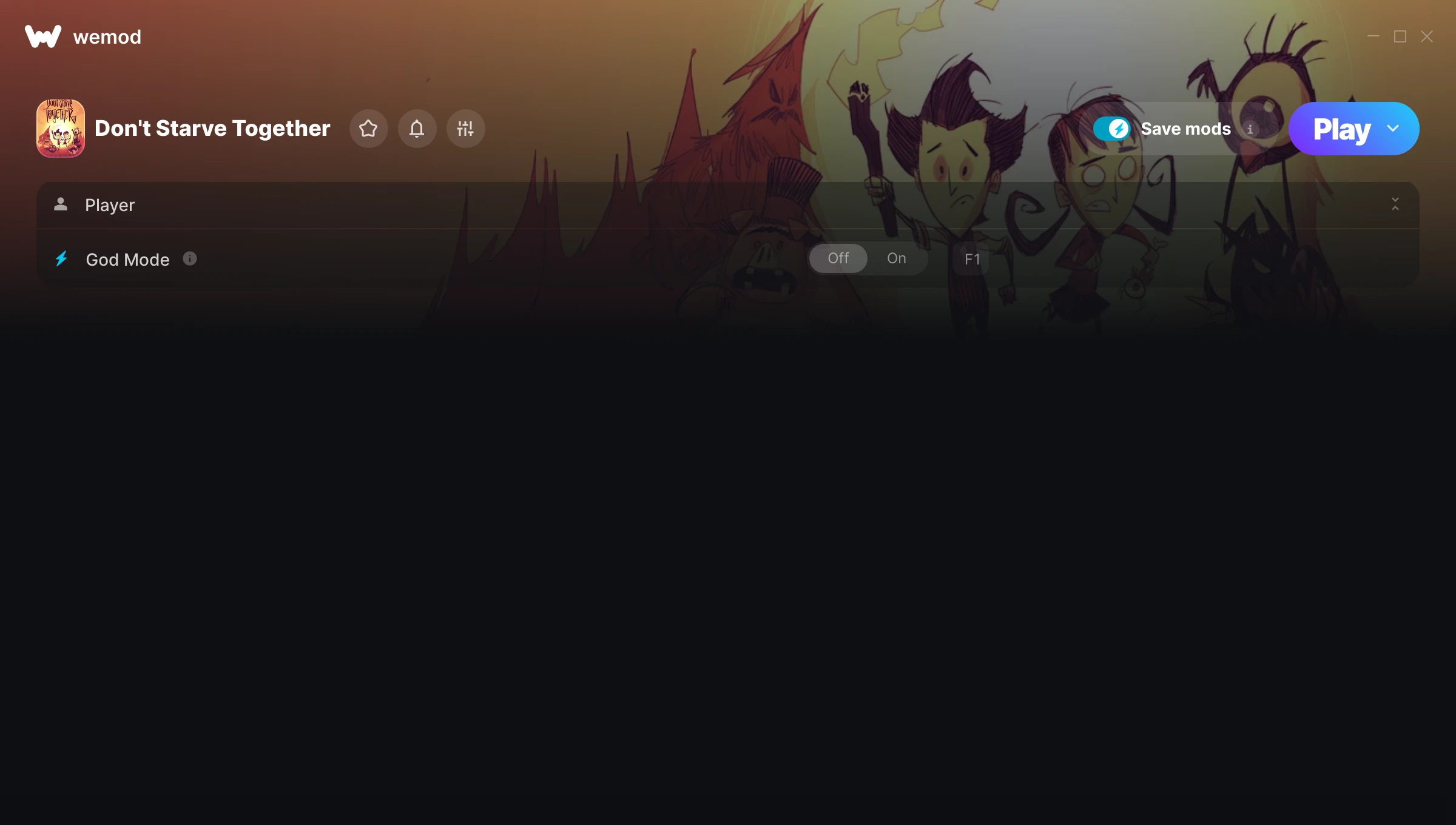
The Don’t Starve Together Trainer gives you access to 1 cheats that let you play the game however you want. Struggling with a tough section? Want to skip the grind? Just want to mess around? This trainer has you covered.
God mode lets you take on anything the game throws at you without breaking a sweat. Boss fights become victory laps. These cheats let you get past the frustrating parts and actually enjoy the game at your own pace.
Honestly, half the fun is seeing what happens when you turn everything on at once.
Since its 2016 release, Don’t Starve Together has built a loyal following among simulator and strategy fans looking to customize their playthrough.
This is an auto-updating trainer that keeps pace with every game patch automatically. No need to manually grab new versions after updates.
Don’t Starve Together Trainer Cheats
This trainer includes 1 cheats covering health.
| # | Cheat | Effect |
|---|---|---|
| 1 | God Mode | Become completely invincible – nothing in the game can hurt you |
Download Don’t Starve Together Trainer
Download the latest version of this trainer for PC below.
| Version | Creator | Platform | Date Added | Download |
|---|---|---|---|---|
| Auto-Updating Version (Latest) | MrAntiFun | Steam | 2025-10-11 | Download |
How to Use This Trainer
- Fire Up Don’t Starve Together – Open the game and let it load fully. Whether you’re continuing a save or starting new, just make sure it’s running.
- Start the Trainer – Open WeMod, type “Don’t Starve Together” in the search bar, and click Play. The overlay pops up in-game and you’re ready to go.
- Flip On the Cheats – In the WeMod overlay, toggle the cheats you’re interested in. They apply immediately to your game session.
- Start Playing – That’s all there is to it. Dive back in and enjoy Don’t Starve Together with your cheats running. Feel free to adjust them anytime mid-game.
Tips & Known Issues
- Trainers are designed for single-player use only. Using them online or in multiplayer will result in a ban.
- Some antivirus software may flag the trainer as a false positive. You may need to add an exception for it.
- Always match your game version to the trainer version. An outdated game build can cause cheats to fail silently.
- Consider backing up your save files before using cheats, especially if you’re on your main playthrough.
- WeMod auto-updates the trainer after game patches, so you never have to manually download a new version.
Frequently Asked Questions
How do I use this trainer?
Just download the trainer and open it while the game is running. Each cheat has a toggle – flip them on or off as you play.
Do I need to restart the game after activating cheats?
Nope. Cheats kick in immediately while the game is running. Just toggle them on and off whenever you want.
Can I get banned for using this trainer?
As long as you stick to single-player, you’re fine. Using cheats in multiplayer or online modes is a completely different story – don’t do it.
Will this trainer affect my save files?
It won’t corrupt your saves. The trainer works in memory only – but keep in mind that any progress made with cheats enabled will be saved normally.
Will the trainer work with the latest game version?
If you’re using the Auto-Updating Version, yes – it patches itself after every game update.
Does this trainer work with Steam?
Yes. The trainer hooks into the game process when launched through Steam.



