Don’t Starve Trainer
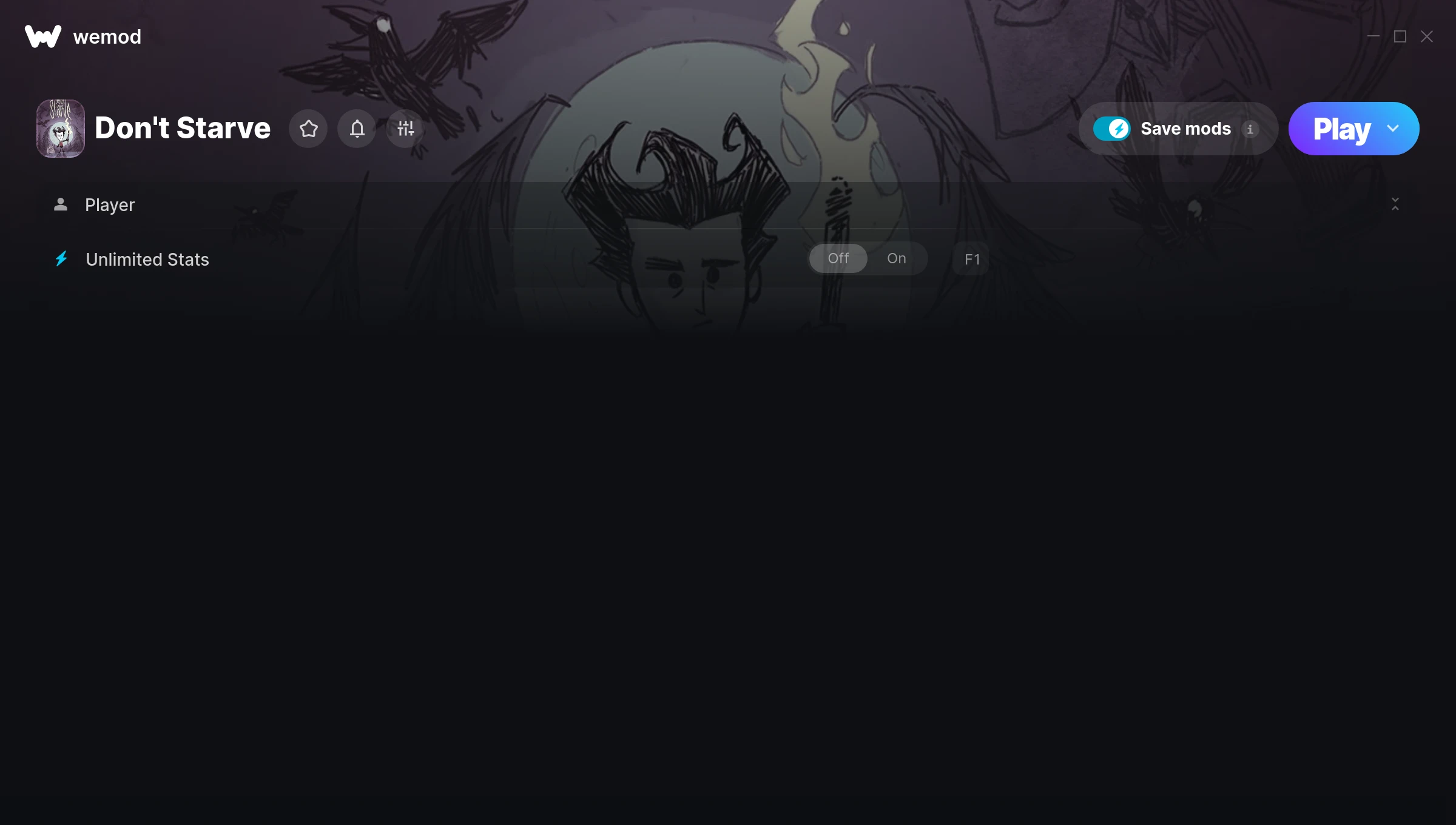
The Don’t Starve Trainer gives you access to 1 cheats that let you play the game however you want. Struggling with a tough section? Want to skip the grind? Just want to mess around? This trainer has you covered.
You already bought the game. Might as well play it exactly the way you want to.
Since its 2013 release, Don’t Starve has built a loyal following among simulator and adventure fans looking to customize their playthrough.
This trainer is auto-updating – it patches itself every time the game gets an update, so you never have to hunt for a new download. Just install it once and you’re set.
Don’t Starve Trainer Cheats
This trainer includes 1 cheats for tweaking your gameplay.
| # | Cheat | Effect |
|---|---|---|
| 1 | Unlimited Stats | Use your stats as much as you want without limits |
Download Don’t Starve Trainer
Download the latest version of this trainer for PC below.
| Version | Creator | Platform | Date Added | Download |
|---|---|---|---|---|
| Auto-Updating Version (Latest) | MrAntiFun | Steam | 2025-07-14 | Download |
How to Use This Trainer
- Run Don’t Starve – Get the game running first – load a save or start fresh. The trainer won’t work unless the game is already open.
- Connect WeMod – Launch the WeMod application and find “Don’t Starve” in the library. Press Play and WeMod will hook into the running game automatically.
- Activate Cheats – Toggle the cheats you want using the WeMod overlay or press the assigned hotkeys. Cheats activate in real-time while you play.
- Game On – You’re set. Head back into Don’t Starve and have fun. Remember, you can toggle cheats at any time – find the combination that works best for you.
Tips & Known Issues
- Keep this trainer offline. Single-player only – any online or multiplayer use risks a permanent ban from the game.
- This trainer only works on PC. Console versions and cloud gaming platforms are not supported.
- If your antivirus blocks the trainer, add it to your exception list. Memory-editing tools are commonly flagged as false positives.
- Running into problems? Other overlay software (Discord, NVIDIA ShadowPlay) can conflict with trainers. Try turning them off.
- No need to check for updates manually with WeMod. The trainer patches itself whenever the game is updated.
Frequently Asked Questions
Will the trainer work with the latest game version?
The Auto-Updating Version keeps itself current automatically after each game patch.
Do I need to restart the game after activating cheats?
Not at all. Everything applies in real-time. Turn cheats on, turn them off, no restarts required at any point.
How do I use this trainer?
It’s straightforward: download, run the trainer while the game is open, and press the hotkeys to activate whichever cheats you want.
Can I customise how much health or money I get?
Yes – many cheats have edit or set options that let you type in the exact value you want. Perfect for dialling things in without going completely overboard.
How often is this trainer updated?
This trainer auto-updates shortly after each game patch, so it stays compatible without you having to do anything.
Does this trainer work with Steam?
Fully compatible with Steam. Just launch the game through Steam and run the trainer alongside it.