Dungeons 3 Trainer
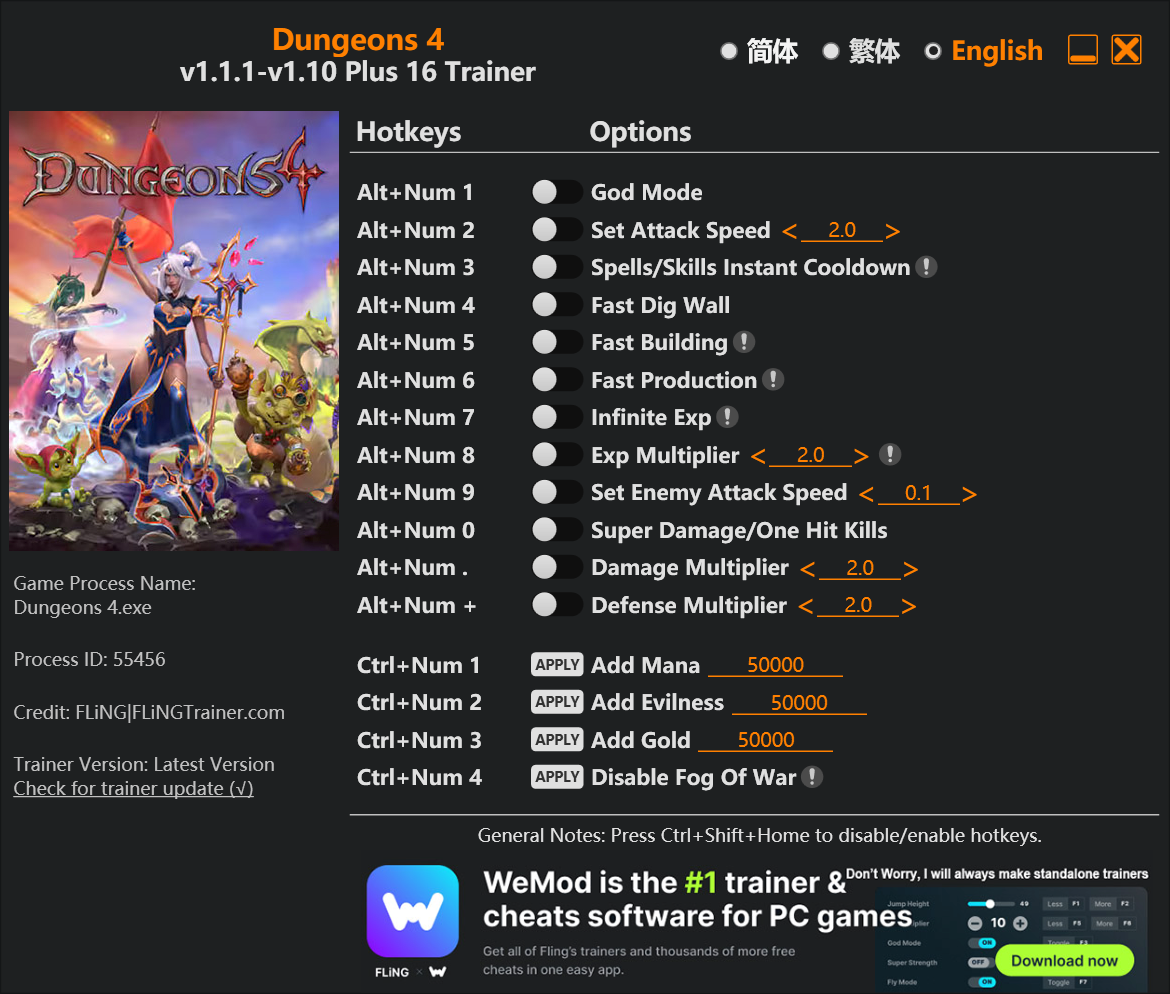
The Dungeons 3 Trainer gives you access to 2 cheats that let you play the game however you want. Struggling with a tough section? Want to skip the grind? Just want to mess around? This trainer has you covered.
Whether you want a slight edge or total domination, there’s something here for you.
Dungeons 3 has been a go-to real time strategy (rts) and role-playing (rpg) title since 2017, and players are still finding new ways to enjoy it.
The Auto-Updating Version takes care of compatibility automatically whenever the game is updated. If you’d rather download once and not worry about auto-updates, the Standalone version has you covered.
Dungeons 3 Trainer Cheats
This trainer includes 2 cheats covering health.
| # | Cheat | Effect |
|---|---|---|
| 1 | Unlimited Health | Your health stays maxed out no matter what hits you |
| 2 | Enable Console Mode | Turn on console mode to unlock new possibilities |
Download Dungeons 3 Trainer
Download the latest version of this trainer for PC below.
| Version | Creator | Platform | Date Added | Download |
|---|---|---|---|---|
| Auto-Updating Version (Latest) | STiNGERR | Steam | 2026-01-09 | Download |
How to Use This Trainer
- Get Dungeons 3 Running – Launch the game through your usual platform. Wait until you’re past any intro screens and into the menu or gameplay.
- Open the Trainer – Open the WeMod app and search for “Dungeons 3”. Click Play to launch the overlay. WeMod will detect the game and enable all available cheats.
- Activate Cheats – Toggle the cheats you want using the WeMod overlay or press the assigned hotkeys. Cheats activate in real-time while you play.
- Play and Enjoy – That’s it – jump back into the game and enjoy. You can toggle cheats on and off whenever you want. Half the fun is experimenting to find your perfect setup.
Tips & Known Issues
- Keep this trainer offline. Single-player only – any online or multiplayer use risks a permanent ban from the game.
- Multiple overlays running at once can cause issues. If the trainer isn’t responding, close any unnecessary overlay software.
- If the trainer isn’t working, make sure your game is fully updated to the latest version.
- Trainers need direct access to the game’s memory on your PC. They won’t work with console editions or streamed versions.
- No need to check for updates manually with WeMod. The trainer patches itself whenever the game is updated.
Frequently Asked Questions
Can I get banned for using this trainer?
As long as you stick to single-player, you’re fine. Using cheats in multiplayer or online modes is a completely different story – don’t do it.
Do I need to restart the game after activating cheats?
No restart needed. Cheats take effect the moment you activate them – toggle freely while you play.
How do I know which version to download?
Most people should grab the Auto-Updating Version since it takes care of patches automatically. The Standalone is there if you need a fixed, offline-friendly build.
Will this trainer affect my save files?
No damage to saves. The trainer tweaks memory values on the fly, not your save data. That said, if you earn a million gold with cheats on, that gold saves too.
Will the trainer work with the latest game version?
The Auto-Updating Version keeps itself current automatically after each game patch. The Standalone version might need a manual update after big patches.
Does this trainer work with Steam?
It does. This trainer is built to work with the Steam version.