Escape from Tarkov Trainer
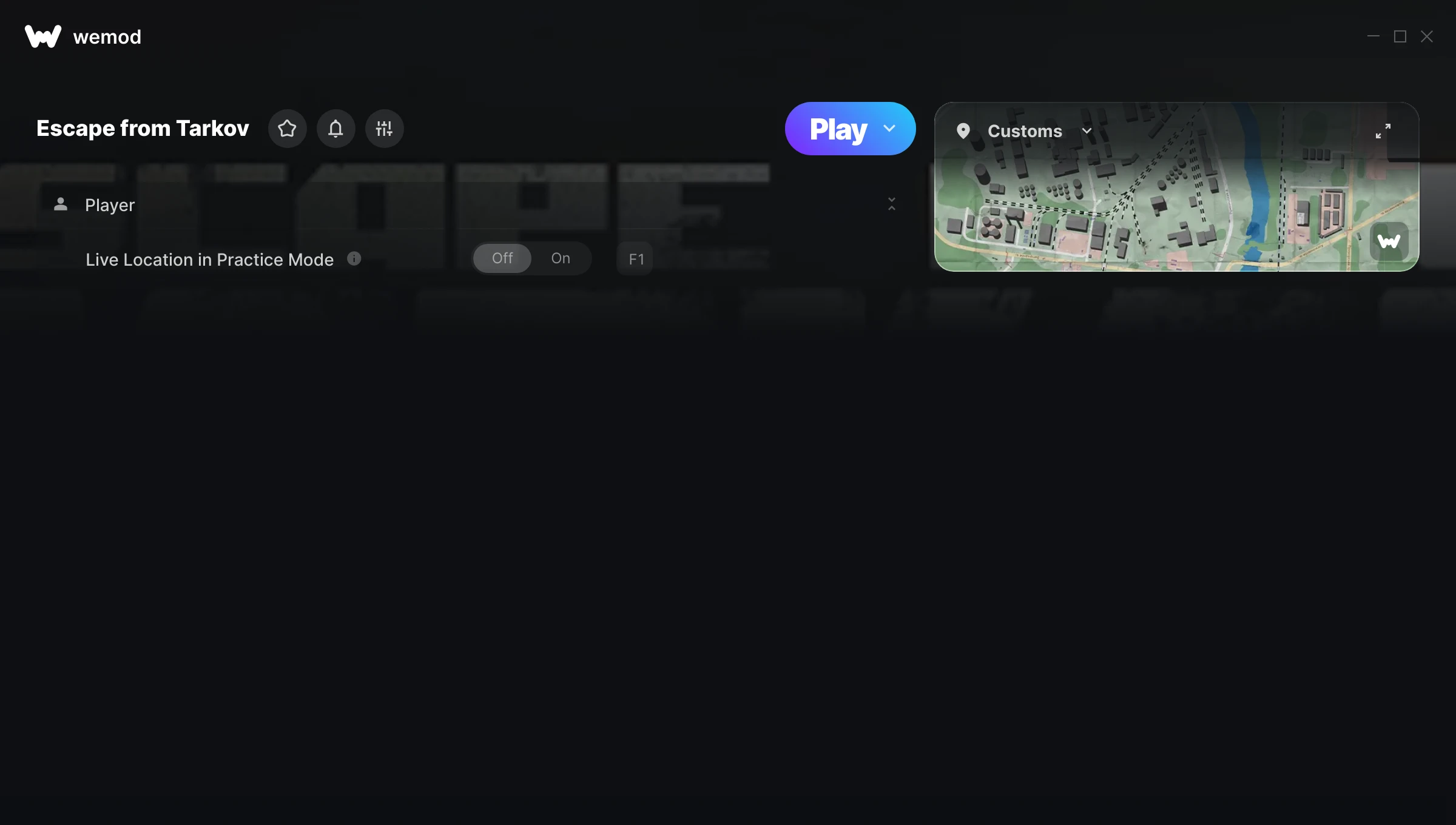
The Escape from Tarkov Trainer gives you access to 1 cheats that let you play the game however you want. Struggling with a tough section? Want to skip the grind? Just want to mess around? This trainer has you covered.
Consider this your shortcut past every annoying difficulty spike in the game.
A shooter and role-playing (rpg) title that first dropped in 2025, Escape from Tarkov still draws players who want to tweak the experience to their liking.
This trainer is auto-updating – it patches itself every time the game gets an update, so you never have to hunt for a new download. Just install it once and you’re set.
Escape from Tarkov Trainer Cheats
This trainer includes 1 cheats for tweaking your gameplay.
| # | Cheat | Effect |
|---|---|---|
| 1 | Live Location in Practice Mode | Tweak the live location in practice mode mechanic to your advantage |
Download Escape from Tarkov Trainer
Download the latest version of this trainer for PC below.
| Version | Creator | Platform | Date Added | Download |
|---|---|---|---|---|
| Auto-Updating Version (Latest) | Taiga74164 | Pc, Steam | 2025-10-11 | Download |
How to Use This Trainer
- Boot Up Escape from Tarkov – Start the game like you normally would. Once you’re at the main menu or loaded into your save, you’re ready for the next step.
- Launch WeMod – Fire up the WeMod app and search for “Escape from Tarkov”. Hit Play and the overlay will appear over your game with all cheats ready to toggle.
- Select and Activate – Choose your cheats from the WeMod overlay and flip them on. Every toggle takes effect right away with no need to reload.
- Have Fun – Done! Get back to playing and enjoy the ride. Mix and match cheats whenever you want – there’s no wrong way to use them.
Tips & Known Issues
- Trainers are designed for single-player use only. Using them online or in multiplayer will result in a ban.
- Trainers need direct access to the game’s memory on your PC. They won’t work with console editions or streamed versions.
- Trainer compatibility depends on game version. If cheats aren’t activating, check that your game is up to date.
- Right-click the trainer and select Run as Administrator to ensure it has the access it needs.
- WeMod handles version compatibility automatically. When the game updates, the trainer follows shortly after.
Frequently Asked Questions
Will the trainer work with the latest game version?
The Auto-Updating Version keeps itself current automatically after each game patch.
Can I customise how much health or money I get?
Certain cheats let you choose exact amounts instead of just toggling unlimited. Check for any ‘set’ or ‘edit’ options in the cheat list.
Do I need to restart the game after activating cheats?
No restart needed. Cheats take effect the moment you activate them – toggle freely while you play.
What should I do if the trainer stops working after an update?
If a game patch breaks things, the auto-updating trainer will fix itself automatically – usually within a day or two.
Does this trainer work with Pc?
Yes, it works with Pc, Steam. Check the download table above for specific platform details.