F1 2017 Trainer
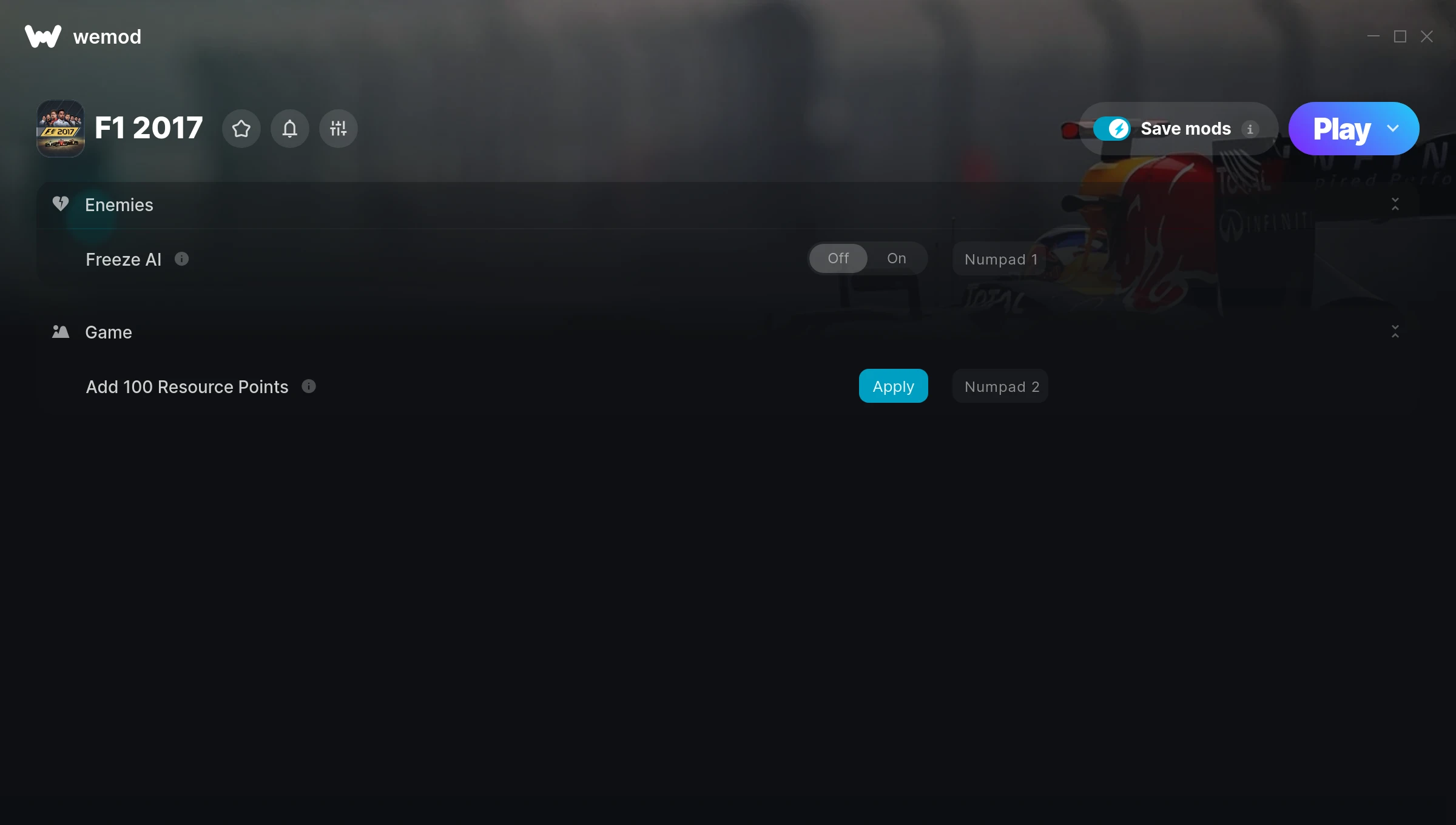
The F1 2017 Trainer gives you access to 2 cheats that let you play the game however you want. Struggling with a tough section? Want to skip the grind? Just want to mess around? This trainer has you covered.
Not every game needs to be a challenge. Sometimes you just want to vibe and explore.
F1 2017 first launched in 2017 as a racing and simulator title and still has a strong community of players today.
This trainer stays in sync with game patches automatically. You’ll never have to worry about downloading a new version after an update – it handles everything behind the scenes.
F1 2017 Trainer Cheats
This trainer includes 2 cheats covering time.
| # | Cheat | Effect |
|---|---|---|
| 1 | Freeze AI | Lock your ai so it never changes |
| 2 | Add 100 Resource Points | Give yourself more 100 resource points on demand |
Download F1 2017 Trainer
Download the latest version of this trainer for PC below.
| Version | Creator | Platform | Date Added | Download |
|---|---|---|---|---|
| Auto-Updating Version (Latest) | STiNGERR | Steam | 2026-01-10 | Download |
How to Use This Trainer
- Launch the Game – Open F1 2017 and get to the point where you’re actually playing. The trainer hooks into the game while it’s running.
- Activate WeMod – Run the WeMod app, locate “F1 2017”, and hit Play. WeMod attaches to the game and shows you the full cheat list in the overlay.
- Enable the Cheats You Want – Use the WeMod overlay to enable any combination of cheats. Everything activates in real-time while the game is running.
- Enjoy the Game – You’re all set. Play the game with your cheats active and switch them around as you go. Try different combinations to see what’s the most fun.
Tips & Known Issues
- Never activate this trainer during online play. It’s built for single-player only and multiplayer anti-cheat will catch it.
- Steam’s in-game overlay sometimes interferes with trainers. If cheats aren’t activating, disable it in Steam > Settings > In-Game.
- Always match your game version to the trainer version. An outdated game build can cause cheats to fail silently.
- Trainers need direct access to the game’s memory on your PC. They won’t work with console editions or streamed versions.
- Using WeMod? The trainer stays current on its own – it auto-patches after every game update.
Frequently Asked Questions
Is this trainer compatible with mods?
In most cases they work fine together. Conflicts only happen when a mod alters the exact same memory values the trainer is trying to modify.
How do I know which version to download?
This trainer auto-updates whenever the game is patched, so you always have the latest compatible version. Just download it once and you’re set.
Can I get banned for using this trainer?
Trainers are for single-player only. Seriously, do not try these in online or multiplayer modes – that is a fast track to a ban.
Will the trainer work with the latest game version?
The Auto-Updating Version keeps itself current automatically after each game patch.
Does this trainer work with Steam?
Fully compatible with Steam. Just launch the game through Steam and run the trainer alongside it.