F1 23 Trainer
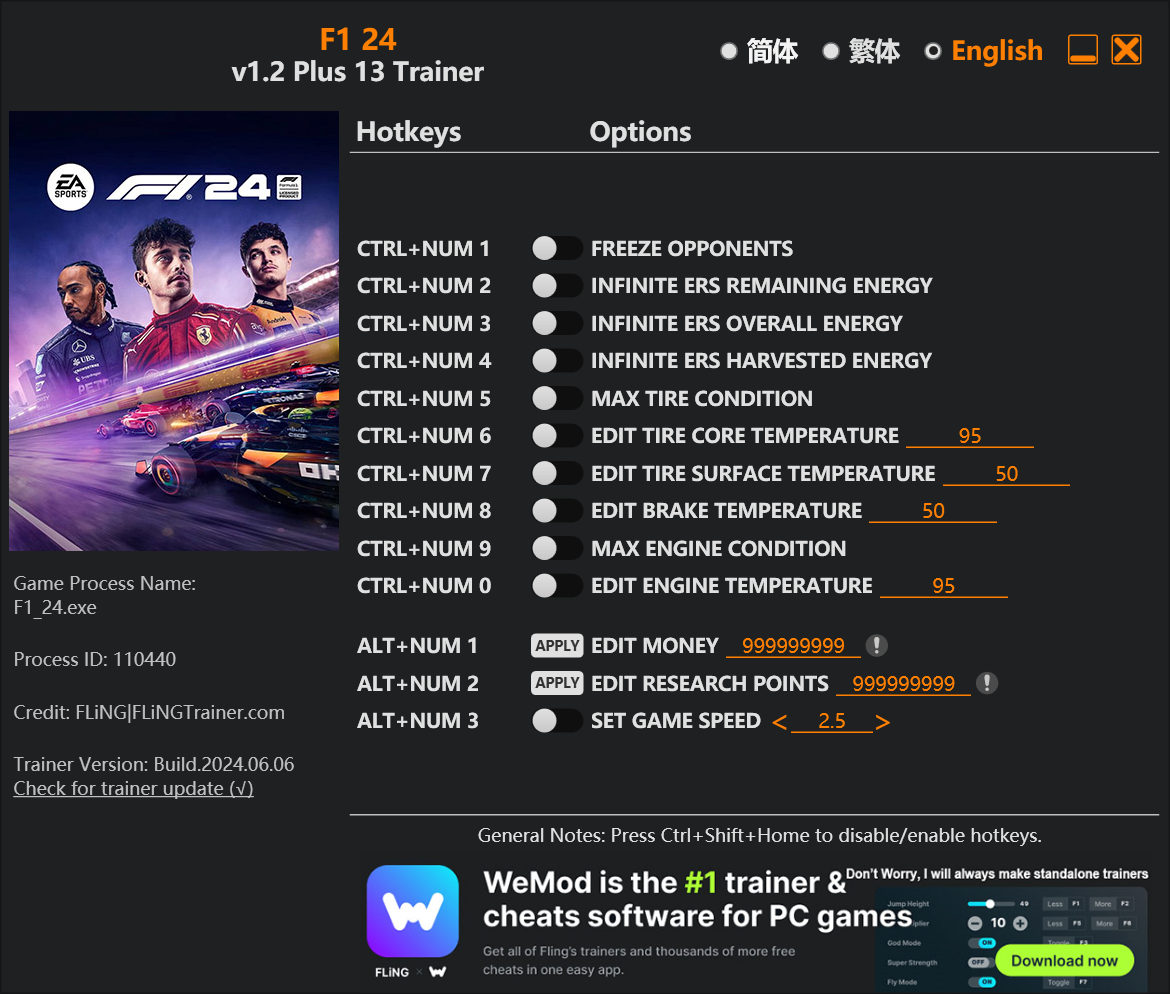
The F1 23 Trainer gives you access to 11 cheats that let you play the game however you want. Struggling with a tough section? Want to skip the grind? Just want to mess around? This trainer has you covered.
These aren’t subtle tweaks. Some of these cheats will completely change how the game feels.
First hitting the scene in 2023, this racing and simulator title keeps attracting players who want more control over their run.
The Auto-Updating Version takes care of compatibility automatically whenever the game is updated. If you’d rather download once and not worry about auto-updates, the Standalone version has you covered.
Some of the most popular cheats included in this trainer are Set Money, Set Research Points, Custom Tire Temperature, Break Temperature Always 127ºC, and many more. These modifications let you customize difficulty, skip grinding, or simply experiment with the game in new ways.
F1 23 Trainer Cheats
This trainer includes 11 cheats covering resources, movement, time.
| # | Cheat | Effect |
|---|---|---|
| 1 | Set Money | Adjust money to whatever feels right |
| 2 | Set Research Points | Pick your own value for research points |
| 3 | Custom Tire Temperature | Tweak the custom tire temperature mechanic to your advantage |
| 4 | Break Temperature Always 127ºC | Tweak the break temperature always 127ºc mechanic to your advantage |
| 5 | Engine Temperature Always 115ºC | Tweak the engine temperature always 115ºc mechanic to your advantage |
| 6 | Perfect Tire Condition | Tweak the perfect tire condition mechanic to your advantage |
| 7 | Unlimited Fuel | Remove all limits on your fuel |
| 8 | Unlimited ERS | Remove all limits on your ers |
| 9 | Set Tire Grip Multiplier | Adjust tire grip to whatever feels right |
| 10 | Slowdown AI to Speed | Tweak the slowdown ai to speed mechanic to your advantage |
| 11 | Game Speed | Speed up or slow down the entire game to your liking |
What Can You Do With This Trainer?
Here are some of the standout cheats in this trainer – the ones that really change how you play:
- Set Money – Manually set your money to any number
- Set Research Points – Manually set your research points to any number
- Custom Tire Temperature – Tweak the custom tire temperature mechanic to your advantage
- Break Temperature Always 127ºC – Tweak the break temperature always 127ºc mechanic to your advantage
- Engine Temperature Always 115ºC – Tweak the engine temperature always 115ºc mechanic to your advantage
And that’s just scratching the surface. The full F1 23 cheat list above has everything you need to play completely on your own terms.
Download F1 23 Trainer
Download the latest version of this trainer for PC below.
| Version | Creator | Platform | Date Added | Download |
|---|---|---|---|---|
| Auto-Updating Version (Latest) | GreenHouse | Steam, EA | 2026-01-09 | Download |
How to Use This Trainer
- Open F1 23 – Launch the game and wait until you’re in-game or at the main menu. The trainer needs the game process running to hook into it.
- Open the Trainer – Open the WeMod app and search for “F1 23”. Click Play to launch the overlay. WeMod will detect the game and enable all available cheats.
- Flip On the Cheats – In the WeMod overlay, toggle the cheats you’re interested in. They apply immediately to your game session.
- Play Your Way – That’s the full setup. Get back into F1 23 and play on your own terms. Adjust cheats whenever the mood strikes.
Tips & Known Issues
- Keep this trainer offline. Single-player only – any online or multiplayer use risks a permanent ban from the game.
- If using Steam, consider disabling the Steam Overlay (Steam > Settings > In-Game) to avoid conflicts with the trainer.
- If this is your primary save, consider making a backup first. Cheats won’t corrupt data, but it’s good to have a safety net.
- Third-party overlays like Discord or GeForce Experience can sometimes interfere with trainers. Disable them if you have issues.
- WeMod auto-updates the trainer after game patches, so you never have to manually download a new version.
Frequently Asked Questions
Is this trainer compatible with mods?
Usually, yes. Trainers and mods can run side by side without issues. The only time you might hit a snag is if a mod changes the same values the trainer is targeting.
Will this trainer affect my save files?
No damage to saves. The trainer tweaks memory values on the fly, not your save data. That said, if you earn a million gold with cheats on, that gold saves too.
What should I do if the trainer stops working after an update?
The Auto-Updating Version handles this on its own – give it a day or two after a big patch. Standalone users should check for an updated download.
Is this trainer free to download?
Free as it gets. The download links are right above this section, pick whichever version suits you.
How do I know which version to download?
The Auto-Updating Version is the easiest choice – it handles compatibility on its own. Pick the Standalone if you want a specific build that won’t change.
Does this trainer work with Steam?
Fully compatible. This trainer works with Steam, EA – just launch the game through whichever launcher you use.