Farming Simulator 15 Trainer
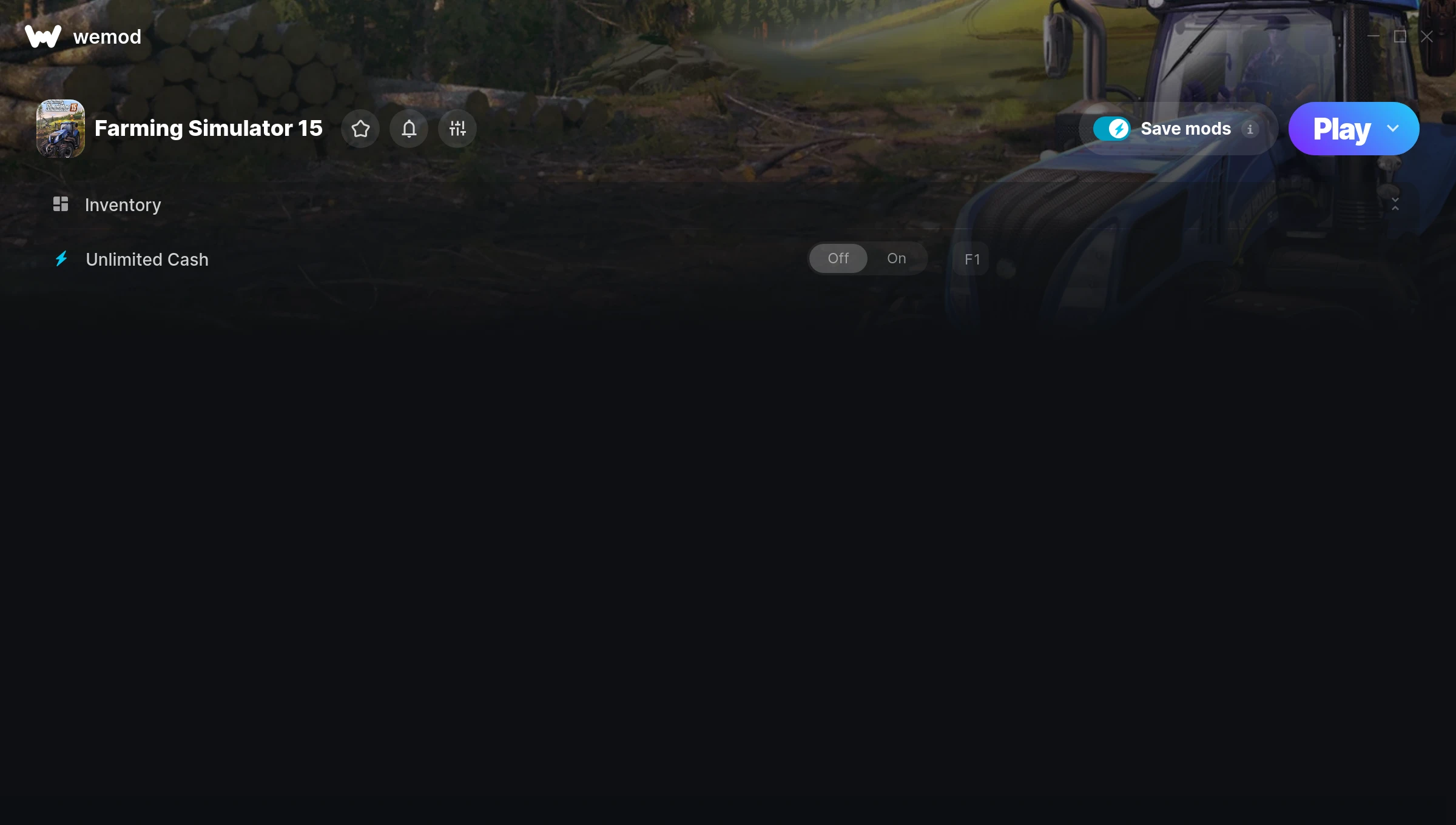
The Farming Simulator 15 Trainer gives you access to 1 cheats that let you play the game however you want. Struggling with a tough section? Want to skip the grind? Just want to mess around? This trainer has you covered.
These aren’t subtle tweaks. Some of these cheats will completely change how the game feels.
This simulator and strategy title has been around since 2014 and remains a popular pick for players looking to push their experience further.
This is an auto-updating trainer that keeps pace with every game patch automatically. No need to manually grab new versions after updates.
Farming Simulator 15 Trainer Cheats
This trainer includes 1 cheats for tweaking your gameplay.
| # | Cheat | Effect |
|---|---|---|
| 1 | Unlimited Cash | Use your cash as much as you want without limits |
Download Farming Simulator 15 Trainer
Download the latest version of this trainer for PC below.
| Version | Creator | Platform | Date Added | Download |
|---|---|---|---|---|
| Auto-Updating Version (Latest) | STN | Steam | 2026-01-11 | Download |
How to Use This Trainer
- Begin With Farming Simulator 15 – Open the game first and let it fully load. You’ll activate the trainer in the next step once the game is up.
- Start the Trainer – Open WeMod, type “Farming Simulator 15” in the search bar, and click Play. The overlay pops up in-game and you’re ready to go.
- Toggle Your Cheats – Flip on whichever cheats you want from the WeMod overlay. Each one takes effect immediately – no restart needed.
- Play Your Way – That’s the full setup. Get back into Farming Simulator 15 and play on your own terms. Adjust cheats whenever the mood strikes.
Tips & Known Issues
- Trainers are designed for single-player use only. Using them online or in multiplayer will result in a ban.
- Launch the trainer with elevated permissions (Run as Administrator) to avoid access issues.
- Consider backing up your save files before using cheats, especially if you’re on your main playthrough.
- Multiple overlays running at once can cause issues. If the trainer isn’t responding, close any unnecessary overlay software.
- The WeMod version updates itself automatically after each game patch. No action needed on your end.
Frequently Asked Questions
Can I customise how much health or money I get?
Where available, yes. Look for cheats labelled ‘Set’ or ‘Edit’ – these let you punch in a custom value instead of going straight to infinite.
How do I use this trainer?
Grab the download, launch the game, then fire up the trainer. Toggle cheats with the hotkeys or the overlay – done.
What should I do if the trainer stops working after an update?
If a game patch breaks things, the auto-updating trainer will fix itself automatically – usually within a day or two.
Is this trainer free to download?
It is. No hidden fees, no sign-up walls – just download it from the links above and start playing.
Does this trainer work with Steam?
Yes, it works with the Steam version of the game.