Farming Simulator 17 Trainer
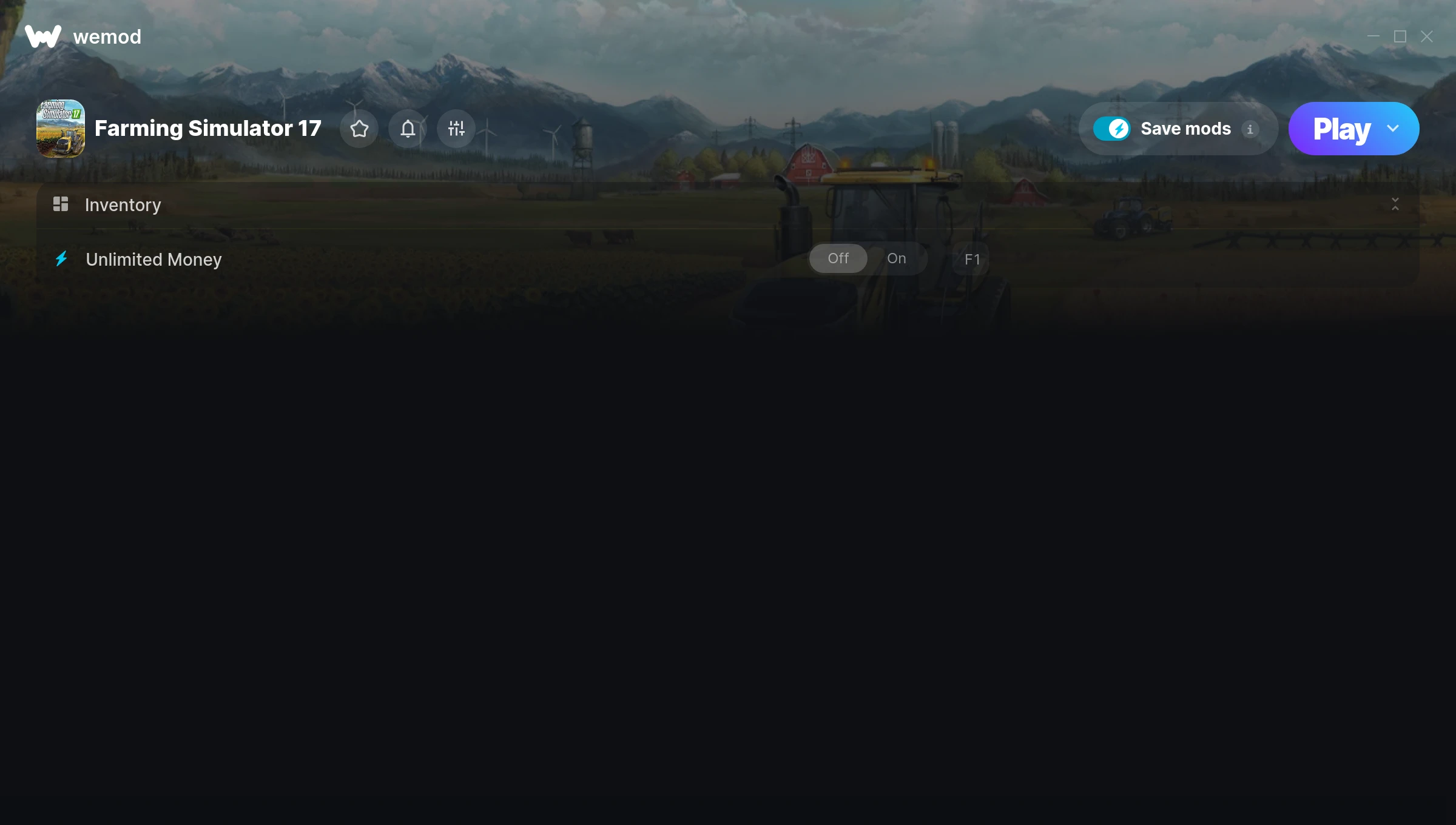
The Farming Simulator 17 Trainer gives you access to 1 cheats that let you play the game however you want. Struggling with a tough section? Want to skip the grind? Just want to mess around? This trainer has you covered.
Unlimited money removes the grind entirely – just buy what you want and get back to the fun parts. These cheats let you get past the frustrating parts and actually enjoy the game at your own pace.
Fair warning – some of these cheats will completely break the game. In the best way possible.
Released in 2016, this simulator and strategy title continues to pull in players who want to get more out of it.
Once you’ve got this trainer installed, it takes care of itself. Every time the game gets a patch, the trainer updates automatically so your cheats keep working.
Farming Simulator 17 Trainer Cheats
This trainer includes 1 cheats covering resources.
| # | Cheat | Effect |
|---|---|---|
| 1 | Unlimited Money | Buy anything you want without thinking about cost |
Download Farming Simulator 17 Trainer
Download the latest version of this trainer for PC below.
| Version | Creator | Platform | Date Added | Download |
|---|---|---|---|---|
| Auto-Updating Version (Latest) | STN | Steam | 2025-05-15 | Download |
How to Use This Trainer
- Get Farming Simulator 17 Running – Launch the game through your usual platform. Wait until you’re past any intro screens and into the menu or gameplay.
- Start the Trainer – Open WeMod, type “Farming Simulator 17” in the search bar, and click Play. The overlay pops up in-game and you’re ready to go.
- Flip On the Cheats – In the WeMod overlay, toggle the cheats you’re interested in. They apply immediately to your game session.
- Play and Enjoy – That’s it – jump back into the game and enjoy. You can toggle cheats on and off whenever you want. Half the fun is experimenting to find your perfect setup.
Tips & Known Issues
- Only use this trainer in single-player. Online and multiplayer modes have anti-cheat systems that will detect and ban you.
- If cheats aren’t working, check for conflicting overlays. Discord, GeForce Experience, and similar tools can interfere.
- Steam users may want to turn off the Steam Overlay to prevent it from interfering with the trainer.
- Trainers need direct access to the game’s memory on your PC. They won’t work with console editions or streamed versions.
- One of the perks of WeMod is automatic updates. The trainer syncs with game patches behind the scenes.
Frequently Asked Questions
Can I customise how much health or money I get?
Some cheats include an edit mode where you can set a specific value rather than just maxing things out. Great for keeping things balanced if you want.
What should I do if the trainer stops working after an update?
If a game patch breaks things, the auto-updating trainer will fix itself automatically – usually within a day or two.
Will the trainer work with the latest game version?
The auto-updating trainer stays compatible with new patches on its own. If you grabbed the Standalone version, you might need to check for a newer release after big updates.
Can I get banned for using this trainer?
Single-player? No risk at all. Online or multiplayer? Do not even think about it. Anti-cheat systems will catch you and you will be banned.
What cheats are included in this trainer?
This trainer packs 1 cheats covering everything from infinite health to unlimited resources and more. The full list is in the table above.
Does this trainer work with Steam?
Yes, it works with the Steam version of the game.