Feel The Snow Trainer
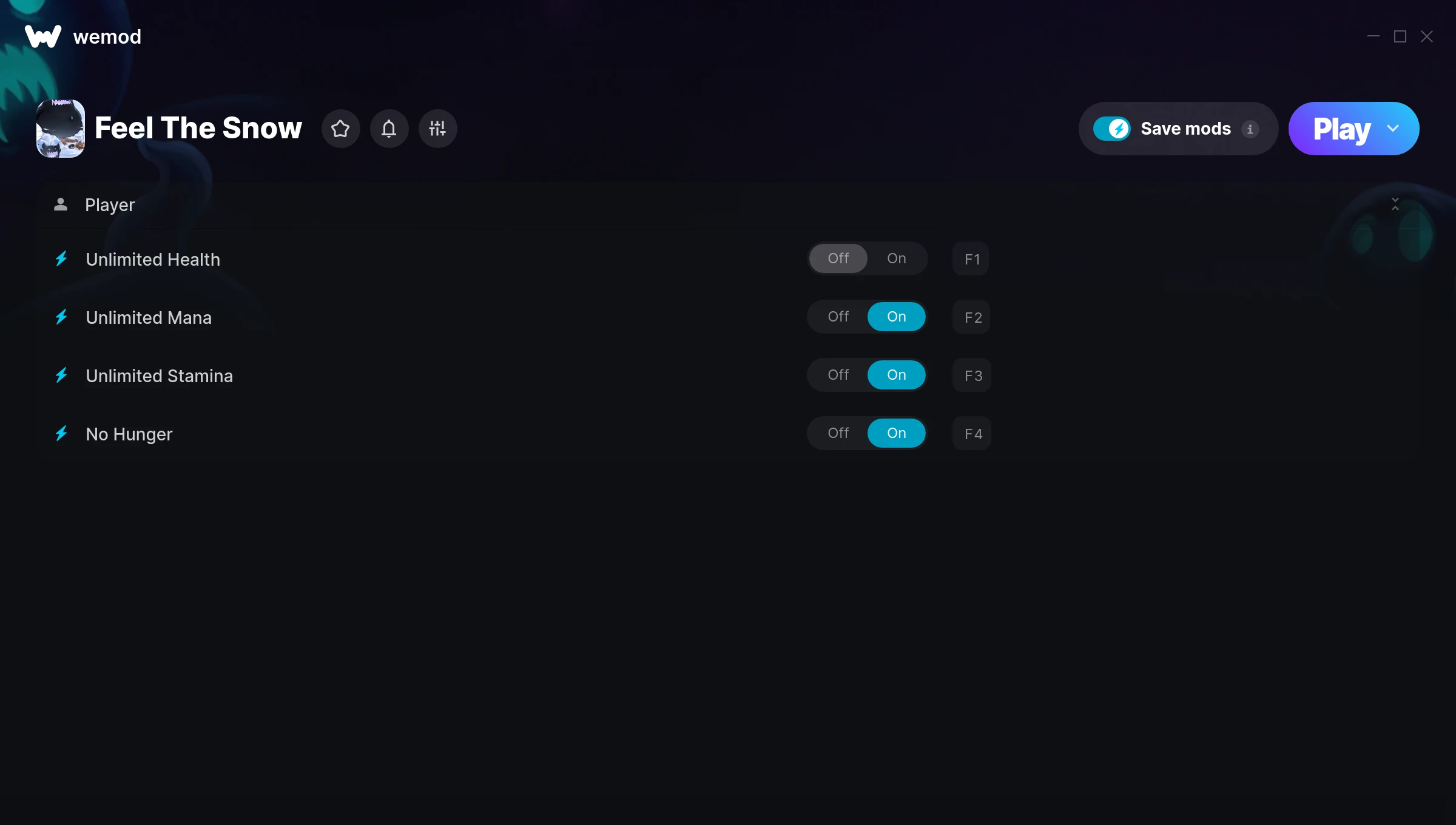
The Feel The Snow Trainer gives you access to 4 cheats that let you play the game however you want. Struggling with a tough section? Want to skip the grind? Just want to mess around? This trainer has you covered.
Unlimited stamina means you can sprint, dodge, and fight nonstop without that annoying stamina bar slowing you down. These cheats let you get past the frustrating parts and actually enjoy the game at your own pace.
If you’re the type who reads every tooltip and explores every corner, infinite health makes that a lot more relaxing.
This one goes back to 2016. As far as role-playing (rpg) and simulator titles go, Feel The Snow holds up and the community is still active.
This trainer is auto-updating – it patches itself every time the game gets an update, so you never have to hunt for a new download. Just install it once and you’re set.
Feel The Snow Trainer Cheats
This trainer includes 4 cheats covering health, movement.
| # | Cheat | Effect |
|---|---|---|
| 1 | Unlimited Health | Your health stays maxed out no matter what hits you |
| 2 | Unlimited Mana | Cast as many spells as you want without running dry |
| 3 | Unlimited Stamina | Sprint, dodge, and fight without ever getting winded |
| 4 | No Hunger | Turn off hunger entirely for easier gameplay |
What Can You Do With This Trainer?
Here are some of the standout cheats in this trainer – the ones that really change how you play:
- Unlimited Health – Your health stays maxed out no matter what hits you
- Unlimited Mana – Cast as many spells as you want without running dry
- Unlimited Stamina – Sprint, dodge, and fight without ever getting winded
- No Hunger – Completely disable hunger
And that’s just scratching the surface. The full Feel The Snow cheat list above has everything you need to play completely on your own terms.
Download Feel The Snow Trainer
Download the latest version of this trainer for PC below.
| Version | Creator | Platform | Date Added | Download |
|---|---|---|---|---|
| Auto-Updating Version (Latest) | MrAntiFun | Steam | 2026-02-07 | Download |
How to Use This Trainer
- Load Feel The Snow – Start the game and either load your existing save or begin a new one. The trainer connects to the running game process.
- Activate WeMod – Run the WeMod app, locate “Feel The Snow”, and hit Play. WeMod attaches to the game and shows you the full cheat list in the overlay.
- Flip On the Cheats – In the WeMod overlay, toggle the cheats you’re interested in. They apply immediately to your game session.
- Have Fun – Done! Get back to playing and enjoy the ride. Mix and match cheats whenever you want – there’s no wrong way to use them.
Tips & Known Issues
- Only use this trainer in single-player. Online and multiplayer modes have anti-cheat systems that will detect and ban you.
- Third-party overlays like Discord or GeForce Experience can sometimes interfere with trainers. Disable them if you have issues.
- Cloud gaming services like GeForce NOW or Xbox Cloud Gaming are not compatible with trainers. You need the game running locally on PC.
- For the smoothest experience on Steam, switch off the Steam Overlay in your Steam settings before running the trainer.
- WeMod auto-updates the trainer after game patches, so you never have to manually download a new version.
Frequently Asked Questions
Will the trainer work with the latest game version?
The auto-updating trainer stays compatible with new patches on its own. If you grabbed the Standalone version, you might need to check for a newer release after big updates.
Can I use multiple cheats at the same time?
Absolutely. Stack as many as you want. God mode plus unlimited ammo plus one-hit kills? Go for it. That’s half the fun.
What should I do if the trainer stops working after an update?
If a game patch breaks things, the auto-updating trainer will fix itself automatically – usually within a day or two.
Is this trainer compatible with mods?
Usually, yes. Trainers and mods can run side by side without issues. The only time you might hit a snag is if a mod changes the same values the trainer is targeting.
Does this trainer work with Steam?
Yes. The trainer hooks into the game process when launched through Steam.