
Five Nights at Freddy’s 2 Trainer
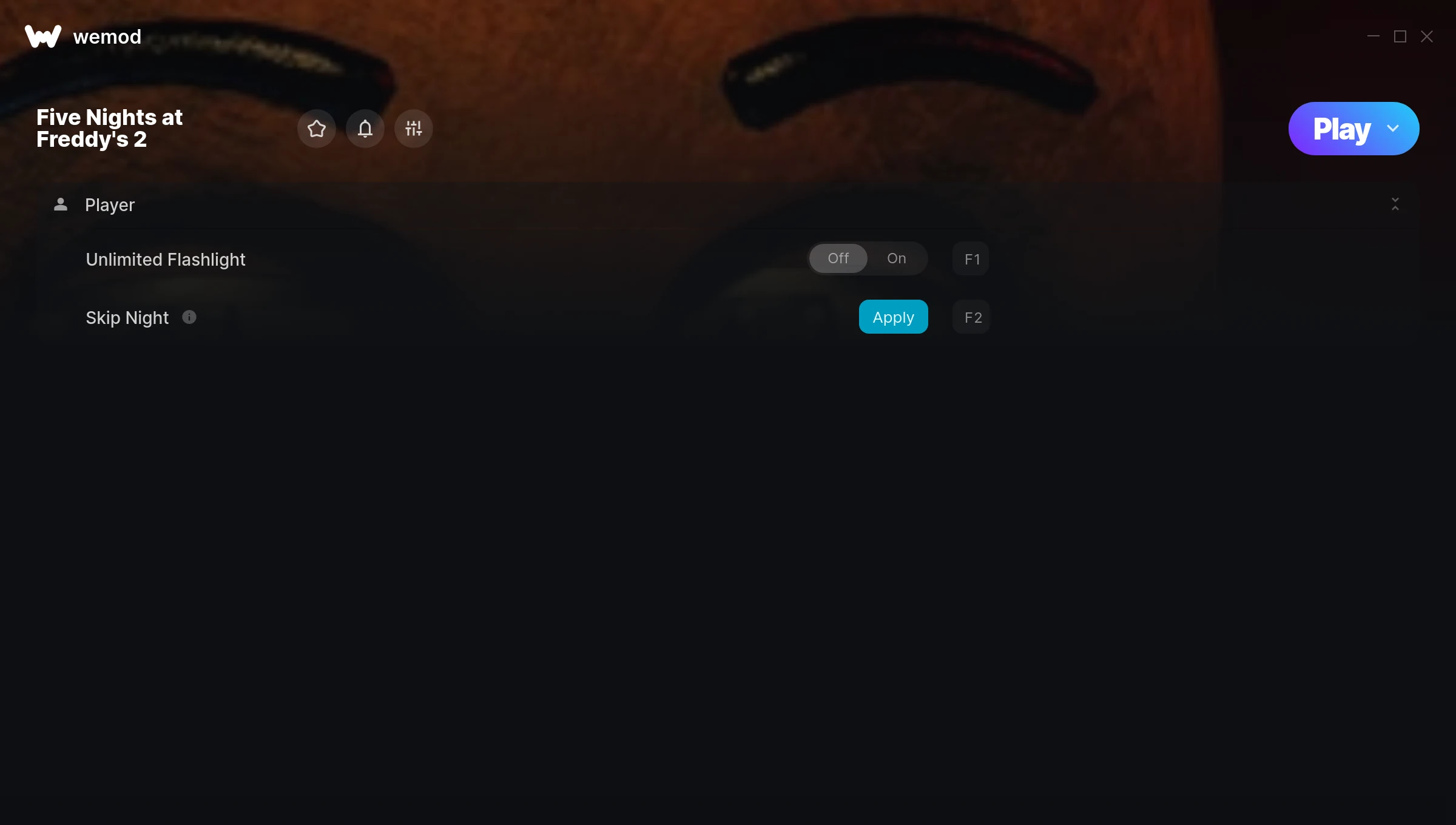
The Five Nights at Freddy’s 2 Trainer gives you access to 2 cheats that let you play the game however you want. Struggling with a tough section? Want to skip the grind? Just want to mess around? This trainer has you covered.
Some of these cheats are subtle quality-of-life tweaks. Others are straight-up game-breaking. Both are great.
If you missed Five Nights at Freddy’s 2 when it launched in 2014, now’s a great time to jump into this point-and-click and simulator title.
This is an auto-updating trainer that keeps pace with every game patch automatically. No need to manually grab new versions after updates.
Five Nights at Freddy’s 2 Trainer Cheats
This trainer includes 2 cheats for tweaking your gameplay.
| # | Cheat | Effect |
|---|---|---|
| 1 | Unlimited Flashlight | Remove all limits on your flashlight |
| 2 | Skip Night | Tweak the skip night mechanic to your advantage |
Download Five Nights at Freddy’s 2 Trainer
Download the latest version of this trainer for PC below.
| Version | Creator | Platform | Date Added | Download |
|---|---|---|---|---|
| Auto-Updating Version (Latest) | MrAntiFun | Steam | 2026-01-30 | Download |
How to Use This Trainer
- Fire Up Five Nights at Freddy’s 2 – Open the game and let it load fully. Whether you’re continuing a save or starting new, just make sure it’s running.
- Activate WeMod – Run the WeMod app, locate “Five Nights at Freddy’s 2”, and hit Play. WeMod attaches to the game and shows you the full cheat list in the overlay.
- Select and Activate – Choose your cheats from the WeMod overlay and flip them on. Every toggle takes effect right away with no need to reload.
- Play and Enjoy – That’s it – jump back into the game and enjoy. You can toggle cheats on and off whenever you want. Half the fun is experimenting to find your perfect setup.
Tips & Known Issues
- Trainers are designed for single-player use only. Using them online or in multiplayer will result in a ban.
- Always run the trainer as Administrator for best compatibility.
- Running into problems? Other overlay software (Discord, NVIDIA ShadowPlay) can conflict with trainers. Try turning them off.
- If the trainer isn’t working, make sure your game is fully updated to the latest version.
- WeMod auto-updates the trainer after game patches, so you never have to manually download a new version.
Frequently Asked Questions
How do I know which version to download?
This trainer auto-updates whenever the game is patched, so you always have the latest compatible version. Just download it once and you’re set.
Will this trainer affect my save files?
The trainer only modifies values in memory while the game is running. Your save files stay intact, though any progress you make with cheats on will save as normal.
Do I need to restart the game after activating cheats?
Not at all. Everything applies in real-time. Turn cheats on, turn them off, no restarts required at any point.
Can I customise how much health or money I get?
Where available, yes. Look for cheats labelled ‘Set’ or ‘Edit’ – these let you punch in a custom value instead of going straight to infinite.
Does this trainer work with Steam?
Fully compatible with Steam. Just launch the game through Steam and run the trainer alongside it.



