
Five Nights at Freddy’s: Sister Location Trainer
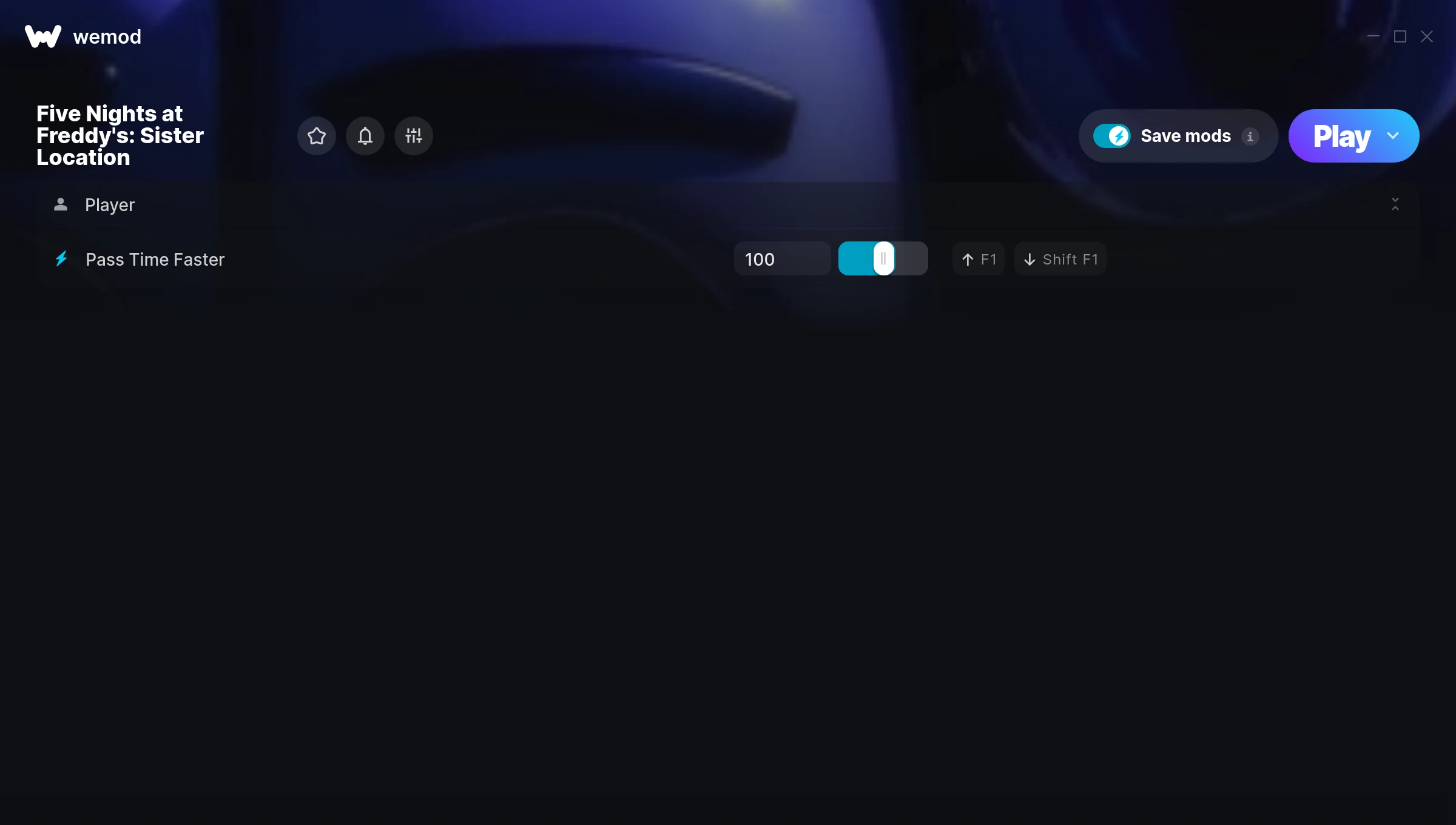
The Five Nights at Freddy’s: Sister Location Trainer gives you access to 1 cheats that let you play the game however you want. Struggling with a tough section? Want to skip the grind? Just want to mess around? This trainer has you covered.
Whether you want a slight edge or total domination, there’s something here for you.
Since its 2016 release, Five Nights at Freddy’s: Sister Location has built a loyal following among point-and-click and simulator fans looking to customize their playthrough.
This trainer is auto-updating – it patches itself every time the game gets an update, so you never have to hunt for a new download. Just install it once and you’re set.
Five Nights at Freddy’s: Sister Location Cheats
This trainer includes 1 cheats covering time.
| # | Cheat | Effect |
|---|---|---|
| 1 | Pass Time Faster | Tweak the pass time faster mechanic to your advantage |
Download Five Nights at Freddy’s: Sister Location Trainer
Download the latest version of this trainer for PC below.
| Version | Creator | Platform | Date Added | Download |
|---|---|---|---|---|
| Auto-Updating Version (Latest) | MrAntiFun | Steam | 2026-01-09 | Download |
How to Use This Trainer
- Launch Five Nights at Freddy’s: Sister Location – Start the game and load into your save file or start a new game. Make sure it’s running before activating the trainer.
- Open the Trainer – Open the WeMod app and search for “Five Nights at Freddy’s: Sister Location”. Click Play to launch the overlay. WeMod will detect the game and enable all available cheats.
- Activate Cheats – Toggle the cheats you want using the WeMod overlay or press the assigned hotkeys. Cheats activate in real-time while you play.
- Get Back to the Game – Everything is set up. Continue playing Five Nights at Freddy’s: Sister Location with your chosen cheats active. Experiment freely – you can change things at any time.
Tips & Known Issues
- Keep this trainer offline. Single-player only – any online or multiplayer use risks a permanent ban from the game.
- Third-party overlays like Discord or GeForce Experience can sometimes interfere with trainers. Disable them if you have issues.
- It’s good practice to back up your saves before activating cheats. That way you can revert if anything feels off.
- For the trainer to work properly, make sure you launch it with Administrator privileges.
- WeMod auto-updates the trainer after game patches, so you never have to manually download a new version.
Frequently Asked Questions
How often is this trainer updated?
This trainer auto-updates shortly after each game patch, so it stays compatible without you having to do anything.
How do I know which version to download?
This trainer auto-updates whenever the game is patched, so you always have the latest compatible version. Just download it once and you’re set.
Can I customise how much health or money I get?
Some cheats include an edit mode where you can set a specific value rather than just maxing things out. Great for keeping things balanced if you want.
Do I need to restart the game after activating cheats?
Not at all. Everything applies in real-time. Turn cheats on, turn them off, no restarts required at any point.
Does this trainer work with Steam?
Yes. The trainer hooks into the game process when launched through Steam.



