
Freddy Fazbear’s Pizzeria Simulator Trainer
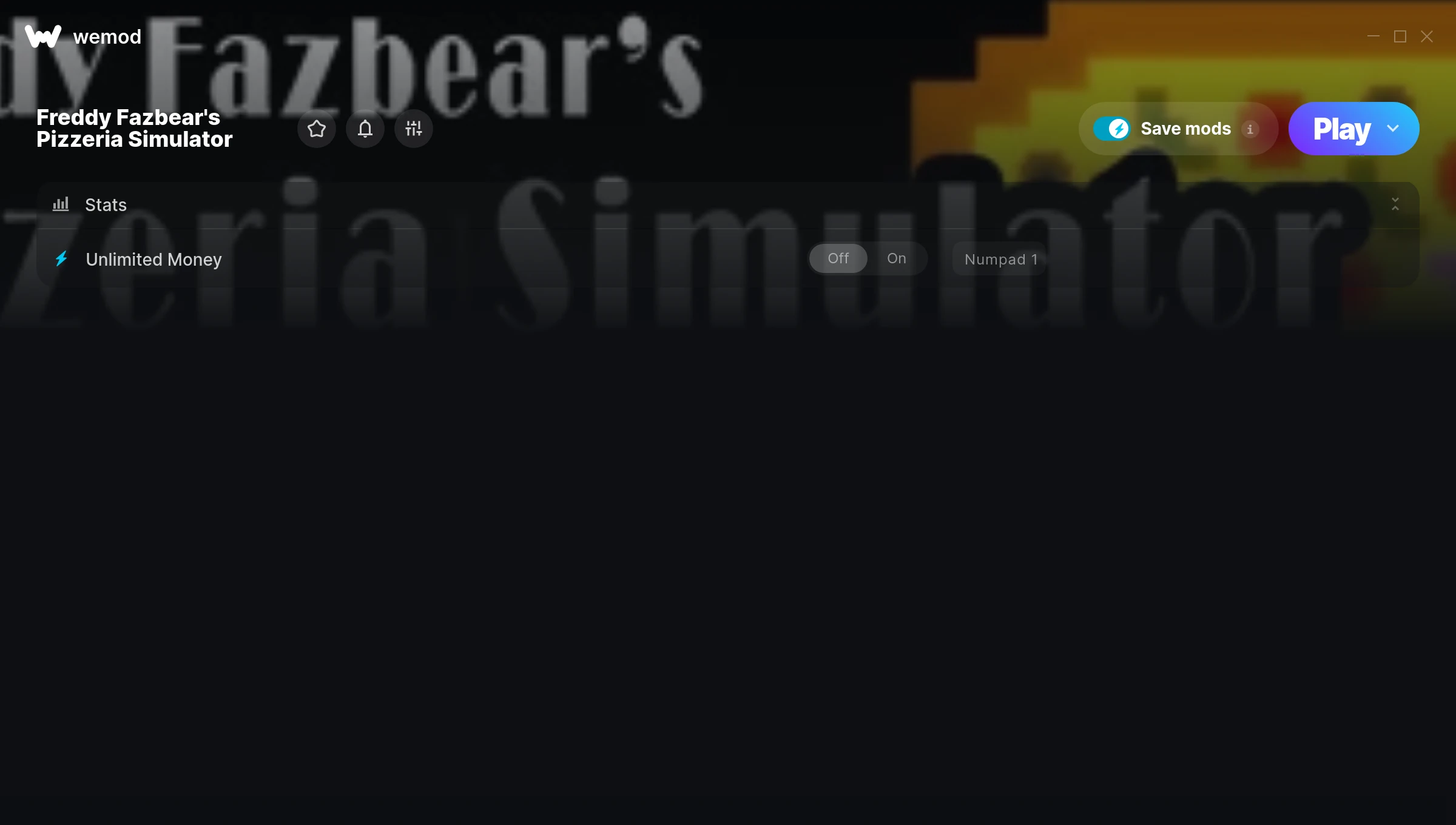
The Freddy Fazbear’s Pizzeria Simulator Trainer gives you access to 1 cheats that let you play the game however you want. Struggling with a tough section? Want to skip the grind? Just want to mess around? This trainer has you covered.
Unlimited money removes the grind entirely – just buy what you want and get back to the fun parts. These cheats let you get past the frustrating parts and actually enjoy the game at your own pace.
These aren’t subtle tweaks. Some of these cheats will completely change how the game feels.
Since its 2017 release, Freddy Fazbear’s Pizzeria Simulator has built a loyal following among simulator and strategy fans looking to customize their playthrough.
No need to check for updates manually. This auto-updating trainer keeps itself compatible with the latest version of the game so your cheats always work.
Freddy Fazbear’s Pizzeria Simulator Trainer Cheats
This trainer includes 1 cheats covering resources.
| # | Cheat | Effect |
|---|---|---|
| 1 | Unlimited Money | Buy anything you want without thinking about cost |
Download Freddy Fazbear’s Pizzeria Simulator Trainer
Download the latest version of this trainer for PC below.
| Version | Creator | Platform | Date Added | Download |
|---|---|---|---|---|
| Auto-Updating Version (Latest) | STiNGERR | Steam | 2026-01-30 | Download |
How to Use This Trainer
- Get Into Freddy Fazbear’s Pizzeria Simulator – Launch the game, get past the splash screens, and load into gameplay. Once you can see your character or the main menu, move to step 2.
- Launch WeMod – Fire up the WeMod app and search for “Freddy Fazbear’s Pizzeria Simulator”. Hit Play and the overlay will appear over your game with all cheats ready to toggle.
- Turn On Cheats – Pick the cheats you want from the WeMod overlay and switch them on. They kick in instantly and you can toggle them off anytime.
- Dive In – Everything is ready. Return to Freddy Fazbear’s Pizzeria Simulator and enjoy the game your way. Swap cheats around whenever you feel like mixing things up.
Tips & Known Issues
- Keep this trainer offline. Single-player only – any online or multiplayer use risks a permanent ban from the game.
- Overlay apps from Discord, NVIDIA, or Razer can occasionally clash with trainer hooks. Disable them as a troubleshooting step.
- If using Steam, consider disabling the Steam Overlay (Steam > Settings > In-Game) to avoid conflicts with the trainer.
- If cheats aren’t activating, check that the trainer is running with Administrator rights.
- The WeMod version updates itself automatically after each game patch. No action needed on your end.
Frequently Asked Questions
Can I get banned for using this trainer?
Not in single-player – that’s what trainers are designed for. Never use them in online or multiplayer though, that will get you banned.
Will the trainer work with the latest game version?
The Auto-Updating Version keeps itself current automatically after each game patch.
Is this trainer compatible with mods?
Generally, yes. Most mods and trainers operate independently. You might see odd behaviour if a mod directly changes the same stats the trainer controls.
Can I customise how much health or money I get?
Where available, yes. Look for cheats labelled ‘Set’ or ‘Edit’ – these let you punch in a custom value instead of going straight to infinite.
How do I know which version to download?
This trainer auto-updates whenever the game is patched, so you always have the latest compatible version. Just download it once and you’re set.
Does this trainer work with Steam?
It does. This trainer is built to work with the Steam version.



