Gamer Stop Simulator Trainer
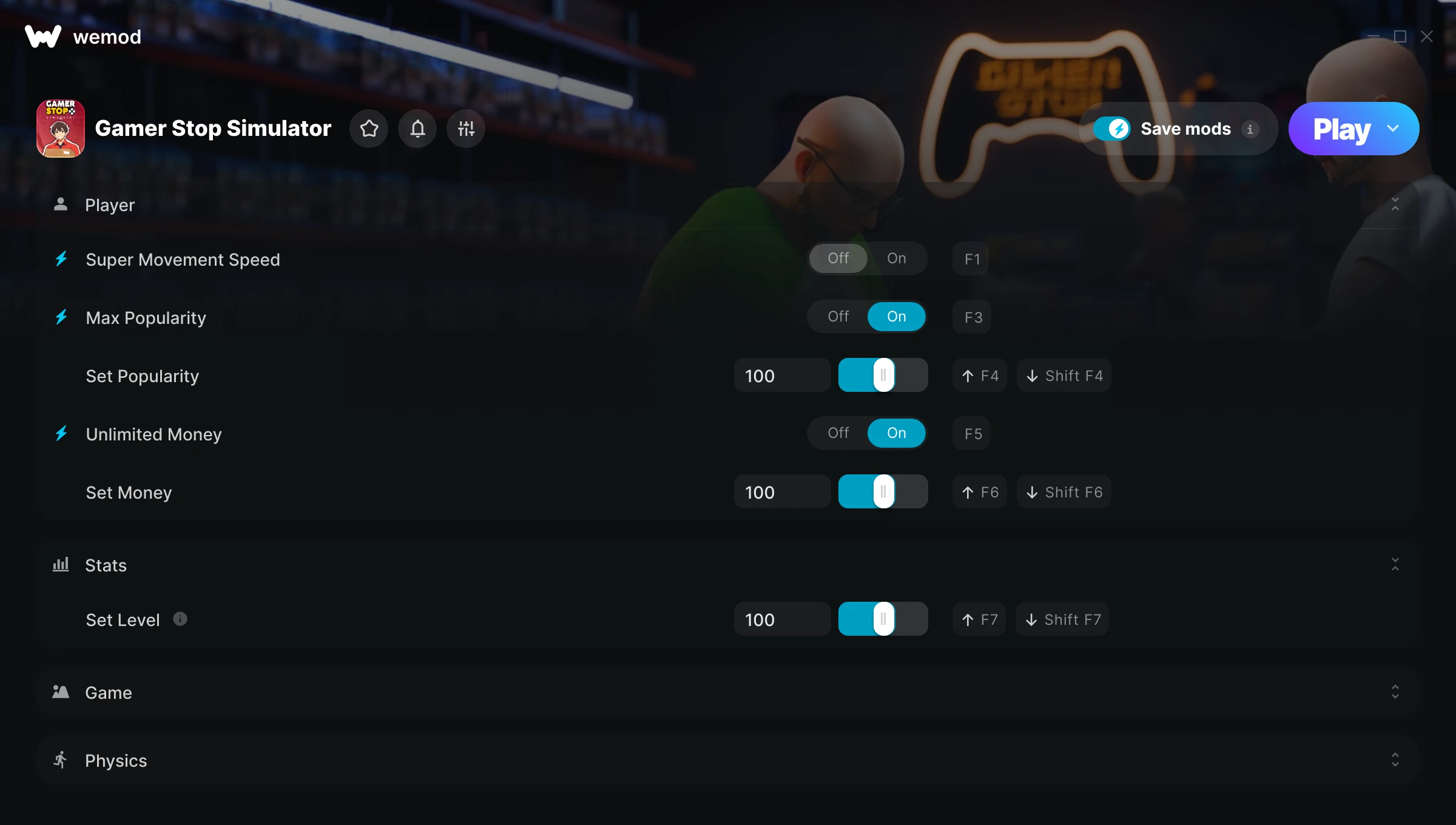
The Gamer Stop Simulator Trainer gives you access to 14 cheats that let you play the game however you want. Struggling with a tough section? Want to skip the grind? Just want to mess around? This trainer has you covered.
Unlimited money removes the grind entirely – just buy what you want and get back to the fun parts. These cheats let you get past the frustrating parts and actually enjoy the game at your own pace.
Skip the grind, skip the frustration, and get straight to the fun part.
This one goes back to 2026. As far as simulator and indie titles go, Gamer Stop Simulator holds up and the community is still active.
No need to check for updates manually. This auto-updating trainer keeps itself compatible with the latest version of the game so your cheats always work.
Some of the most popular cheats included in this trainer are Max Popularity, Unlimited Money, Super Movement Speed, Movement Speed Multiplier, and many more. These modifications let you customize difficulty, skip grinding, or simply experiment with the game in new ways.
Gamer Stop Simulator Trainer Cheats
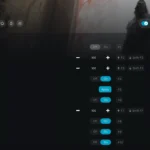
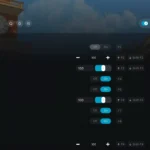
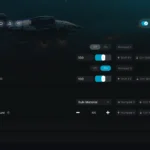
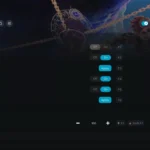
This trainer includes 14 cheats covering resources, movement, experience, time.
| # | Cheat | Effect |
|---|---|---|
| 1 | Super Movement Speed | Massively boost your movement speed beyond normal limits |
| 2 | Movement Speed Multiplier | Boost your movement speed earnings dramatically |
| 3 | Max Popularity | Set your popularity to the absolute maximum |
| 4 | Add Popularity | Add extra popularity whenever you need it |
| 5 | Set Popularity | Pick your own value for popularity |
| 6 | Unlimited Money | Buy anything you want without thinking about cost |
| 7 | Add Money | Add extra money whenever you need it |
| 8 | Set Money | Adjust money to whatever feels right |
| 9 | Set Level | Choose exactly how much level you want |
| 10 | Add EXP | Add extra exp whenever you need it |
| 11 | Game Speed | Speed up or slow down the entire game to your liking |
| 12 | Max Throw Force | Set your throw force to the absolute maximum |
| 13 | Throw Force Multiplier | Boost your throw force earnings dramatically |
| 14 | Instant Throw Charge | Get throw charge immediately with no waiting |
What Can You Do With This Trainer?
Here are some of the standout cheats in this trainer – the ones that really change how you play:
- Super Movement Speed – Massively boost your movement speed beyond normal limits
- Movement Speed Multiplier – Boost your movement speed earnings dramatically
- Max Popularity – Set your popularity to the absolute maximum
- Add Popularity – Add extra popularity whenever you need it
- Set Popularity – Adjust popularity to whatever feels right
And that’s just scratching the surface. The full Gamer Stop Simulator cheat list above has everything you need to play completely on your own terms.
Recommended Cheat Presets
Not sure which cheats to enable? Here are some recommended preset combinations for different playstyles:
Farming Preset
Skip the grind entirely. Max out your loot, XP, and cash without spending hours farming the same enemies over and over.
- Unlimited Money
- Add Money
- Set Money
- Add EXP
Download Gamer Stop Simulator Trainer
Download the latest version of this trainer for PC below.
| Version | Creator | Platform | Date Added | Download |
|---|---|---|---|---|
| Auto-Updating Version (Latest) | Switchyyyy | Steam | 2026-01-22 | Download |
How to Use This Trainer
- Get Into Gamer Stop Simulator – Launch the game, get past the splash screens, and load into gameplay. Once you can see your character or the main menu, move to step 2.
- Start the Trainer – Open WeMod, type “Gamer Stop Simulator” in the search bar, and click Play. The overlay pops up in-game and you’re ready to go.
- Enable the Cheats You Want – Use the WeMod overlay to enable any combination of cheats. Everything activates in real-time while the game is running.
- Jump Back In – You’re good to go. Return to the game and enjoy your modified experience. Toggle cheats on or off anytime as you play.
Tips & Known Issues
- This is a single-player trainer only. Do not use it in online or multiplayer modes – you will get banned.
- If cheats toggle on but have no effect, your game version might be out of date. Update the game and try again.
- While trainers are safe to use, backing up your save file beforehand is always a smart precaution.
- Steam users may want to turn off the Steam Overlay to prevent it from interfering with the trainer.
- The WeMod version updates itself automatically after each game patch. No action needed on your end.
Frequently Asked Questions
Can I get banned for using this trainer?
As long as you stick to single-player, you’re fine. Using cheats in multiplayer or online modes is a completely different story – don’t do it.
Can I use multiple cheats at the same time?
You can run every single cheat at once if you want. Mix and match until you find a combination you enjoy.
Is this trainer free to download?
Yep, completely free. Just grab it from the download links above and you’re good to go.
Will the trainer work with the latest game version?
If you’re using the Auto-Updating Version, yes – it patches itself after every game update.
Will this trainer affect my save files?
The trainer only modifies values in memory while the game is running. Your save files stay intact, though any progress you make with cheats on will save as normal.
How do I use this trainer?
It’s straightforward: download, run the trainer while the game is open, and press the hotkeys to activate whichever cheats you want.
Does this trainer work with Steam?
Yes. The trainer hooks into the game process when launched through Steam.