Halls of Torment Trainer
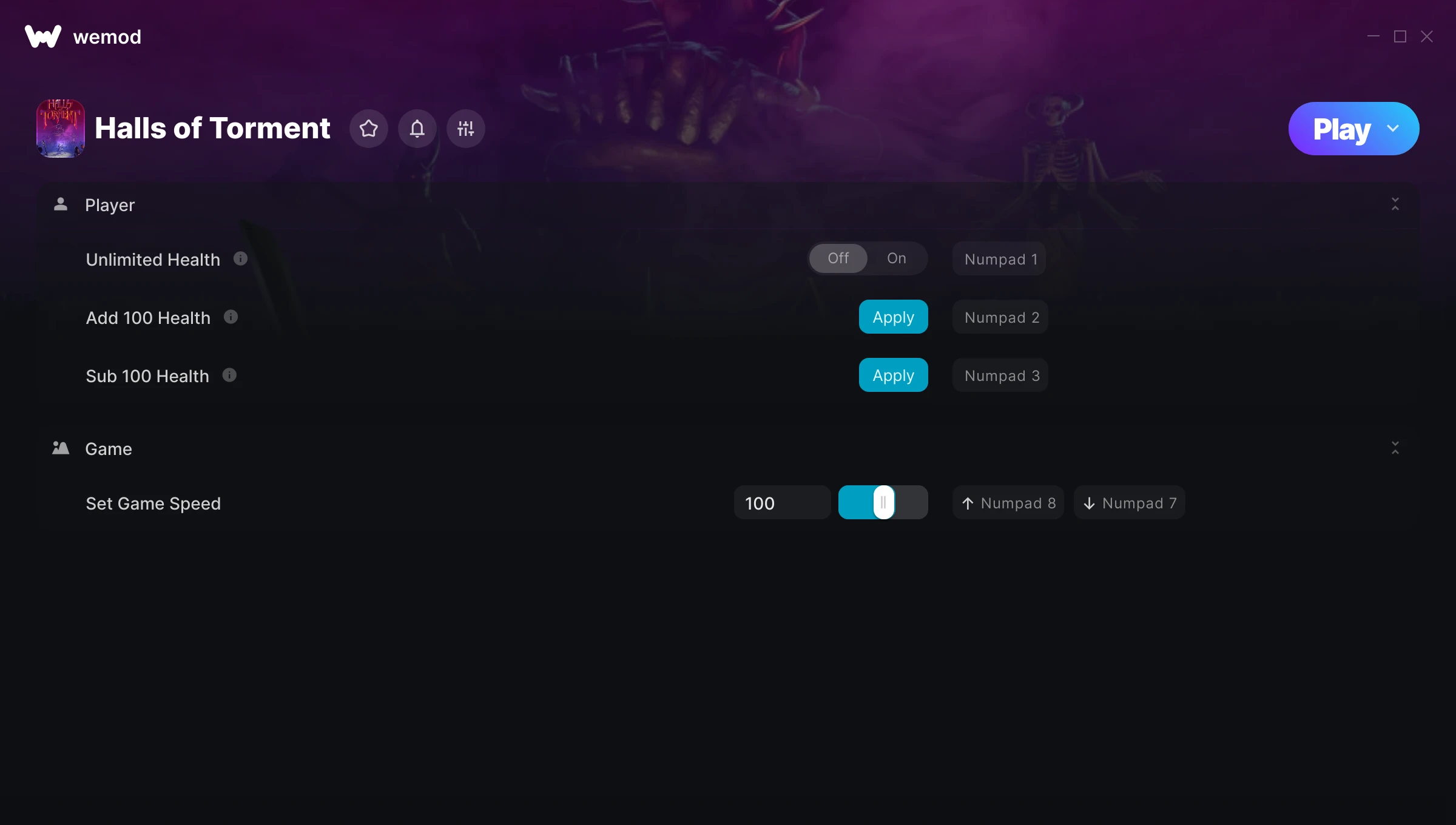
The Halls of Torment Trainer gives you access to 4 cheats that let you play the game however you want. Struggling with a tough section? Want to skip the grind? Just want to mess around? This trainer has you covered.
Honestly, half the fun is seeing what happens when you turn everything on at once.
If you missed Halls of Torment when it launched in 2024, now’s a great time to jump into this role-playing (rpg) and indie title.
This trainer is auto-updating – it patches itself every time the game gets an update, so you never have to hunt for a new download. Just install it once and you’re set.
Halls of Torment Trainer Cheats
This trainer includes 4 cheats covering health, movement, time.
| # | Cheat | Effect |
|---|---|---|
| 1 | Unlimited Health | Your health stays maxed out no matter what hits you |
| 2 | Add 100 Health | Give yourself more 100 health on demand |
| 3 | Sub 100 Health | Tweak the sub 100 health mechanic to your advantage |
| 4 | Set Game Speed | Speed up or slow down the entire game to your liking |
What Can You Do With This Trainer?
Here are some of the standout cheats in this trainer – the ones that really change how you play:
- Unlimited Health – Your health stays maxed out no matter what hits you
- Add 100 Health – Add extra 100 health whenever you need it
- Sub 100 Health – Tweak the sub 100 health mechanic to your advantage
- Set Game Speed – Speed up or slow down the entire game to your liking
And that’s just scratching the surface. The full Halls of Torment cheat list above has everything you need to play completely on your own terms.
Download Halls of Torment Trainer
Download the latest version of this trainer for PC below.
| Version | Creator | Platform | Date Added | Download |
|---|---|---|---|---|
| Auto-Updating Version (Latest) | STiNGERR | Steam, Xbox | 2025-07-13 | Download |
How to Use This Trainer
- Get Into Halls of Torment – Launch the game, get past the splash screens, and load into gameplay. Once you can see your character or the main menu, move to step 2.
- Connect WeMod – Launch the WeMod application and find “Halls of Torment” in the library. Press Play and WeMod will hook into the running game automatically.
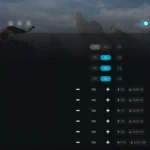
- Select and Activate – Choose your cheats from the WeMod overlay and flip them on. Every toggle takes effect right away with no need to reload.
- Play Your Way – That’s the full setup. Get back into Halls of Torment and play on your own terms. Adjust cheats whenever the mood strikes.
Tips & Known Issues
- This trainer is strictly for single-player gameplay. Anti-cheat software in online modes will flag and ban your account.
- Some antivirus software may flag the trainer as a false positive. You may need to add an exception for it.
- Cloud gaming services like GeForce NOW or Xbox Cloud Gaming are not compatible with trainers. You need the game running locally on PC.
- If cheats aren’t working, check for conflicting overlays. Discord, GeForce Experience, and similar tools can interfere.
- WeMod auto-updates the trainer after game patches, so you never have to manually download a new version.
Frequently Asked Questions
Can I get banned for using this trainer?
Single-player? No risk at all. Online or multiplayer? Do not even think about it. Anti-cheat systems will catch you and you will be banned.
Is this trainer free to download?
Yep, completely free. Just grab it from the download links above and you’re good to go.
How do I use this trainer?
It’s straightforward: download, run the trainer while the game is open, and press the hotkeys to activate whichever cheats you want.
Is this trainer compatible with mods?
Generally, yes. Most mods and trainers operate independently. You might see odd behaviour if a mod directly changes the same stats the trainer controls.
Can I customise how much health or money I get?
Certain cheats let you choose exact amounts instead of just toggling unlimited. Check for any ‘set’ or ‘edit’ options in the cheat list.
What cheats are included in this trainer?
You get 4 cheats to play with. Scroll up to the cheat list to see exactly what’s available.
Does this trainer work with Steam?
It does. The trainer is compatible with Steam, Xbox.