Halo Infinite Trainer
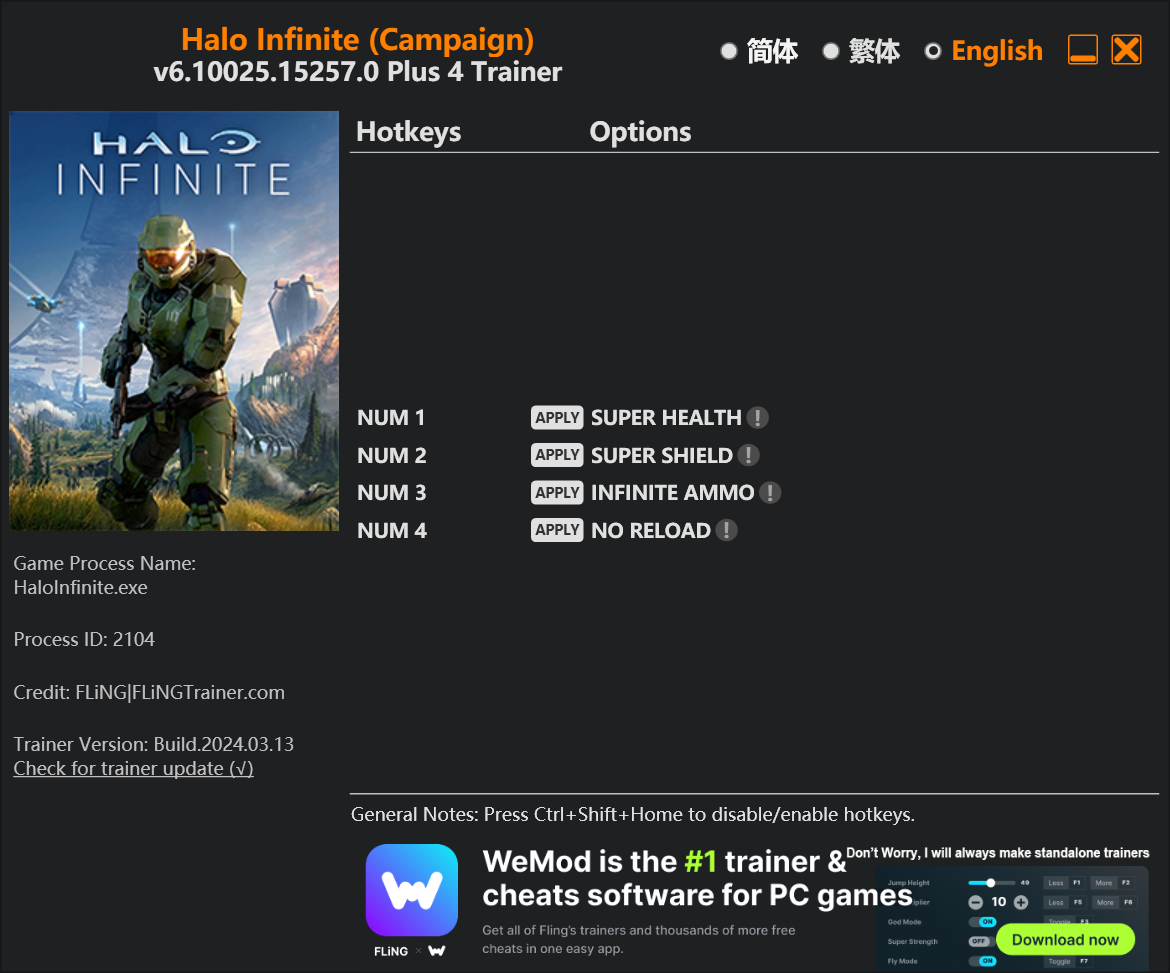
The Halo Infinite Trainer gives you access to 4 cheats that let you play the game however you want. Struggling with a tough section? Want to skip the grind? Just want to mess around? This trainer has you covered.
No reload means nonstop firepower. Seriously, it changes how you approach every fight. These cheats let you get past the frustrating parts and actually enjoy the game at your own pace.
Think of it as unlocking developer mode. Except better.
Halo Infinite first launched in 2021 as a shooter title and still has a strong community of players today.
There’s an Auto-Updating Version that syncs with game patches on its own, and a Standalone version for anyone who prefers a one-time download. Either way, every cheat in the list is included.
Halo Infinite Trainer Cheats
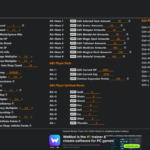
This trainer includes 4 cheats covering health, ammo, defense.
| # | Cheat | Effect |
|---|---|---|
| 1 | Super Health | Crank your health up to ridiculous levels |
| 2 | Super Shield | Massively boost your shield beyond normal limits |
| 3 | Unlimited Ammo | Fire away without ever worrying about running dry |
| 4 | No Reload | Skip reload animations entirely and keep firing nonstop |
What Can You Do With This Trainer?
Here are some of the standout cheats in this trainer – the ones that really change how you play:
- Super Health – Crank your health up to ridiculous levels
- Super Shield – Massively boost your shield beyond normal limits
- Unlimited Ammo – Fire away without ever worrying about running dry
- No Reload – Skip reload animations entirely and keep firing nonstop
And that’s just scratching the surface. The full Halo Infinite cheat list above has everything you need to play completely on your own terms.
Recommended Cheat Presets
Not sure which cheats to enable? Here are some recommended preset combinations for different playstyles:
Easy Mode
Turn the difficulty down to nothing. Perfect for enjoying the story, or for a second playthrough where you just want to feel unstoppable.
- Unlimited Ammo
- No Reload
Download Halo Infinite Trainer
Download the latest version of this trainer for PC below.
| Version | Creator | Platform | Date Added | Download |
|---|---|---|---|---|
| Auto-Updating Version (Latest) | FLiNG | Steam, Xbox | 2025-12-11 | Download |
| Standalone Version | FLiNG | Steam | 2025-09-30 | Download |
How to Use This Trainer
- Load Halo Infinite – Start the game and either load your existing save or begin a new one. The trainer connects to the running game process.
- Connect the Trainer – Using WeMod? Open the app, search “Halo Infinite”, and hit Play. Prefer FLiNG standalone? Right-click the .exe and run as Administrator. Either way, the trainer links to the running game.
- Activate Cheats – Toggle the cheats you want using the WeMod overlay or press the assigned hotkeys. Cheats activate in real-time while you play.
- Have Fun – Done! Get back to playing and enjoy the ride. Mix and match cheats whenever you want – there’s no wrong way to use them.
Tips & Known Issues
- This is a single-player trainer only. Do not use it in online or multiplayer modes – you will get banned.
- Antivirus software may detect the trainer as suspicious. This is normal for game trainers – add an exclusion to proceed.
- Third-party overlays like Discord or GeForce Experience can sometimes interfere with trainers. Disable them if you have issues.
- For the trainer to work properly, make sure you launch it with Administrator privileges.
- One of the perks of WeMod is automatic updates. The trainer syncs with game patches behind the scenes.
Frequently Asked Questions
Can I get banned for using this trainer?
As long as you stick to single-player, you’re fine. Using cheats in multiplayer or online modes is a completely different story – don’t do it.
Do I need to restart the game after activating cheats?
Not at all. Everything applies in real-time. Turn cheats on, turn them off, no restarts required at any point.
Will the trainer work with the latest game version?
The auto-updating trainer stays compatible with new patches on its own. If you grabbed the Standalone version, you might need to check for a newer release after big updates.
What should I do if the trainer stops working after an update?
The Auto-Updating Version handles this on its own – give it a day or two after a big patch. Standalone users should check for an updated download.
Does this trainer work with Steam?
Yes. The trainer hooks into the game process regardless of whether you launch through Steam, Xbox.