Homefront Trainer
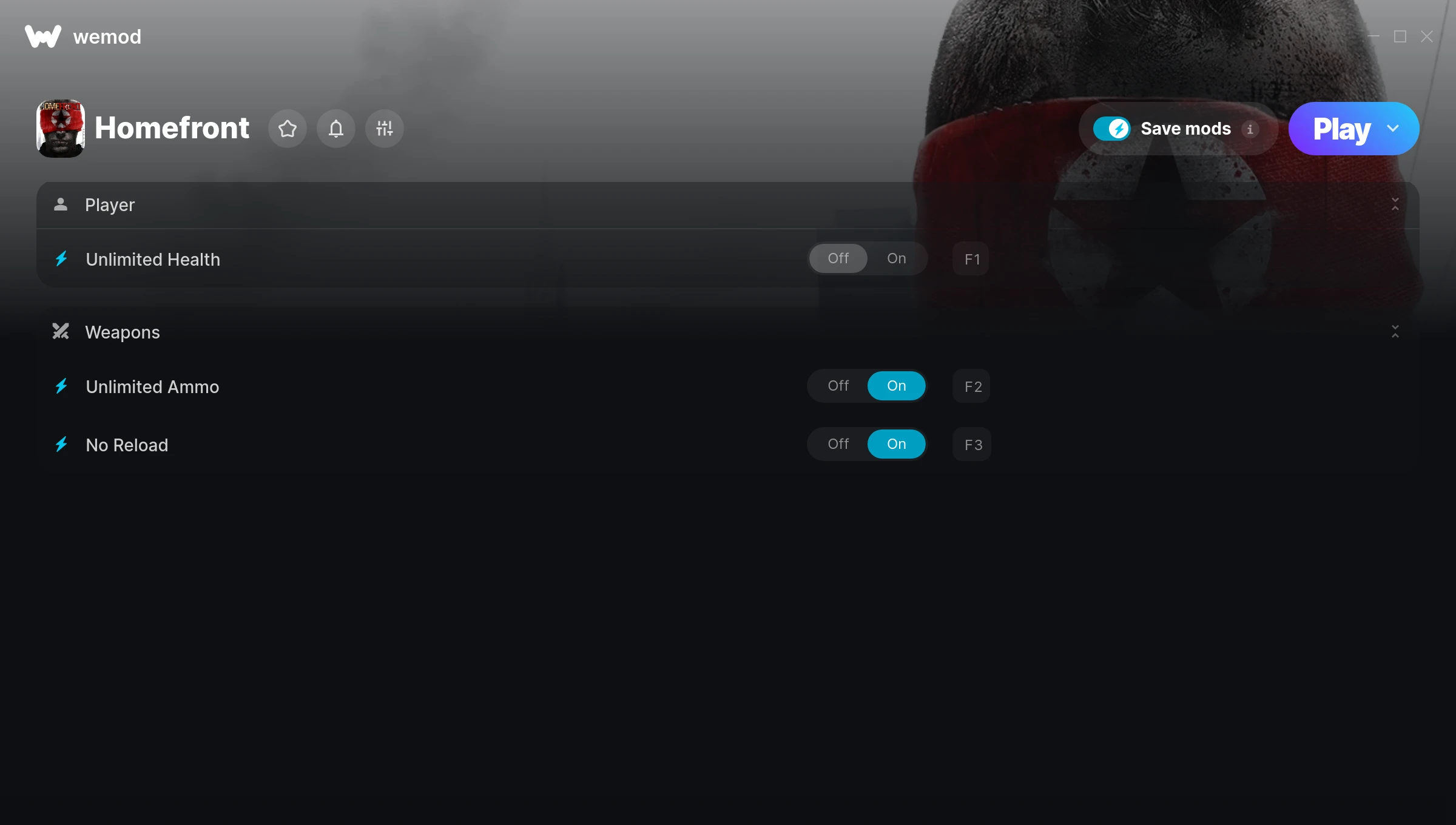
The Homefront Trainer gives you access to 3 cheats that let you play the game however you want. Struggling with a tough section? Want to skip the grind? Just want to mess around? This trainer has you covered.
No reload means nonstop firepower. Seriously, it changes how you approach every fight. These cheats let you get past the frustrating parts and actually enjoy the game at your own pace.
Perfect for a second playthrough where you just want to mess around and have fun.
Players have been diving into Homefront since 2011, making it one of the more enduring shooter titles out there.
This trainer stays in sync with game patches automatically. You’ll never have to worry about downloading a new version after an update – it handles everything behind the scenes.
Homefront Trainer Cheats
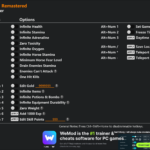
This trainer includes 3 cheats covering health, ammo.
| # | Cheat | Effect |
|---|---|---|
| 1 | Unlimited Health | Your health stays maxed out no matter what hits you |
| 2 | Unlimited Ammo | Fire away without ever worrying about running dry |
| 3 | No Reload | Skip reload animations entirely and keep firing nonstop |
What Can You Do With This Trainer?
Here are some of the standout cheats in this trainer – the ones that really change how you play:
- Unlimited Health – Your health stays maxed out no matter what hits you
- Unlimited Ammo – Fire away without ever worrying about running dry
- No Reload – Skip reload animations entirely and keep firing nonstop
And that’s just scratching the surface. The full Homefront cheat list above has everything you need to play completely on your own terms.
Recommended Cheat Presets
Not sure which cheats to enable? Here are some recommended preset combinations for different playstyles:
Easy Mode
Turn the difficulty down to nothing. Perfect for enjoying the story, or for a second playthrough where you just want to feel unstoppable.
- Unlimited Health
- Unlimited Ammo
- No Reload
Download Homefront Trainer
Download the latest version of this trainer for PC below.
| Version | Creator | Platform | Date Added | Download |
|---|---|---|---|---|
| Auto-Updating Version (Latest) | Valentin_Marinov | Steam | 2025-05-15 | Download |
How to Use This Trainer
- Boot Up Homefront – Start the game like you normally would. Once you’re at the main menu or loaded into your save, you’re ready for the next step.
- Activate WeMod – Run the WeMod app, locate “Homefront”, and hit Play. WeMod attaches to the game and shows you the full cheat list in the overlay.
- Flip On the Cheats – In the WeMod overlay, toggle the cheats you’re interested in. They apply immediately to your game session.
- Jump Back In – You’re good to go. Return to the game and enjoy your modified experience. Toggle cheats on or off anytime as you play.
Tips & Known Issues
- Only use this trainer in single-player. Online and multiplayer modes have anti-cheat systems that will detect and ban you.
- Third-party overlays like Discord or GeForce Experience can sometimes interfere with trainers. Disable them if you have issues.
- This trainer is for the PC version of the game only. PlayStation, Xbox, and Switch are not supported.
- A quick save backup takes seconds and gives you peace of mind when experimenting with trainer cheats.
- No need to check for updates manually with WeMod. The trainer patches itself whenever the game is updated.
Frequently Asked Questions
How often is this trainer updated?
This trainer auto-updates shortly after each game patch, so it stays compatible without you having to do anything.
Is this trainer compatible with mods?
They’re typically fine together. The rare exception is when a mod overwrites the same values the trainer hooks into, but that’s uncommon.
Is this trainer free to download?
Free as it gets. The download links are right above this section, pick whichever version suits you.
Can I use multiple cheats at the same time?
Of course. There’s no limit to how many you can have active. Layer them however you want.
How do I use this trainer?
Just download the trainer and open it while the game is running. Each cheat has a toggle – flip them on or off as you play.
Does this trainer work with Steam?
It does. This trainer is built to work with the Steam version.