Internet Cafe Simulator Trainer
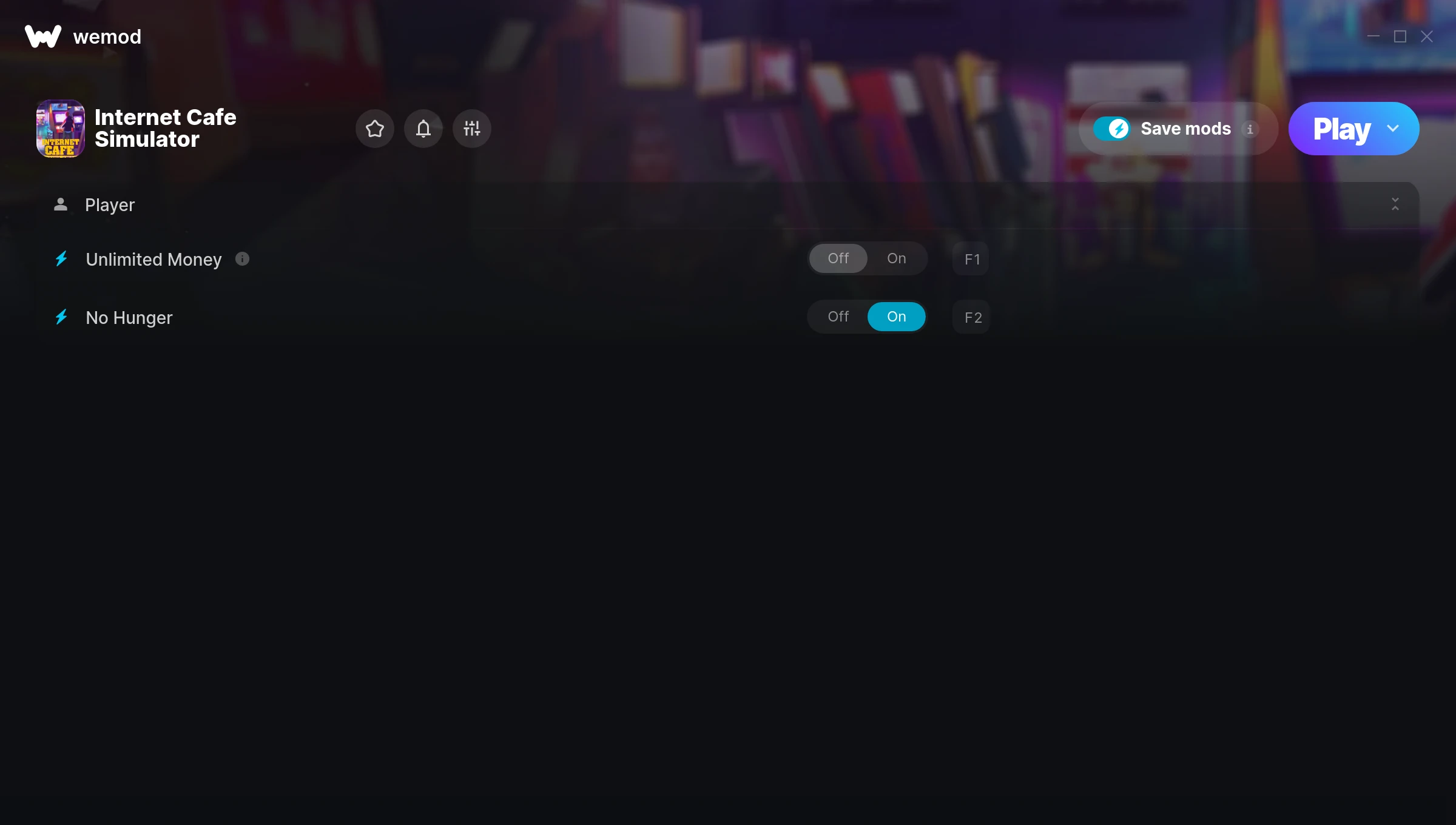
The Internet Cafe Simulator Trainer gives you access to 2 cheats that let you play the game however you want. Struggling with a tough section? Want to skip the grind? Just want to mess around? This trainer has you covered.
Unlimited money removes the grind entirely – just buy what you want and get back to the fun parts. These cheats let you get past the frustrating parts and actually enjoy the game at your own pace.
The cheat list below covers basically everything you’d want to tweak. Health, resources, speed – all of it.
This simulator and adventure title has been around since 2019 and remains a popular pick for players looking to push their experience further.
This is an auto-updating trainer that keeps pace with every game patch automatically. No need to manually grab new versions after updates.
Internet Cafe Simulator Trainer Cheats
This trainer includes 2 cheats covering resources.
| # | Cheat | Effect |
|---|---|---|
| 1 | Unlimited Money | Buy anything you want without thinking about cost |
| 2 | No Hunger | Remove hunger from the equation |
Download Internet Cafe Simulator Trainer
Download the latest version of this trainer for PC below.
| Version | Creator | Platform | Date Added | Download |
|---|---|---|---|---|
| Auto-Updating Version (Latest) | MrAntiFun | Steam | 2026-01-10 | Download |
How to Use This Trainer
- Launch the Game – Open Internet Cafe Simulator and get to the point where you’re actually playing. The trainer hooks into the game while it’s running.
- Open the Trainer – Open the WeMod app and search for “Internet Cafe Simulator”. Click Play to launch the overlay. WeMod will detect the game and enable all available cheats.
- Select and Activate – Choose your cheats from the WeMod overlay and flip them on. Every toggle takes effect right away with no need to reload.
- Game On – You’re set. Head back into Internet Cafe Simulator and have fun. Remember, you can toggle cheats at any time – find the combination that works best for you.
Tips & Known Issues
- Trainers are designed for single-player use only. Using them online or in multiplayer will result in a ban.
- Consider backing up your save files before using cheats, especially if you’re on your main playthrough.
- For the trainer to work properly, make sure you launch it with Administrator privileges.
- Some antivirus software may flag the trainer as a false positive. You may need to add an exception for it.
- WeMod auto-updates the trainer after game patches, so you never have to manually download a new version.
Frequently Asked Questions
How do I use this trainer?
Grab the download, launch the game, then fire up the trainer. Toggle cheats with the hotkeys or the overlay – done.
Is this trainer compatible with mods?
In most cases they work fine together. Conflicts only happen when a mod alters the exact same memory values the trainer is trying to modify.
Can I use multiple cheats at the same time?
You can run every single cheat at once if you want. Mix and match until you find a combination you enjoy.
Do I need to restart the game after activating cheats?
Nope. Cheats kick in immediately while the game is running. Just toggle them on and off whenever you want.
Can I get banned for using this trainer?
Trainers are for single-player only. Seriously, do not try these in online or multiplayer modes – that is a fast track to a ban.
How often is this trainer updated?
This trainer auto-updates shortly after each game patch, so it stays compatible without you having to do anything.
Does this trainer work with Steam?
Fully compatible with Steam. Just launch the game through Steam and run the trainer alongside it.