LEGO Marvel Super Heroes Trainer
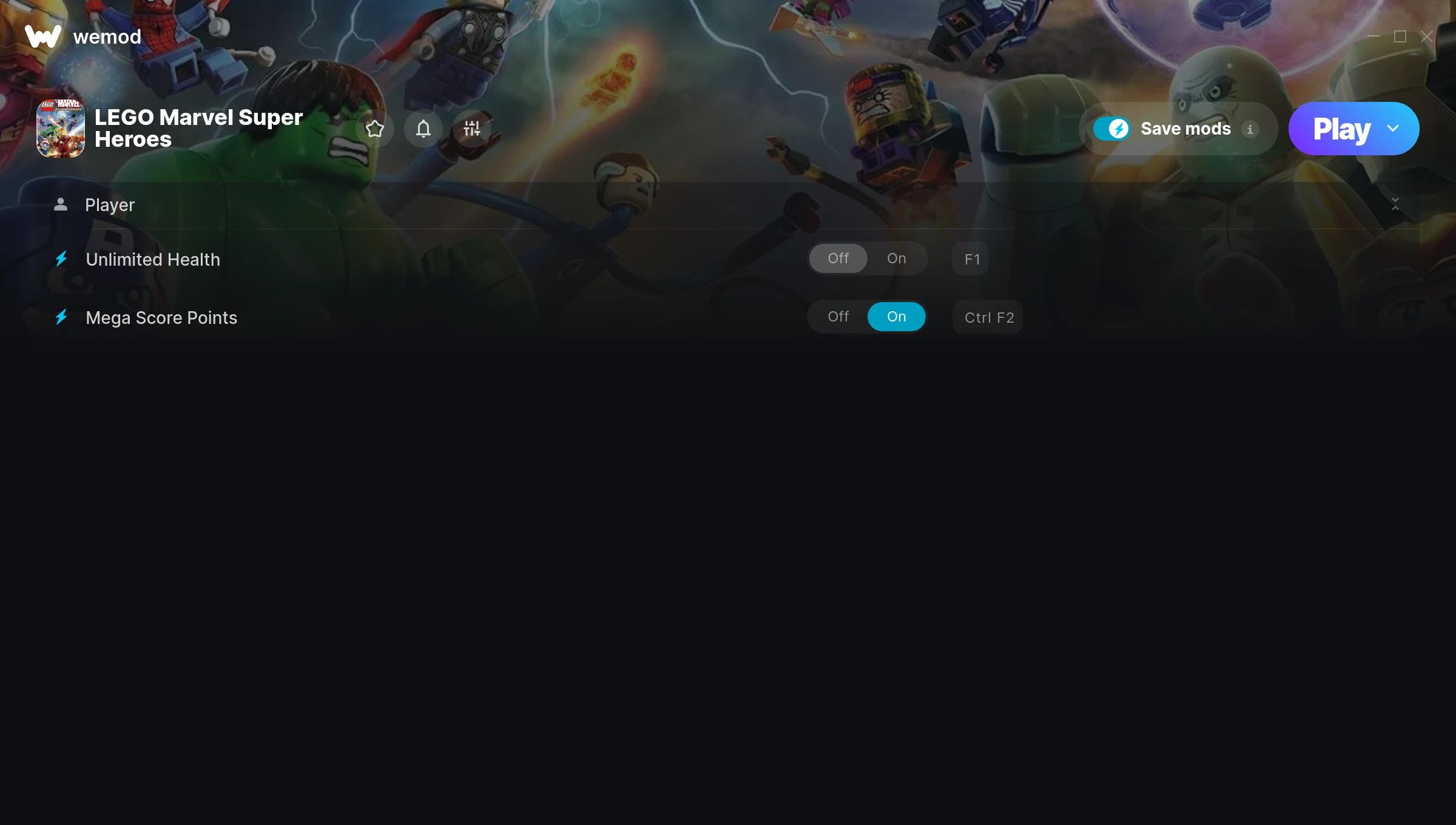
The LEGO Marvel Super Heroes Trainer gives you access to 2 cheats that let you play the game however you want. Struggling with a tough section? Want to skip the grind? Just want to mess around? This trainer has you covered.
You already bought the game. Might as well play it exactly the way you want to.
A hack and slash/beat ’em up and adventure title that first dropped in 2017, LEGO Marvel Super Heroes still draws players who want to tweak the experience to their liking.
Once you’ve got this trainer installed, it takes care of itself. Every time the game gets a patch, the trainer updates automatically so your cheats keep working.
LEGO Marvel Super Heroes Trainer Cheats
This trainer includes 2 cheats covering health.
| # | Cheat | Effect |
|---|---|---|
| 1 | Unlimited Health | Your health stays maxed out no matter what hits you |
| 2 | Mega Score Points | Supercharge your score points way beyond normal limits |
Download LEGO Marvel Super Heroes Trainer
Download the latest version of this trainer for PC below.
| Version | Creator | Platform | Date Added | Download |
|---|---|---|---|---|
| Auto-Updating Version (Latest) | MrAntiFun | Steam, EA | 2025-05-15 | Download |
How to Use This Trainer
- Begin With LEGO Marvel Super Heroes – Open the game first and let it fully load. You’ll activate the trainer in the next step once the game is up.
- Open the Trainer – Open the WeMod app and search for “LEGO Marvel Super Heroes”. Click Play to launch the overlay. WeMod will detect the game and enable all available cheats.
- Switch On Your Cheats – Browse the cheat list in the WeMod overlay and toggle on whatever you want. Effects are instant and reversible.
- Game On – You’re set. Head back into LEGO Marvel Super Heroes and have fun. Remember, you can toggle cheats at any time – find the combination that works best for you.
Tips & Known Issues
- Trainers are designed for single-player use only. Using them online or in multiplayer will result in a ban.
- While trainers are safe to use, backing up your save file beforehand is always a smart precaution.
- Having issues on Steam? Try disabling the Steam Overlay under Settings > In-Game. It can sometimes clash with trainers.
- This trainer is for the PC version of the game only. PlayStation, Xbox, and Switch are not supported.
- WeMod handles version compatibility automatically. When the game updates, the trainer follows shortly after.
Frequently Asked Questions
How do I know which version to download?
This trainer auto-updates whenever the game is patched, so you always have the latest compatible version. Just download it once and you’re set.
Will the trainer work with the latest game version?
The auto-updating trainer stays compatible with new patches on its own. If you grabbed the Standalone version, you might need to check for a newer release after big updates.
Do I need to restart the game after activating cheats?
No restart needed. Cheats take effect the moment you activate them – toggle freely while you play.
Is this trainer compatible with mods?
Generally, yes. Most mods and trainers operate independently. You might see odd behaviour if a mod directly changes the same stats the trainer controls.
How often is this trainer updated?
This trainer auto-updates shortly after each game patch, so it stays compatible without you having to do anything.
Is this trainer free to download?
Yep, completely free. Just grab it from the download links above and you’re good to go.
Does this trainer work with Steam?
It does. The trainer is compatible with Steam, EA.