Little Nightmares III Trainer
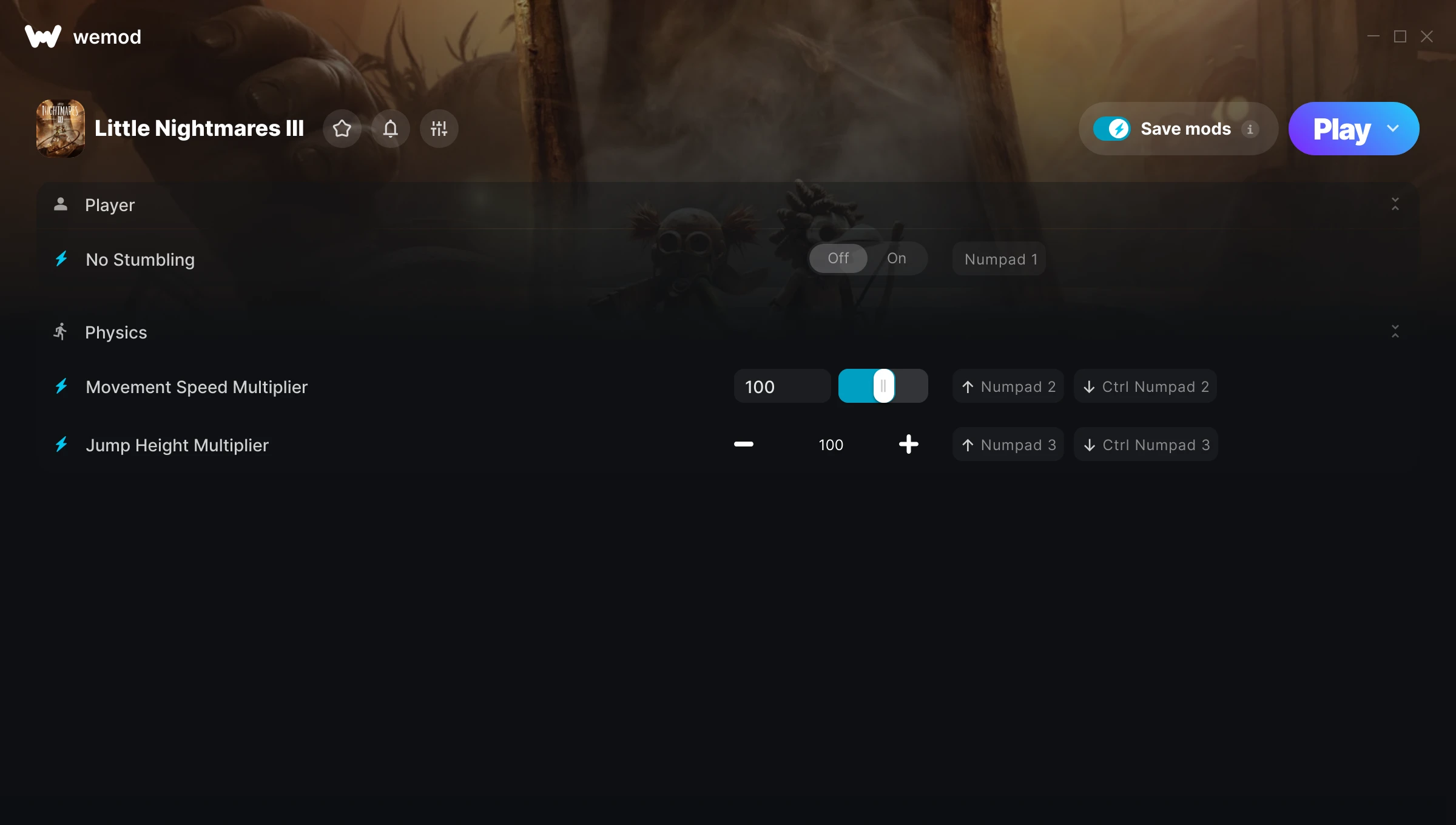
The Little Nightmares III Trainer gives you access to 3 cheats that let you play the game however you want. Struggling with a tough section? Want to skip the grind? Just want to mess around? This trainer has you covered.
These cheats won’t break your save file. Toggle them on, have fun, toggle them off whenever you want.
Released in 2025, this platform and puzzle title continues to pull in players who want to get more out of it.
No need to check for updates manually. This auto-updating trainer keeps itself compatible with the latest version of the game so your cheats always work.
Little Nightmares III Trainer Cheats
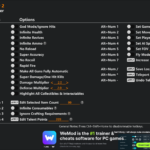
This trainer includes 3 cheats covering movement.
| # | Cheat | Effect |
|---|---|---|
| 1 | No Stumbling | Turn off stumbling entirely for easier gameplay |
| 2 | Movement Speed Multiplier | Multiply your movement speed gains by a huge amount |
| 3 | Jump Height Multiplier | Multiply your jump height gains by a huge amount |
What Can You Do With This Trainer?
Here are some of the standout cheats in this trainer – the ones that really change how you play:
- No Stumbling – Remove stumbling from the equation
- Movement Speed Multiplier – Multiply your movement speed gains by a huge amount
- Jump Height Multiplier – Boost your jump height earnings dramatically
And that’s just scratching the surface. The full Little Nightmares III cheat list above has everything you need to play completely on your own terms.
Download Little Nightmares III Trainer
Download the latest version of this trainer for PC below.
| Version | Creator | Platform | Date Added | Download |
|---|---|---|---|---|
| Auto-Updating Version (Latest) | GreenHouse | Steam | 2026-01-10 | Download |
How to Use This Trainer
- Begin With Little Nightmares III – Open the game first and let it fully load. You’ll activate the trainer in the next step once the game is up.
- Open WeMod Overlay – Search for “Little Nightmares III” in WeMod and click Play. The in-game overlay will appear with toggles for every available cheat.
- Toggle Your Cheats – Flip on whichever cheats you want from the WeMod overlay. Each one takes effect immediately – no restart needed.
- Game On – You’re set. Head back into Little Nightmares III and have fun. Remember, you can toggle cheats at any time – find the combination that works best for you.
Tips & Known Issues
- This trainer is strictly for single-player gameplay. Anti-cheat software in online modes will flag and ban your account.
- While trainers are safe to use, backing up your save file beforehand is always a smart precaution.
- Some antivirus software may flag the trainer as a false positive. You may need to add an exception for it.
- Trainers need direct access to the game’s memory on your PC. They won’t work with console editions or streamed versions.
- WeMod auto-updates the trainer after game patches, so you never have to manually download a new version.
Frequently Asked Questions
Do I need to restart the game after activating cheats?
No. Cheats are live the instant you toggle them. You can switch them on and off mid-gameplay without interruption.
How do I know which version to download?
This trainer auto-updates whenever the game is patched, so you always have the latest compatible version. Just download it once and you’re set.
Will this trainer affect my save files?
It won’t corrupt your saves. The trainer works in memory only – but keep in mind that any progress made with cheats enabled will be saved normally.
Is this trainer compatible with mods?
Generally, yes. Most mods and trainers operate independently. You might see odd behaviour if a mod directly changes the same stats the trainer controls.
Can I get banned for using this trainer?
Not in single-player – that’s what trainers are designed for. Never use them in online or multiplayer though, that will get you banned.
Does this trainer work with Steam?
Yes, it works with the Steam version of the game.