
Moonlighter Trainer
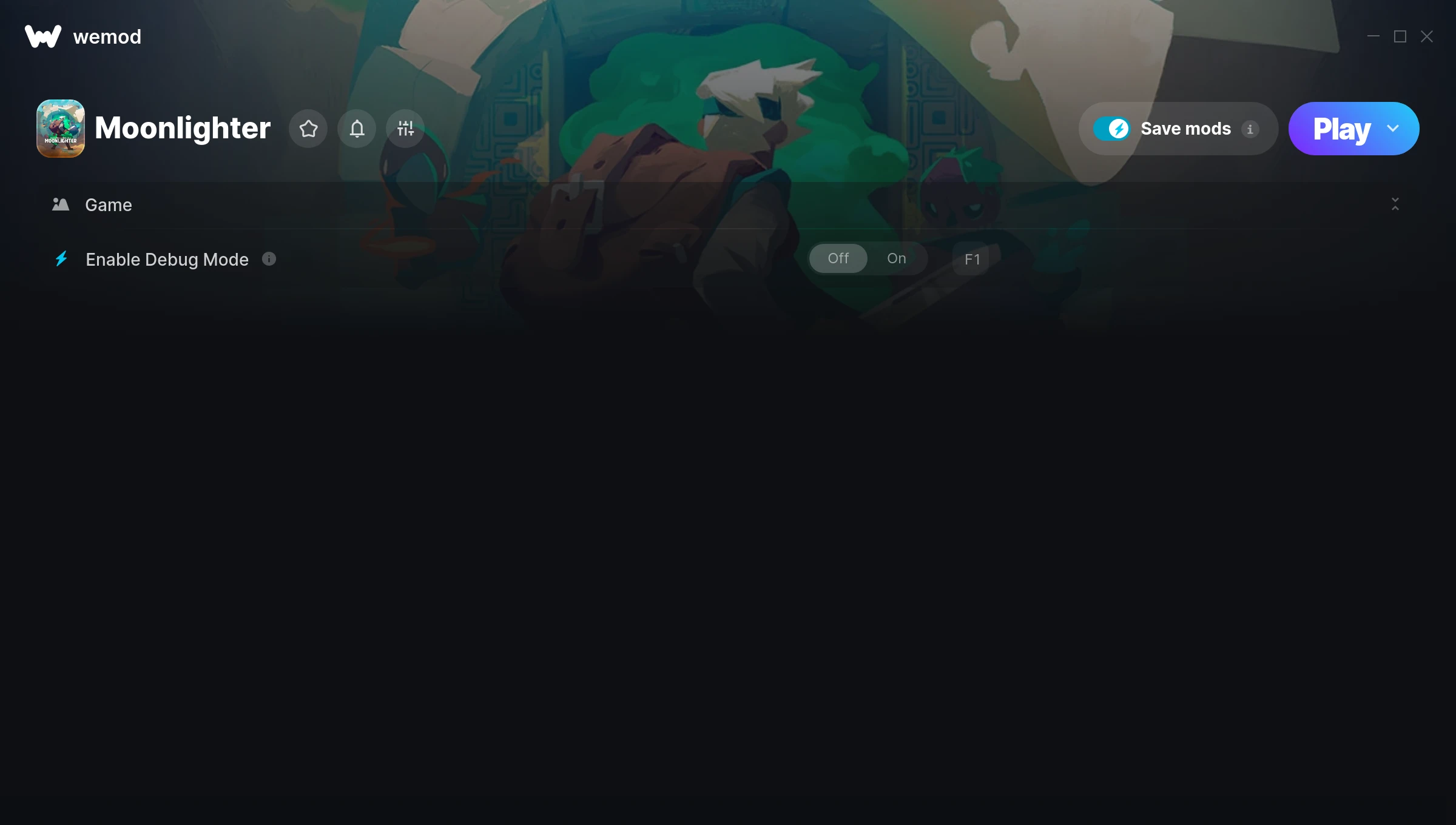
The Moonlighter Trainer gives you access to 1 cheats that let you play the game however you want. Struggling with a tough section? Want to skip the grind? Just want to mess around? This trainer has you covered.
Not every game needs to be a challenge. Sometimes you just want to vibe and explore.
This role-playing (rpg) and simulator title has been around since 2018 and remains a popular pick for players looking to push their experience further.
This trainer is auto-updating – it patches itself every time the game gets an update, so you never have to hunt for a new download. Just install it once and you’re set.
Moonlighter Trainer Cheats
This trainer includes 1 cheats for tweaking your gameplay.
| # | Cheat | Effect |
|---|---|---|
| 1 | Enable Debug Mode | Activate debug mode for a gameplay advantage |
Download Moonlighter Trainer
Download the latest version of this trainer for PC below.
| Version | Creator | Platform | Date Added | Download |
|---|---|---|---|---|
| Auto-Updating Version (Latest) | STN | Steam | 2025-10-11 | Download |
How to Use This Trainer
- Open Moonlighter – Launch the game and wait until you’re in-game or at the main menu. The trainer needs the game process running to hook into it.
- Open the Trainer – Open the WeMod app and search for “Moonlighter”. Click Play to launch the overlay. WeMod will detect the game and enable all available cheats.
- Choose Your Cheats – Scroll through the WeMod overlay and enable the cheats that interest you. All changes happen live while you play.
- Get Back to the Game – Everything is set up. Continue playing Moonlighter with your chosen cheats active. Experiment freely – you can change things at any time.
Tips & Known Issues
- Only use this trainer in single-player. Online and multiplayer modes have anti-cheat systems that will detect and ban you.
- Consider backing up your save files before using cheats, especially if you’re on your main playthrough.
- Steam’s in-game overlay sometimes interferes with trainers. If cheats aren’t activating, disable it in Steam > Settings > In-Game.
- Antivirus software may detect the trainer as suspicious. This is normal for game trainers – add an exclusion to proceed.
- The WeMod version updates itself automatically after each game patch. No action needed on your end.
Frequently Asked Questions
Can I get banned for using this trainer?
Not in single-player – that’s what trainers are designed for. Never use them in online or multiplayer though, that will get you banned.
How do I know which version to download?
This trainer auto-updates whenever the game is patched, so you always have the latest compatible version. Just download it once and you’re set.
Is this trainer compatible with mods?
They’re typically fine together. The rare exception is when a mod overwrites the same values the trainer hooks into, but that’s uncommon.
How do I use this trainer?
It’s straightforward: download, run the trainer while the game is open, and press the hotkeys to activate whichever cheats you want.
Will the trainer work with the latest game version?
The auto-updating trainer stays compatible with new patches on its own. If you grabbed the Standalone version, you might need to check for a newer release after big updates.
Does this trainer work with Steam?
Yes, it works with the Steam version of the game.



