Oninaki Trainer
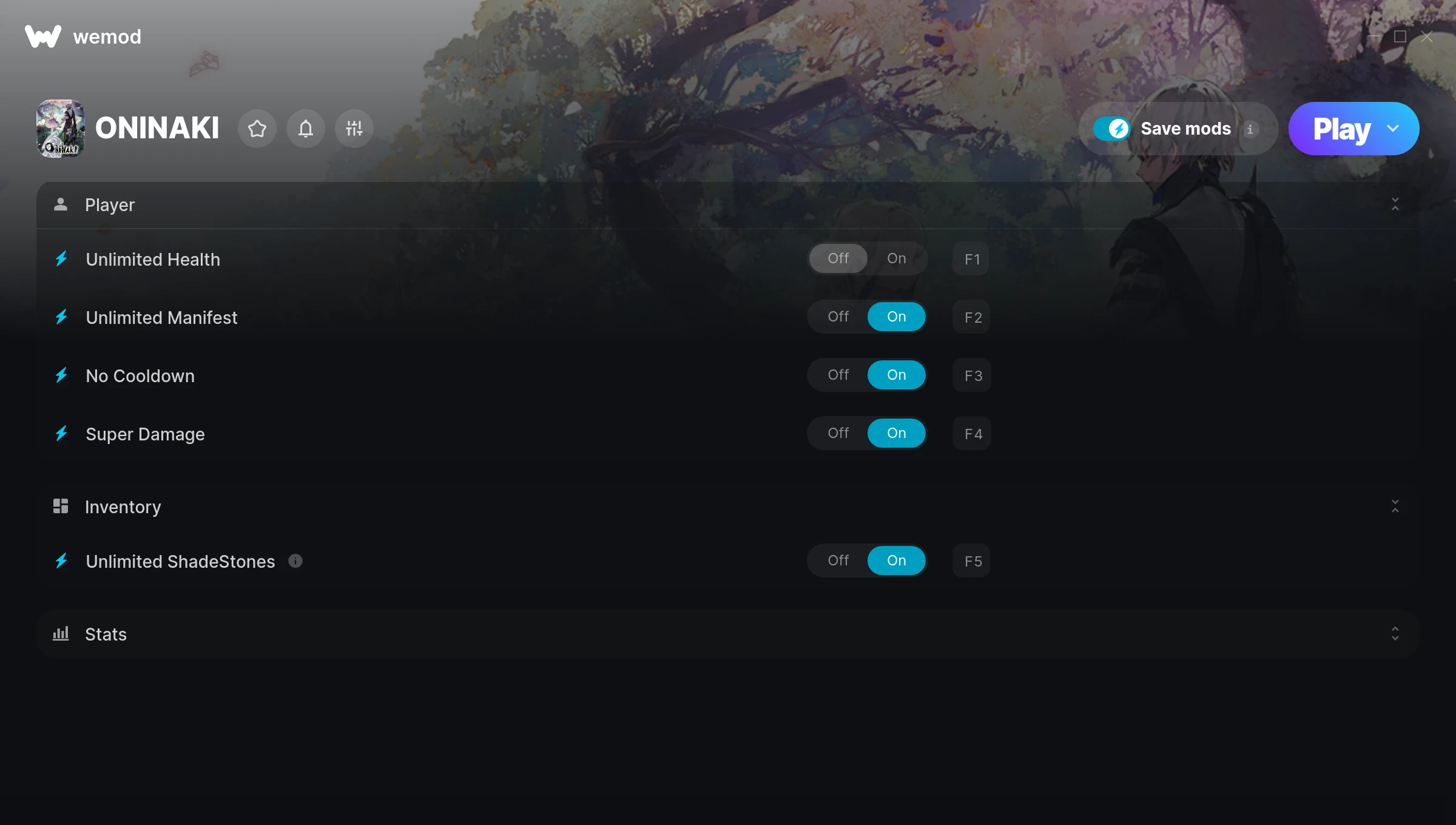
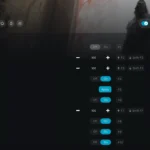
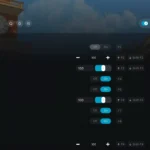
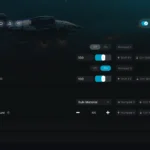
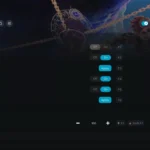
The Oninaki Trainer gives you access to 7 cheats that let you play the game however you want. Struggling with a tough section? Want to skip the grind? Just want to mess around? This trainer has you covered.
Not every game needs to be a challenge. Sometimes you just want to vibe and explore.
If you missed Oninaki when it launched in 2019, now is a great time to jump into this role-playing (rpg) and adventure title.
There’s an Auto-Updating Version that syncs with game patches on its own, and a Standalone version for anyone who prefers a one-time download. Either way, every cheat in the list is included.
Some of the most popular cheats included in this trainer are Unlimited Health, Unlimited Manifest, No Cooldown, Super Damage, and many more. These modifications let you customize difficulty, skip grinding, or simply experiment with the game in new ways.
Oninaki Trainer Cheats
This trainer includes 7 cheats covering health, combat, experience, cooldowns.
| # | Cheat | Effect |
|---|---|---|
| 1 | Unlimited Health | Your health stays maxed out no matter what hits you |
| 2 | Unlimited Manifest | Use your manifest as much as you want without limits |
| 3 | No Cooldown | Use abilities back-to-back with zero wait time between them |
| 4 | Super Damage | Crank your damage up to ridiculous levels |
| 5 | Unlimited ShadeStones | Remove all limits on your shadestones |
| 6 | Unlimited Potions | Remove all limits on your potions |
| 7 | Mega Exp | Crank your exp up to extreme amounts |
What Can You Do With This Trainer?
Here are some of the standout cheats in this trainer – the ones that really change how you play:
- Unlimited Health – Your health stays maxed out no matter what hits you
- Unlimited Manifest – Use your manifest as much as you want without limits
- No Cooldown – Use abilities back-to-back with zero wait time between them
- Super Damage – Crank your damage up to ridiculous levels
- Unlimited ShadeStones – Use your shadestones as much as you want without limits
And that’s just scratching the surface. The full cheat list above has everything you need to play the game completely on your own terms.
Download Oninaki Trainer
Download the latest version of this trainer for PC below.
| Version | Creator | Platform | Date Added | Download |
|---|---|---|---|---|
| Auto-Updating Version (Latest) | MrAntiFun | Steam | 2026-02-04 | Download |
| Standalone Version | FLiNG | Steam | 2025-12-07 | Download |
How to Use This Trainer
- Get Oninaki Running – Launch the game through your usual platform. Wait until you’re past any intro screens and into the menu or gameplay.
- Run Your Chosen Trainer – For the auto-updating version, open WeMod and find “Oninaki”. For the standalone version, run the FLiNG .exe file as Administrator. Both connect to the game automatically.
- Turn On Cheats – Pick the cheats you want from the WeMod overlay and switch them on. They kick in instantly and you can toggle them off anytime.
- Dive In – Everything is ready. Return to Oninaki and enjoy the game your way. Swap cheats around whenever you feel like mixing things up.
Tips & Known Issues
- This is a single-player trainer only. Do not use it in online or multiplayer modes – you will get banned.
- Steam’s in-game overlay sometimes interferes with trainers. If cheats aren’t activating, disable it in Steam > Settings > In-Game.
- Antivirus software may detect the trainer as suspicious. This is normal for game trainers – add an exclusion to proceed.
- Overlay apps from Discord, NVIDIA, or Razer can occasionally clash with trainer hooks. Disable them as a troubleshooting step.
- The WeMod version updates itself automatically after each game patch. No action needed on your end.
Frequently Asked Questions
Can I customise how much health or money I get?
Some cheats include an edit mode where you can set a specific value rather than just maxing things out. Great for keeping things balanced if you want.
Will the trainer work with the latest game version?
If you’re using the Auto-Updating Version, yes – it patches itself after every game update. The Standalone build may lag behind slightly after major patches.
How do I know which version to download?
Go with the Auto-Updating Version if you want something that stays current automatically. The Standalone version is better if you prefer a fixed release or are running an older game version.
How do I use this trainer?
It’s straightforward: download, run the trainer while the game is open, and press the hotkeys to activate whichever cheats you want.
Do I need to restart the game after activating cheats?
No restart needed. Cheats take effect the moment you activate them – toggle freely while you play.
What cheats are included in this trainer?
There are 7 cheats in total – check the cheat table further up the page for the complete breakdown.
Does this trainer work with Steam?
Yes, it works with the Steam version of the game.