Papers, Please Trainer
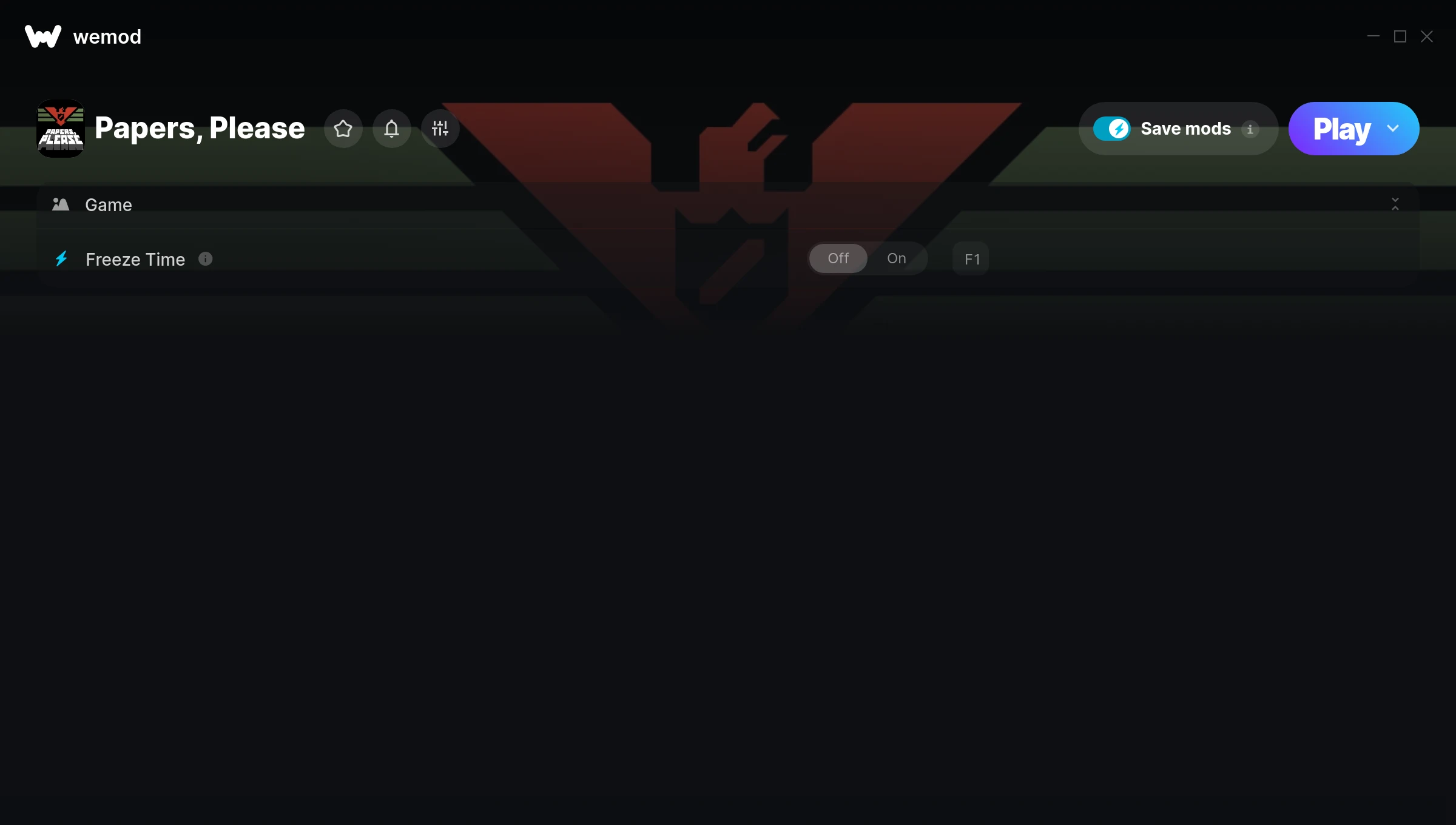
The Papers, Please Trainer gives you access to 1 cheats that let you play the game however you want. Struggling with a tough section? Want to skip the grind? Just want to mess around? This trainer has you covered.
Freezing time gives you all the breathing room you need to plan the perfect move. These cheats let you get past the frustrating parts and actually enjoy the game at your own pace.
If you’ve already finished the story and want to replay it like an overpowered lunatic, this is for you.
Released in 2013, this point-and-click and puzzle title continues to pull in players who want to get more out of it.
Once you’ve got this trainer installed, it takes care of itself. Every time the game gets a patch, the trainer updates automatically so your cheats keep working.
Papers, Please Trainer Cheats
This trainer includes 1 cheats covering time.
| # | Cheat | Effect |
|---|---|---|
| 1 | Freeze Time | Lock your time so it never changes |
Download Papers, Please Trainer
Download the latest version of this trainer for PC below.
| Version | Creator | Platform | Date Added | Download |
|---|---|---|---|---|
| Auto-Updating Version (Latest) | STiNGERR | Steam | 2026-01-09 | Download |
How to Use This Trainer
- Boot Up Papers, Please – Start the game like you normally would. Once you’re at the main menu or loaded into your save, you’re ready for the next step.
- Connect WeMod – Launch the WeMod application and find “Papers, Please” in the library. Press Play and WeMod will hook into the running game automatically.
- Switch On Your Cheats – Browse the cheat list in the WeMod overlay and toggle on whatever you want. Effects are instant and reversible.
- Have Fun – Done! Get back to playing and enjoy the ride. Mix and match cheats whenever you want – there’s no wrong way to use them.
Tips & Known Issues
- Never activate this trainer during online play. It’s built for single-player only and multiplayer anti-cheat will catch it.
- Some antivirus software may flag the trainer as a false positive. You may need to add an exception for it.
- Always run the trainer as Administrator for best compatibility.
- The Steam Overlay can occasionally conflict with trainer software. Disable it in Steam settings if you notice problems.
- One of the perks of WeMod is automatic updates. The trainer syncs with game patches behind the scenes.
Frequently Asked Questions
How do I use this trainer?
Download the trainer, run it alongside the game, and use the hotkeys to toggle cheats on and off. It really is that simple.
Is this trainer free to download?
Free as it gets. The download links are right above this section, pick whichever version suits you.
Can I use multiple cheats at the same time?
You can run every single cheat at once if you want. Mix and match until you find a combination you enjoy.
Can I customise how much health or money I get?
Yes – many cheats have edit or set options that let you type in the exact value you want. Perfect for dialling things in without going completely overboard.
What cheats are included in this trainer?
You get 1 cheats to play with. Scroll up to the cheat list to see exactly what’s available.
How often is this trainer updated?
This trainer auto-updates shortly after each game patch, so it stays compatible without you having to do anything.
Does this trainer work with Steam?
Yes. The trainer hooks into the game process when launched through Steam.