Project Hospital Trainer
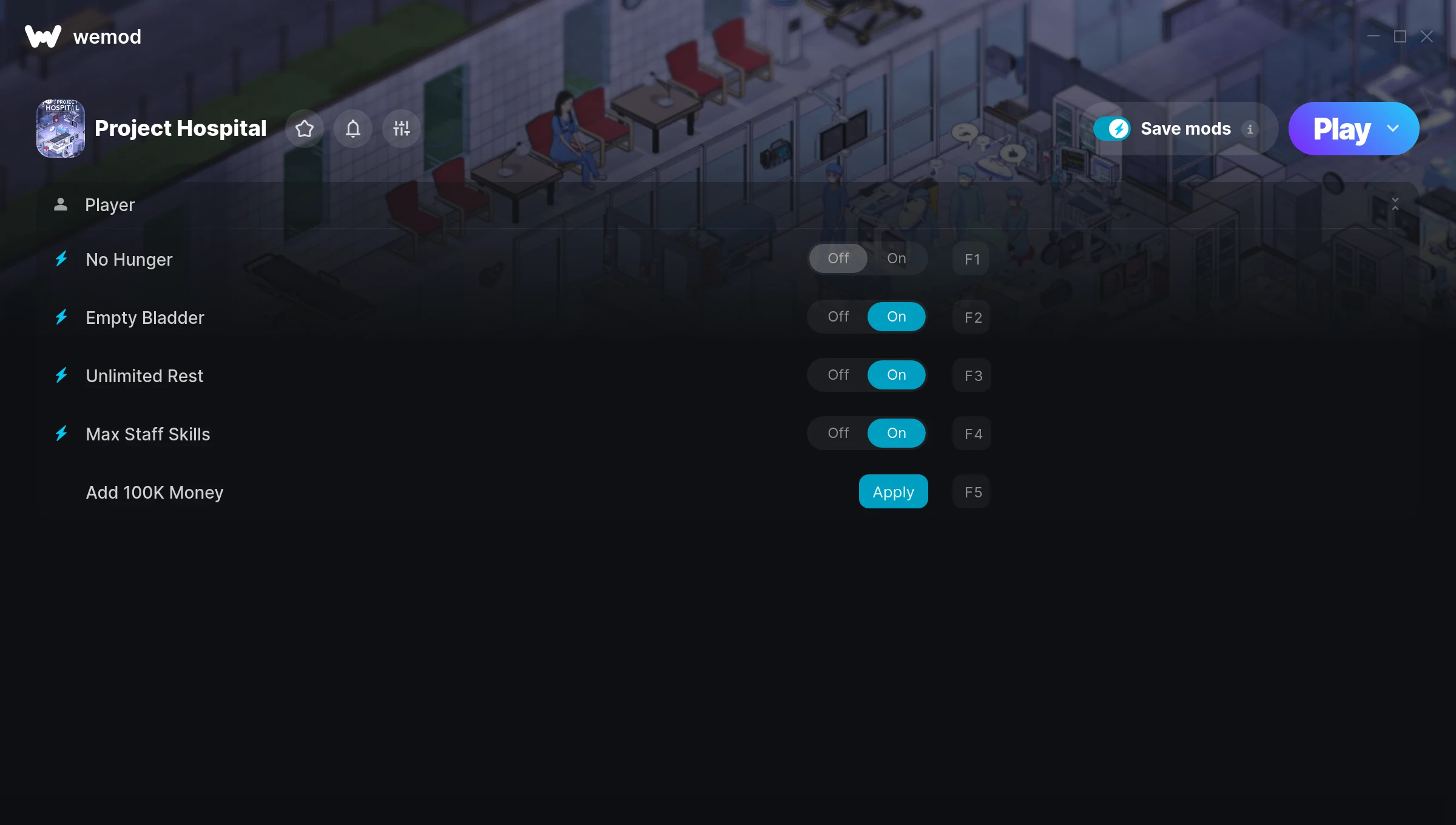
The Project Hospital Trainer gives you access to 5 cheats that let you play the game however you want. Struggling with a tough section? Want to skip the grind? Just want to mess around? This trainer has you covered.
Skip the grind, skip the frustration, and get straight to the fun part.
Since its 2018 release, Project Hospital has built a loyal following among simulator and strategy fans looking to customize their playthrough.
You get two download options here. The Auto-Updating Version stays current automatically whenever the game is patched – zero effort on your part. Or grab the Standalone version if you want a specific build that won’t change.
Some of the most popular cheats included in this trainer are Max Staff Skills, No Hunger, Empty Bladder, Unlimited Rest, and many more. These modifications let you customize difficulty, skip grinding, or simply experiment with the game in new ways.
Project Hospital Trainer Cheats
This trainer includes 5 cheats covering resources.
| # | Cheat | Effect |
|---|---|---|
| 1 | No Hunger | Turn off hunger entirely for easier gameplay |
| 2 | Empty Bladder | Tweak the empty bladder mechanic to your advantage |
| 3 | Unlimited Rest | Your rest never runs out or depletes |
| 4 | Max Staff Skills | Set your staff skills to the absolute maximum |
| 5 | Add 100K Money | Add extra 100k money whenever you need it |
What Can You Do With This Trainer?
Here are some of the standout cheats in this trainer – the ones that really change how you play:
- No Hunger – Remove hunger from the equation
- Empty Bladder – Tweak the empty bladder mechanic to your advantage
- Unlimited Rest – Use your rest as much as you want without limits
- Max Staff Skills – Set your staff skills to the absolute maximum
- Add 100K Money – Add extra 100k money whenever you need it
And that’s just scratching the surface. The full Project Hospital cheat list above has everything you need to play completely on your own terms.
Download Project Hospital Trainer
Download the latest version of this trainer for PC below.
| Version | Creator | Platform | Date Added | Download |
|---|---|---|---|---|
| Auto-Updating Version (Latest) | MrAntiFun | Steam | 2026-01-09 | Download |
How to Use This Trainer
- Run Project Hospital – Get the game running first – load a save or start fresh. The trainer won’t work unless the game is already open.
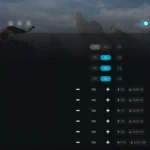
- Open WeMod Overlay – Search for “Project Hospital” in WeMod and click Play. The in-game overlay will appear with toggles for every available cheat.
- Switch On Your Cheats – Browse the cheat list in the WeMod overlay and toggle on whatever you want. Effects are instant and reversible.
- Start Playing – That’s all there is to it. Dive back in and enjoy Project Hospital with your cheats running. Feel free to adjust them anytime mid-game.
Tips & Known Issues
- Trainers are designed for single-player use only. Using them online or in multiplayer will result in a ban.
- Cloud gaming services like GeForce NOW or Xbox Cloud Gaming are not compatible with trainers. You need the game running locally on PC.
- Right-click the trainer and select Run as Administrator to ensure it has the access it needs.
- Trainer compatibility depends on game version. If cheats aren’t activating, check that your game is up to date.
- One of the perks of WeMod is automatic updates. The trainer syncs with game patches behind the scenes.
Frequently Asked Questions
What cheats are included in this trainer?
This trainer packs 5 cheats covering everything from infinite health to unlimited resources and more. The full list is in the table above.
Can I use multiple cheats at the same time?
You can run every single cheat at once if you want. Mix and match until you find a combination you enjoy.
Can I get banned for using this trainer?
As long as you stick to single-player, you’re fine. Using cheats in multiplayer or online modes is a completely different story – don’t do it.
Can I customise how much health or money I get?
Some cheats include an edit mode where you can set a specific value rather than just maxing things out. Great for keeping things balanced if you want.
Does this trainer work with Steam?
Yes. The trainer hooks into the game process when launched through Steam.