Slay the Spire Trainer
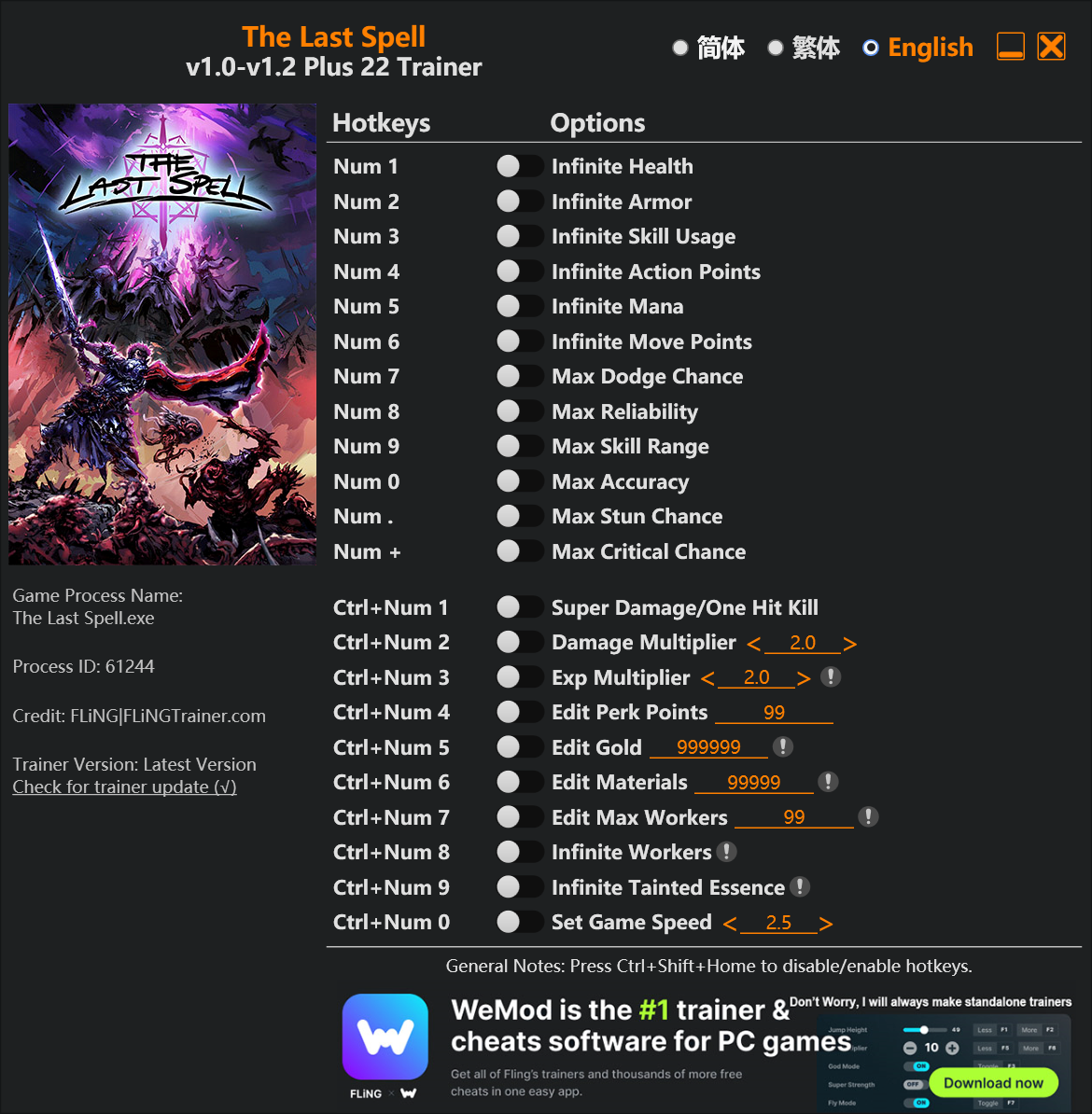
The Slay the Spire Trainer gives you access to 2 cheats that let you play the game however you want. Struggling with a tough section? Want to skip the grind? Just want to mess around? This trainer has you covered.
Some of these cheats are subtle quality-of-life tweaks. Others are straight-up game-breaking. Both are great.
A role-playing (rpg) and strategy title that first dropped in 2019, Slay the Spire still draws players who want to tweak the experience to their liking.
Grab the Auto-Updating Version if you want this PC trainer to stay compatible after every patch – it handles updates in the background. The Standalone version is there if you’d rather have a single, fixed download.
Slay the Spire Trainer Cheats
This trainer includes 2 cheats covering health.
| # | Cheat | Effect |
|---|---|---|
| 1 | Unlimited Health | Your health stays maxed out no matter what hits you |
| 2 | Unlimited Energy | Use your energy as much as you want without limits |
Download Slay the Spire Trainer
Download the latest version of this trainer for PC below.
| Version | Creator | Platform | Date Added | Download |
|---|---|---|---|---|
| Auto-Updating Version (Latest) | STiNGERR | Steam, Xbox | 2025-10-11 | Download |
| Standalone Version | FLiNG | Steam | 2025-08-19 | Download |
How to Use This Trainer
- Start the Game First – Always start Slay the Spire before the trainer. Load your save or start a new game – the trainer needs an active game process.
- Run Your Chosen Trainer – For the auto-updating version, open WeMod and find “Slay the Spire”. For the standalone version, run the FLiNG .exe file as Administrator. Both connect to the game automatically.
- Turn On Cheats – Pick the cheats you want from the WeMod overlay and switch them on. They kick in instantly and you can toggle them off anytime.
- Game On – You’re set. Head back into Slay the Spire and have fun. Remember, you can toggle cheats at any time – find the combination that works best for you.
Tips & Known Issues
- Trainers are designed for single-player use only. Using them online or in multiplayer will result in a ban.
- Steam users may want to turn off the Steam Overlay to prevent it from interfering with the trainer.
- If your antivirus blocks the trainer, add it to your exception list. Memory-editing tools are commonly flagged as false positives.
- Overlay apps from Discord, NVIDIA, or Razer can occasionally clash with trainer hooks. Disable them as a troubleshooting step.
- Using WeMod? The trainer stays current on its own – it auto-patches after every game update.
Frequently Asked Questions
How often is this trainer updated?
The Auto-Updating Version gets patched shortly after each game update. The Standalone version is updated periodically, so keep an eye out for new releases.
Can I customise how much health or money I get?
Where available, yes. Look for cheats labelled ‘Set’ or ‘Edit’ – these let you punch in a custom value instead of going straight to infinite.
How do I use this trainer?
Just download the trainer and open it while the game is running. Each cheat has a toggle – flip them on or off as you play.
Is this trainer compatible with mods?
They’re typically fine together. The rare exception is when a mod overwrites the same values the trainer hooks into, but that’s uncommon.
What should I do if the trainer stops working after an update?
If a game patch breaks things, the Auto-Updating Version will fix itself automatically. For the Standalone version, check back for a new release.
Does this trainer work with Steam?
Fully compatible. This trainer works with Steam, Xbox – just launch the game through whichever launcher you use.