Storage Hustle Trainer
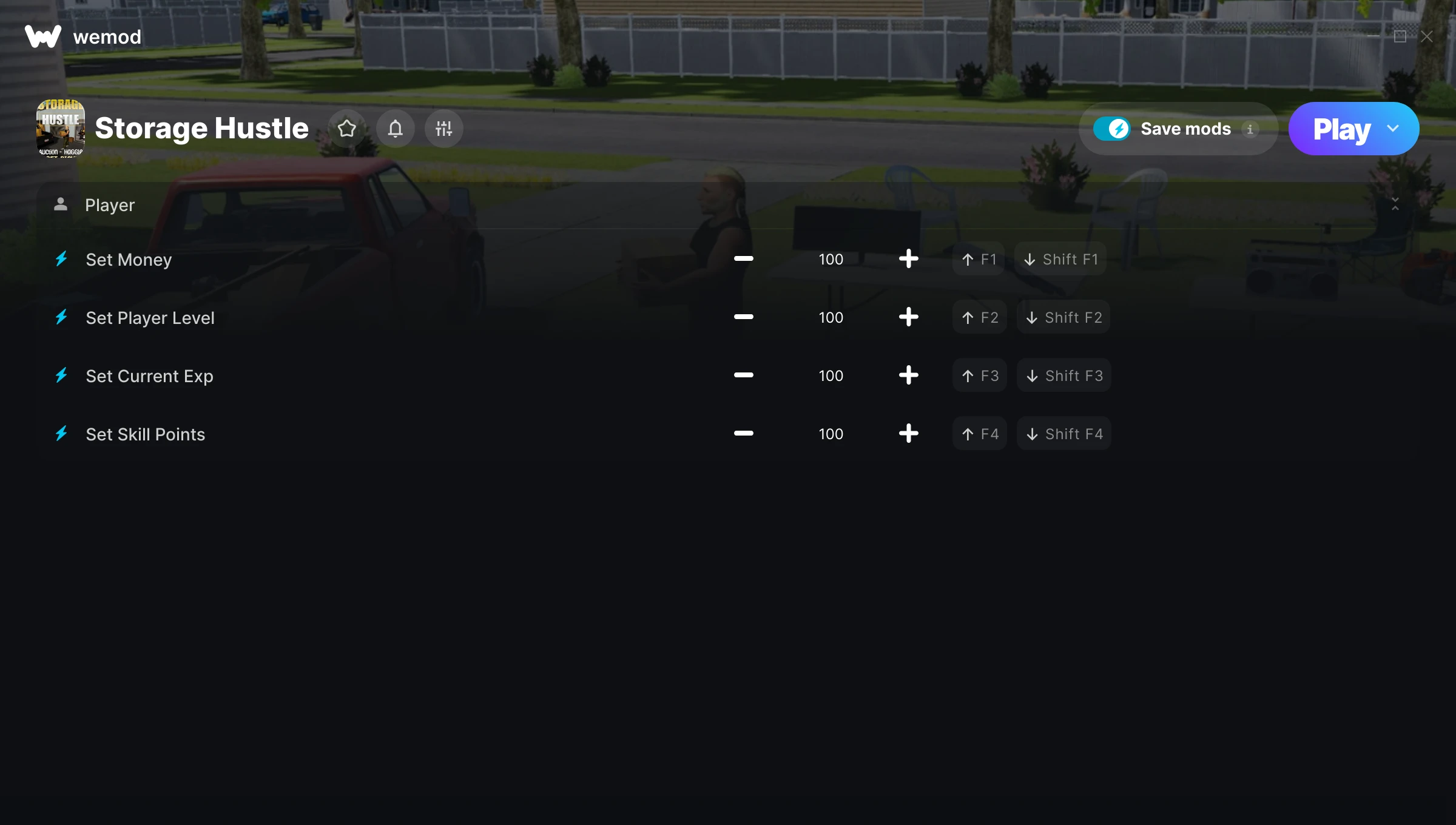
The Storage Hustle Trainer gives you access to 4 cheats that let you play the game however you want. Struggling with a tough section? Want to skip the grind? Just want to mess around? This trainer has you covered.
Whether you want a slight edge or total domination, there’s something here for you.
This role-playing (rpg) and simulator title has been around since 2023 and remains a popular pick for players looking to push their experience further.
This trainer is auto-updating – it patches itself every time the game gets an update, so you never have to hunt for a new download. Just install it once and you’re set.
Storage Hustle Trainer Cheats
This trainer includes 4 cheats covering resources, experience.
| # | Cheat | Effect |
|---|---|---|
| 1 | Set Money | Manually set your money to any number |
| 2 | Set Player Level | Choose exactly how much player level you want |
| 3 | Set Current Exp | Adjust current exp to whatever feels right |
| 4 | Set Skill Points | Choose exactly how much skill points you want |
What Can You Do With This Trainer?
Here are some of the standout cheats in this trainer – the ones that really change how you play:
- Set Money – Manually set your money to any number
- Set Player Level – Choose exactly how much player level you want
- Set Current Exp – Adjust current exp to whatever feels right
- Set Skill Points – Adjust skill points to whatever feels right
And that’s just scratching the surface. The full Storage Hustle cheat list above has everything you need to play completely on your own terms.
Recommended Cheat Presets
Not sure which cheats to enable? Here are some recommended preset combinations for different playstyles:
Farming Preset
Skip the grind entirely. Max out your loot, XP, and cash without spending hours farming the same enemies over and over.
- Set Money
- Set Current Exp
- Set Skill Points
Download Storage Hustle Trainer
Download the latest version of this trainer for PC below.
| Version | Creator | Platform | Date Added | Download |
|---|---|---|---|---|
| Auto-Updating Version (Latest) | MrAntiFun | Steam | 2025-10-11 | Download |
How to Use This Trainer
- Begin With Storage Hustle – Open the game first and let it fully load. You’ll activate the trainer in the next step once the game is up.
- Start the Trainer – Open WeMod, type “Storage Hustle” in the search bar, and click Play. The overlay pops up in-game and you’re ready to go.
- Select and Activate – Choose your cheats from the WeMod overlay and flip them on. Every toggle takes effect right away with no need to reload.
- Get Back to the Game – Everything is set up. Continue playing Storage Hustle with your chosen cheats active. Experiment freely – you can change things at any time.
Tips & Known Issues
- This trainer is strictly for single-player gameplay. Anti-cheat software in online modes will flag and ban your account.
- Running the trainer as Admin avoids most permission-related issues. Right-click and choose Run as Administrator.
- The Steam Overlay can occasionally conflict with trainer software. Disable it in Steam settings if you notice problems.
- Not on PC? Unfortunately, trainers don’t work on console or cloud gaming platforms – they require direct memory access.
- One of the perks of WeMod is automatic updates. The trainer syncs with game patches behind the scenes.
Frequently Asked Questions
How often is this trainer updated?
This trainer auto-updates shortly after each game patch, so it stays compatible without you having to do anything.
Can I customise how much health or money I get?
Where available, yes. Look for cheats labelled ‘Set’ or ‘Edit’ – these let you punch in a custom value instead of going straight to infinite.
Is this trainer compatible with mods?
They’re typically fine together. The rare exception is when a mod overwrites the same values the trainer hooks into, but that’s uncommon.
Is this trainer free to download?
Yep, completely free. Just grab it from the download links above and you’re good to go.
Does this trainer work with Steam?
Yes. The trainer hooks into the game process when launched through Steam.