Teenage Mutant Ninja Turtles: The Cowabunga Collection Trainer
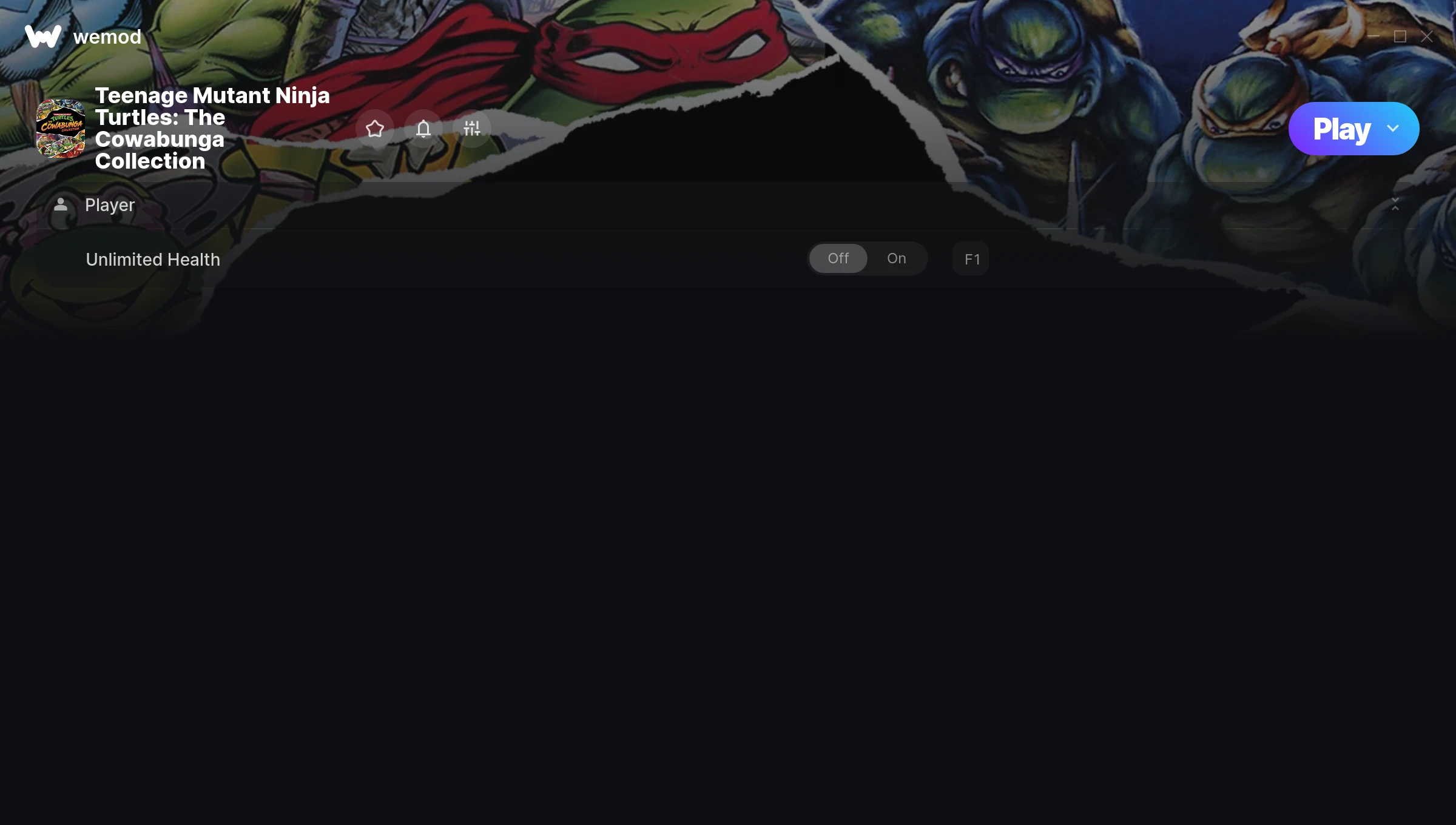
The Teenage Mutant Ninja Turtles: The Cowabunga Collection Trainer gives you access to 1 cheats that let you play the game however you want. Struggling with a tough section? Want to skip the grind? Just want to mess around? This trainer has you covered.
Consider this your shortcut past every annoying difficulty spike in the game.
It’s been a while since Teenage Mutant Ninja Turtles: The Cowabunga Collection first hit in 2022, but this fighting and platform title still has plenty to offer.
The best part? This PC trainer auto-updates whenever the game is patched. Zero effort on your part – it stays compatible in the background so you can just play.
Teenage Mutant Ninja Turtles: The Cowabunga Collection Cheats
This trainer includes 1 cheats covering health.
| # | Cheat | Effect |
|---|---|---|
| 1 | Unlimited Health | Your health stays maxed out no matter what hits you |
Download Teenage Mutant Ninja Turtles: The Cowabunga Collection Trainer
Download the latest version of this trainer for PC below.
| Version | Creator | Platform | Date Added | Download |
|---|---|---|---|---|
| Auto-Updating Version (Latest) | MrAntiFun | Steam | 2026-01-21 | Download |
How to Use This Trainer
- Launch the Game – Open Teenage Mutant Ninja Turtles: The Cowabunga Collection and get to the point where you’re actually playing. The trainer hooks into the game while it’s running.
- Activate WeMod – Run the WeMod app, locate “Teenage Mutant Ninja Turtles: The Cowabunga Collection”, and hit Play. WeMod attaches to the game and shows you the full cheat list in the overlay.
- Select and Activate – Choose your cheats from the WeMod overlay and flip them on. Every toggle takes effect right away with no need to reload.
- Have Fun – Done! Get back to playing and enjoy the ride. Mix and match cheats whenever you want – there’s no wrong way to use them.
Tips & Known Issues
- This trainer is strictly for single-player gameplay. Anti-cheat software in online modes will flag and ban your account.
- If the trainer isn’t working, make sure your game is fully updated to the latest version.
- Always run the trainer as Administrator for best compatibility.
- Trainers need direct access to the game’s memory on your PC. They won’t work with console editions or streamed versions.
- Using WeMod? The trainer stays current on its own – it auto-patches after every game update.
Frequently Asked Questions
How often is this trainer updated?
This trainer auto-updates shortly after each game patch, so it stays compatible without you having to do anything.
What cheats are included in this trainer?
There are 1 cheats in total – check the cheat table further up the page for the complete breakdown.
Can I use multiple cheats at the same time?
Of course. There’s no limit to how many you can have active. Layer them however you want.
Will the trainer work with the latest game version?
If you’re using the Auto-Updating Version, yes – it patches itself after every game update.
What should I do if the trainer stops working after an update?
If a game patch breaks things, the auto-updating trainer will fix itself automatically – usually within a day or two.
Does this trainer work with Steam?
It does. This trainer is built to work with the Steam version.