The Banner Saga Trainer
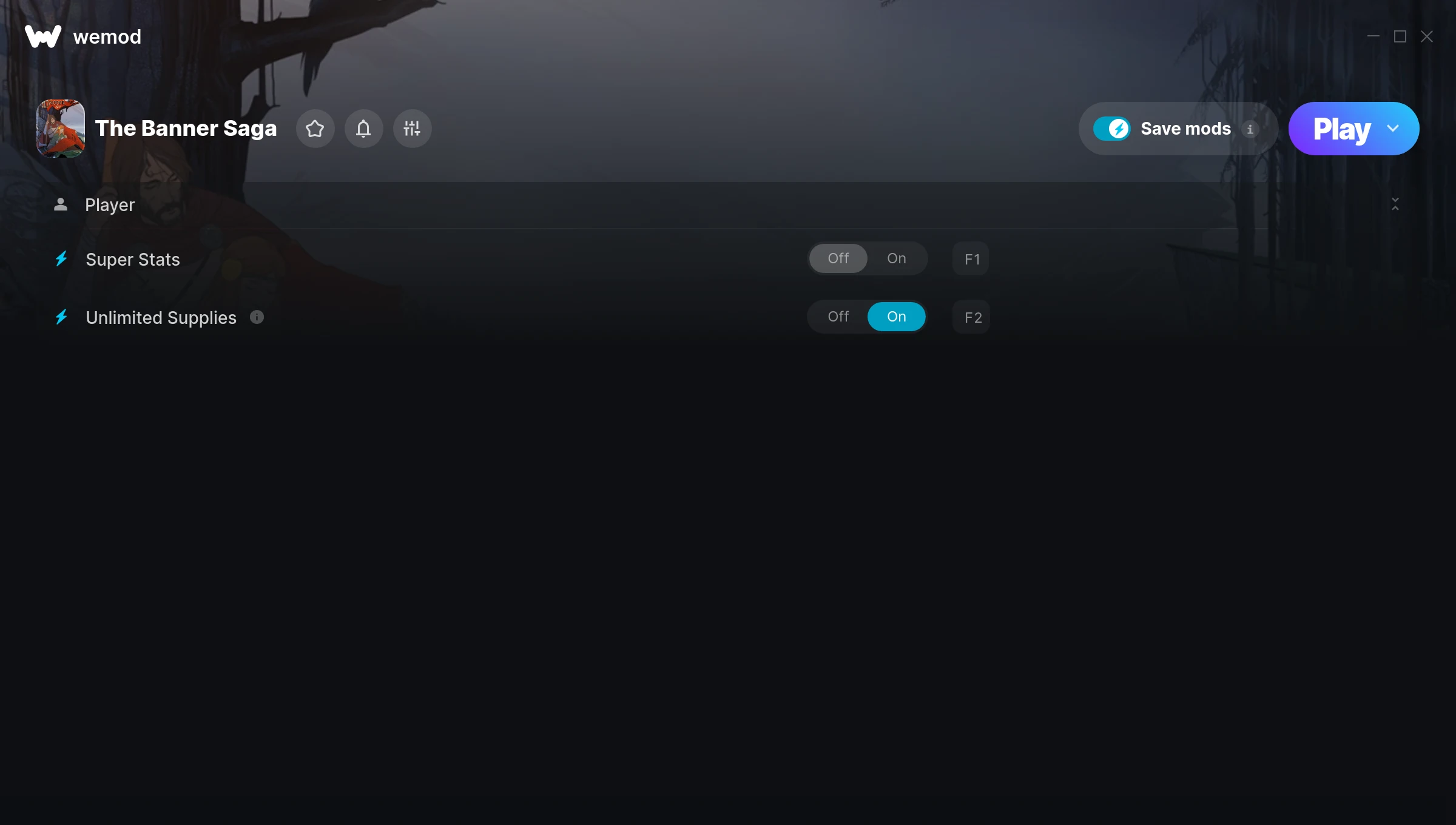
The The Banner Saga Trainer gives you access to 2 cheats that let you play the game however you want. Struggling with a tough section? Want to skip the grind? Just want to mess around? This trainer has you covered.
Whether you’ve already beaten it legit or just want to cause some chaos, you’re in the right place.
The Banner Saga first launched in 2014 as a role-playing (rpg) and simulator title and still has a strong community of players today.
Once you’ve got this trainer installed, it takes care of itself. Every time the game gets a patch, the trainer updates automatically so your cheats keep working.
The Banner Saga Trainer Cheats
This trainer includes 2 cheats for tweaking your gameplay.
| # | Cheat | Effect |
|---|---|---|
| 1 | Super Stats | Crank your stats up to ridiculous levels |
| 2 | Unlimited Supplies | Remove all limits on your supplies |
Download The Banner Saga Trainer
Download the latest version of this trainer for PC below.
| Version | Creator | Platform | Date Added | Download |
|---|---|---|---|---|
| Auto-Updating Version (Latest) | MrAntiFun | Steam | 2025-12-11 | Download |
How to Use This Trainer
- Get The Banner Saga Running – Launch the game through your usual platform. Wait until you’re past any intro screens and into the menu or gameplay.
- Connect WeMod – Launch the WeMod application and find “The Banner Saga” in the library. Press Play and WeMod will hook into the running game automatically.
- Choose Your Cheats – Scroll through the WeMod overlay and enable the cheats that interest you. All changes happen live while you play.
- Enjoy Your Playthrough – All done. Now play The Banner Saga however you want. You can tweak your active cheats at any point without restarting.
Tips & Known Issues
- Keep this trainer offline. Single-player only – any online or multiplayer use risks a permanent ban from the game.
- Right-click the trainer and select Run as Administrator to ensure it has the access it needs.
- Not on PC? Unfortunately, trainers don’t work on console or cloud gaming platforms – they require direct memory access.
- If using Steam, consider disabling the Steam Overlay (Steam > Settings > In-Game) to avoid conflicts with the trainer.
- WeMod auto-updates the trainer after game patches, so you never have to manually download a new version.
Frequently Asked Questions
What cheats are included in this trainer?
There are 2 cheats in total – check the cheat table further up the page for the complete breakdown.
What should I do if the trainer stops working after an update?
If a game patch breaks things, the auto-updating trainer will fix itself automatically – usually within a day or two.
Do I need to restart the game after activating cheats?
No restart needed. Cheats take effect the moment you activate them – toggle freely while you play.
How often is this trainer updated?
This trainer auto-updates shortly after each game patch, so it stays compatible without you having to do anything.
Can I customise how much health or money I get?
Yes – many cheats have edit or set options that let you type in the exact value you want. Perfect for dialling things in without going completely overboard.
Will the trainer work with the latest game version?
The auto-updating trainer stays compatible with new patches on its own. If you grabbed the Standalone version, you might need to check for a newer release after big updates.
Does this trainer work with Steam?
It does. This trainer is built to work with the Steam version.