
The Sims 4 Trainer
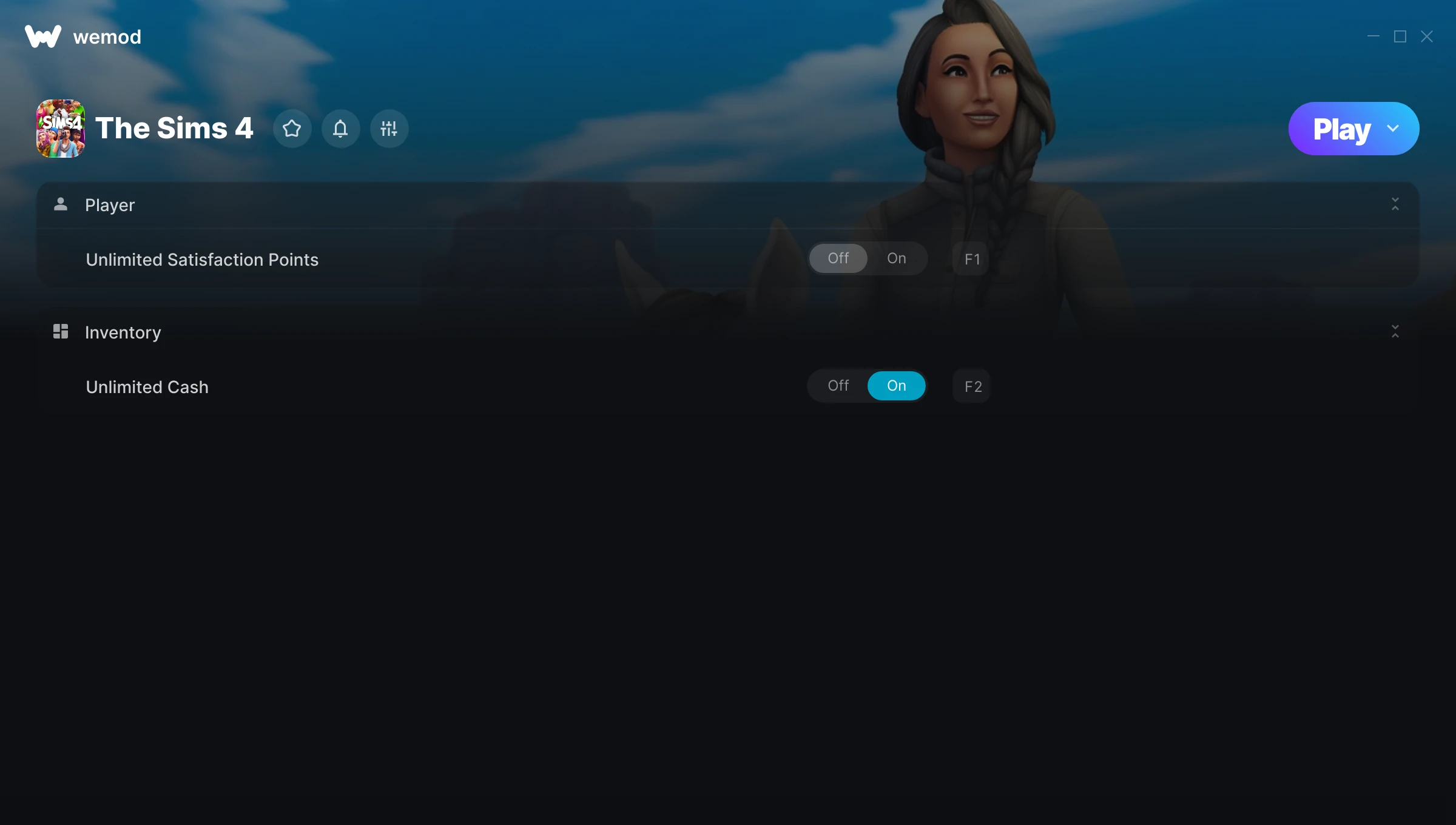
The The Sims 4 Trainer gives you access to 2 cheats that let you play the game however you want. Struggling with a tough section? Want to skip the grind? Just want to mess around? This trainer has you covered.
Honestly, half the fun is seeing what happens when you turn everything on at once.
Since its 2020 release, The Sims 4 has built a loyal following among role-playing (rpg) and simulator fans looking to customize their playthrough.
The best part? This PC trainer auto-updates whenever the game is patched. Zero effort on your part – it stays compatible in the background so you can just play.
The Sims 4 Trainer Cheats
This trainer includes 2 cheats for tweaking your gameplay.
| # | Cheat | Effect |
|---|---|---|
| 1 | Unlimited Satisfaction Points | Your satisfaction points never runs out or depletes |
| 2 | Unlimited Cash | Remove all limits on your cash |
Download The Sims 4 Trainer
Download the latest version of this trainer for PC below.
| Version | Creator | Platform | Date Added | Download |
|---|---|---|---|---|
| Auto-Updating Version (Latest) | MrAntiFun | Steam, EA | 2025-05-14 | Download |
How to Use This Trainer
- Get The Sims 4 Running – Launch the game through your usual platform. Wait until you’re past any intro screens and into the menu or gameplay.
- Open WeMod Overlay – Search for “The Sims 4” in WeMod and click Play. The in-game overlay will appear with toggles for every available cheat.
- Choose Your Cheats – Scroll through the WeMod overlay and enable the cheats that interest you. All changes happen live while you play.
- Start Playing – That’s all there is to it. Dive back in and enjoy The Sims 4 with your cheats running. Feel free to adjust them anytime mid-game.
Tips & Known Issues
- Trainers are designed for single-player use only. Using them online or in multiplayer will result in a ban.
- Having issues on Steam? Try disabling the Steam Overlay under Settings > In-Game. It can sometimes clash with trainers.
- Antivirus software may detect the trainer as suspicious. This is normal for game trainers – add an exclusion to proceed.
- Trainers need direct access to the game’s memory on your PC. They won’t work with console editions or streamed versions.
- One of the perks of WeMod is automatic updates. The trainer syncs with game patches behind the scenes.
Frequently Asked Questions
Can I get banned for using this trainer?
Trainers are for single-player only. Seriously, do not try these in online or multiplayer modes – that is a fast track to a ban.
Is this trainer compatible with mods?
In most cases they work fine together. Conflicts only happen when a mod alters the exact same memory values the trainer is trying to modify.
Is this trainer free to download?
Free as it gets. The download links are right above this section, pick whichever version suits you.
How often is this trainer updated?
This trainer auto-updates shortly after each game patch, so it stays compatible without you having to do anything.
Does this trainer work with Steam?
Fully compatible. This trainer works with Steam, EA – just launch the game through whichever launcher you use.



