
Totally Accurate Battle Simulator Trainer
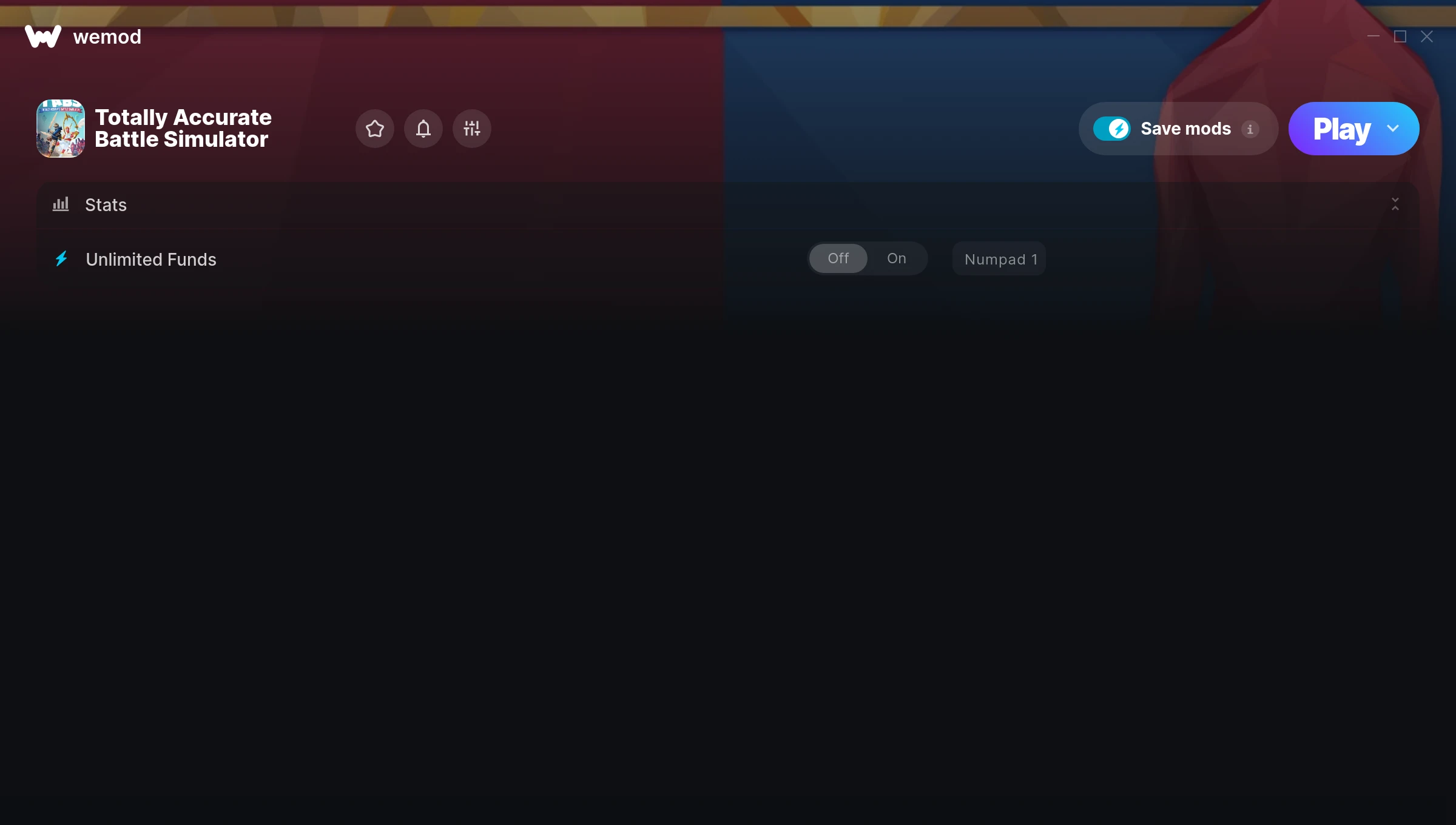
The Totally Accurate Battle Simulator Trainer gives you access to 1 cheats that let you play the game however you want. Struggling with a tough section? Want to skip the grind? Just want to mess around? This trainer has you covered.
We’ve seen people sink hundreds of hours into this game with cheats on. It hits different.
First hitting the scene in 2021, this fighting and simulator title keeps attracting players who want more control over their run.
This trainer stays in sync with game patches automatically. You’ll never have to worry about downloading a new version after an update – it handles everything behind the scenes.
Totally Accurate Battle Simulator Trainer Cheats
This trainer includes 1 cheats for tweaking your gameplay.
| # | Cheat | Effect |
|---|---|---|
| 1 | Unlimited Funds | Your funds never runs out or depletes |
Download Totally Accurate Battle Simulator Trainer
Download the latest version of this trainer for PC below.
| Version | Creator | Platform | Date Added | Download |
|---|---|---|---|---|
| Auto-Updating Version (Latest) | STiNGERR | Steam, Xbox | 2026-01-09 | Download |
How to Use This Trainer
- Launch Totally Accurate Battle Simulator – Start the game and load into your save file or start a new game. Make sure it’s running before activating the trainer.
- Activate WeMod – Run the WeMod app, locate “Totally Accurate Battle Simulator”, and hit Play. WeMod attaches to the game and shows you the full cheat list in the overlay.
- Activate Cheats – Toggle the cheats you want using the WeMod overlay or press the assigned hotkeys. Cheats activate in real-time while you play.
- Have Fun – Done! Get back to playing and enjoy the ride. Mix and match cheats whenever you want – there’s no wrong way to use them.
Tips & Known Issues
- Never activate this trainer during online play. It’s built for single-player only and multiplayer anti-cheat will catch it.
- It’s good practice to back up your saves before activating cheats. That way you can revert if anything feels off.
- If cheats toggle on but have no effect, your game version might be out of date. Update the game and try again.
- Steam’s in-game overlay sometimes interferes with trainers. If cheats aren’t activating, disable it in Steam > Settings > In-Game.
- One of the perks of WeMod is automatic updates. The trainer syncs with game patches behind the scenes.
Frequently Asked Questions
How do I know which version to download?
This trainer auto-updates whenever the game is patched, so you always have the latest compatible version. Just download it once and you’re set.
How do I use this trainer?
Grab the download, launch the game, then fire up the trainer. Toggle cheats with the hotkeys or the overlay – done.
Can I get banned for using this trainer?
As long as you stick to single-player, you’re fine. Using cheats in multiplayer or online modes is a completely different story – don’t do it.
What should I do if the trainer stops working after an update?
If a game patch breaks things, the auto-updating trainer will fix itself automatically – usually within a day or two.
Does this trainer work with Steam?
It does. The trainer is compatible with Steam, Xbox.



