
Train Life: A Railway Simulator Trainer
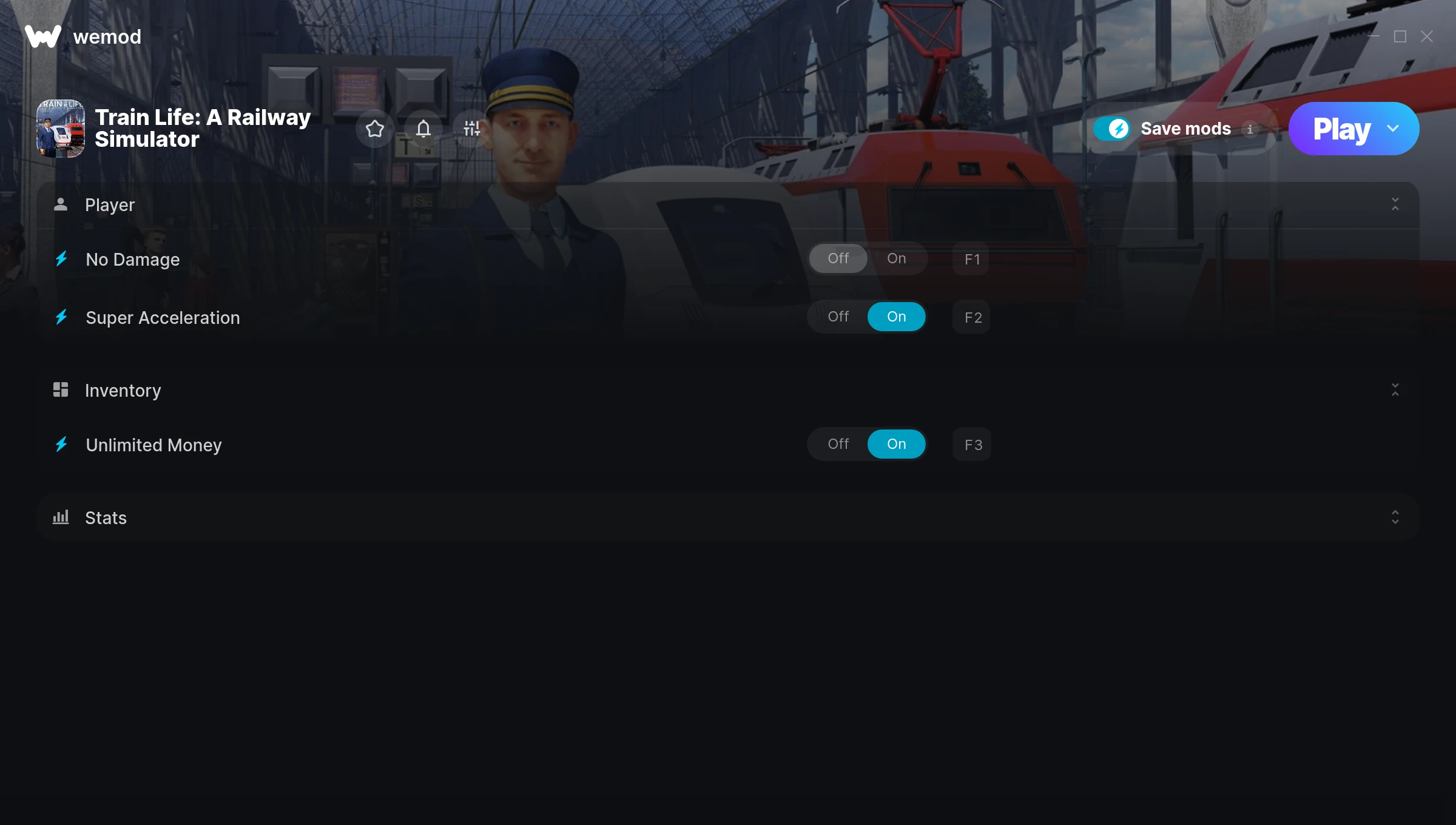
The Train Life: A Railway Simulator Trainer gives you access to 4 cheats that let you play the game however you want. Struggling with a tough section? Want to skip the grind? Just want to mess around? This trainer has you covered.
Unlimited money removes the grind entirely – just buy what you want and get back to the fun parts. These cheats let you get past the frustrating parts and actually enjoy the game at your own pace.
First playthrough? Maybe hold off. Second playthrough? Go nuts.
Since its 2022 release, Train Life: A Railway Simulator has built a loyal following among simulator and strategy fans looking to customize their playthrough.
This trainer stays in sync with game patches automatically. You’ll never have to worry about downloading a new version after an update – it handles everything behind the scenes.
Train Life: A Railway Simulator Trainer Cheats
This trainer includes 4 cheats covering resources, combat.
| # | Cheat | Effect |
|---|---|---|
| 1 | No Damage | Completely disable damage |
| 2 | Super Acceleration | Crank your acceleration up to ridiculous levels |
| 3 | Unlimited Money | Buy anything you want without thinking about cost |
| 4 | Unlimited Fuel | Your fuel never runs out or depletes |
What Can You Do With This Trainer?
Here are some of the standout cheats in this trainer – the ones that really change how you play:
- No Damage – Turn off damage entirely for easier gameplay
- Super Acceleration – Massively boost your acceleration beyond normal limits
- Unlimited Money – Buy anything you want without thinking about cost
- Unlimited Fuel – Remove all limits on your fuel
And that’s just scratching the surface. The full Train Life: A Railway Simulator cheat list above has everything you need to play completely on your own terms.
Download Train Life: A Railway Simulator Trainer
Download the latest version of this trainer for PC below.
| Version | Creator | Platform | Date Added | Download |
|---|---|---|---|---|
| Auto-Updating Version (Latest) | MrAntiFun | Steam | 2026-01-10 | Download |
How to Use This Trainer
- Load Train Life: A Railway Simulator – Start the game and either load your existing save or begin a new one. The trainer connects to the running game process.
- Open the Trainer – Open the WeMod app and search for “Train Life: A Railway Simulator”. Click Play to launch the overlay. WeMod will detect the game and enable all available cheats.
- Choose Your Cheats – Scroll through the WeMod overlay and enable the cheats that interest you. All changes happen live while you play.
- Jump Back In – You’re good to go. Return to the game and enjoy your modified experience. Toggle cheats on or off anytime as you play.
Tips & Known Issues
- This is a single-player trainer only. Do not use it in online or multiplayer modes – you will get banned.
- Cloud gaming services like GeForce NOW or Xbox Cloud Gaming are not compatible with trainers. You need the game running locally on PC.
- While trainers are safe to use, backing up your save file beforehand is always a smart precaution.
- Running into problems? Other overlay software (Discord, NVIDIA ShadowPlay) can conflict with trainers. Try turning them off.
- One of the perks of WeMod is automatic updates. The trainer syncs with game patches behind the scenes.
Frequently Asked Questions
Can I customise how much health or money I get?
Some cheats include an edit mode where you can set a specific value rather than just maxing things out. Great for keeping things balanced if you want.
Do I need to restart the game after activating cheats?
No restart needed. Cheats take effect the moment you activate them – toggle freely while you play.
Can I get banned for using this trainer?
As long as you stick to single-player, you’re fine. Using cheats in multiplayer or online modes is a completely different story – don’t do it.
Will the trainer work with the latest game version?
The Auto-Updating Version keeps itself current automatically after each game patch.
What should I do if the trainer stops working after an update?
If a game patch breaks things, the auto-updating trainer will fix itself automatically – usually within a day or two.
Does this trainer work with Steam?
It does. This trainer is built to work with the Steam version.



