Turmoil Trainer
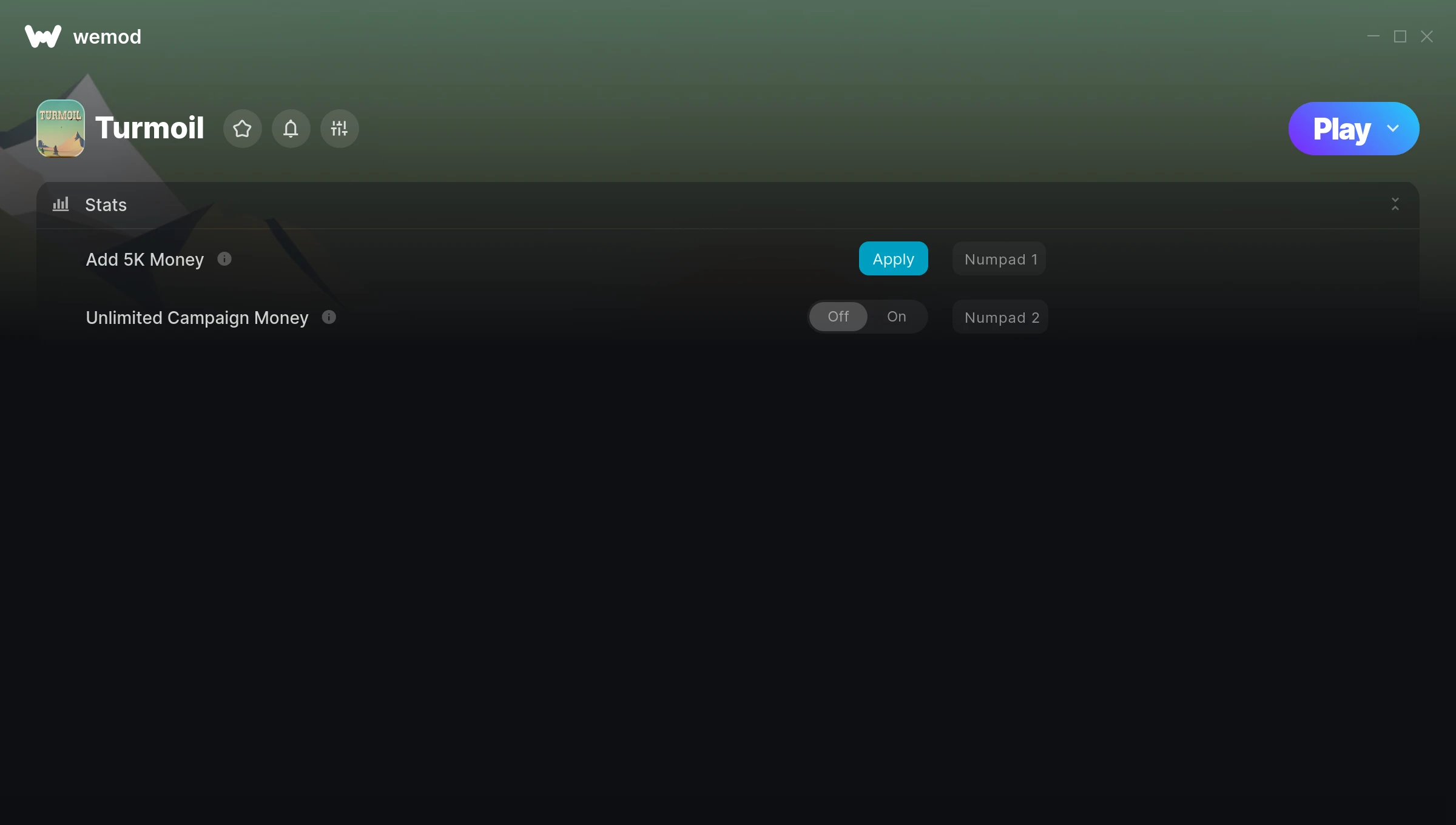
The Turmoil Trainer gives you access to 2 cheats that let you play the game however you want. Struggling with a tough section? Want to skip the grind? Just want to mess around? This trainer has you covered.
If you’ve been stuck on a boss for hours, you’re about to have a very good day.
This simulator and strategy title has been around since 2016 and remains a popular pick for players looking to push their experience further.
Once you’ve got this trainer installed, it takes care of itself. Every time the game gets a patch, the trainer updates automatically so your cheats keep working.
Turmoil Trainer Cheats
This trainer includes 2 cheats covering resources.
| # | Cheat | Effect |
|---|---|---|
| 1 | Add 5K Money | Add extra 5k money whenever you need it |
| 2 | Unlimited Campaign Money | Remove all limits on your campaign money |
Recommended Cheat Presets
Not sure which cheats to enable? Here are some recommended preset combinations for different playstyles:
Farming Preset
Skip the grind entirely. Max out your loot, XP, and cash without spending hours farming the same enemies over and over.
- Add 5K Money
- Unlimited Campaign Money
Download Turmoil Trainer
Download the latest version of this trainer for PC below.
| Version | Creator | Platform | Date Added | Download |
|---|---|---|---|---|
| Auto-Updating Version (Latest) | STiNGERR | Steam, Epic Games | 2026-01-09 | Download |
How to Use This Trainer
- Load Turmoil – Start the game and either load your existing save or begin a new one. The trainer connects to the running game process.
- Start the Trainer – Open WeMod, type “Turmoil” in the search bar, and click Play. The overlay pops up in-game and you’re ready to go.
- Flip On the Cheats – In the WeMod overlay, toggle the cheats you’re interested in. They apply immediately to your game session.
- Enjoy Your Playthrough – All done. Now play Turmoil however you want. You can tweak your active cheats at any point without restarting.
Tips & Known Issues
- Only use this trainer in single-player. Online and multiplayer modes have anti-cheat systems that will detect and ban you.
- If the trainer isn’t working, make sure your game is fully updated to the latest version.
- It’s good practice to back up your saves before activating cheats. That way you can revert if anything feels off.
- Right-click the trainer and select Run as Administrator to ensure it has the access it needs.
- WeMod auto-updates the trainer after game patches, so you never have to manually download a new version.
Frequently Asked Questions
How do I use this trainer?
Just download the trainer and open it while the game is running. Each cheat has a toggle – flip them on or off as you play.
What cheats are included in this trainer?
This trainer packs 2 cheats covering everything from infinite health to unlimited resources and more. The full list is in the table above.
Is this trainer free to download?
It is. No hidden fees, no sign-up walls – just download it from the links above and start playing.
How often is this trainer updated?
This trainer auto-updates shortly after each game patch, so it stays compatible without you having to do anything.
How do I know which version to download?
This trainer auto-updates whenever the game is patched, so you always have the latest compatible version. Just download it once and you’re set.
What should I do if the trainer stops working after an update?
If a game patch breaks things, the auto-updating trainer will fix itself automatically – usually within a day or two.
Does this trainer work with Steam?
It does. The trainer is compatible with Steam, Epic Games.