Viscera Cleanup Detail Trainer
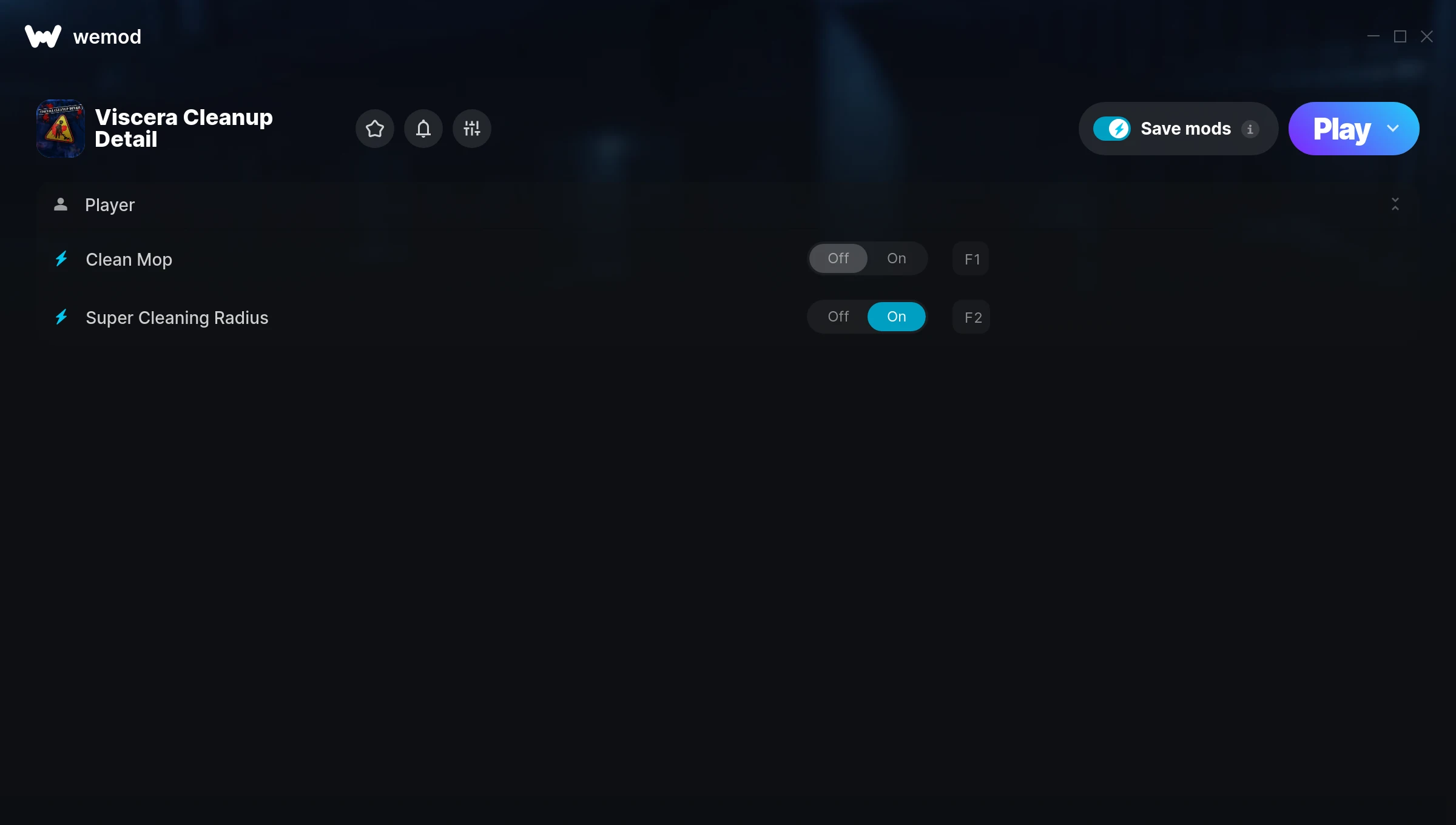
The Viscera Cleanup Detail Trainer gives you access to 2 cheats that let you play the game however you want. Struggling with a tough section? Want to skip the grind? Just want to mess around? This trainer has you covered.
Perfect for a second playthrough where you just want to mess around and have fun.
Originally a 2015 release, Viscera Cleanup Detail carved out a solid spot in the simulator and indie space and players keep coming back.
This trainer stays in sync with game patches automatically. You’ll never have to worry about downloading a new version after an update – it handles everything behind the scenes.
Viscera Cleanup Detail Trainer Cheats
This trainer includes 2 cheats for tweaking your gameplay.
| # | Cheat | Effect |
|---|---|---|
| 1 | Clean Mop | Tweak the clean mop mechanic to your advantage |
| 2 | Super Cleaning Radius | Crank your cleaning radius up to ridiculous levels |
Download Viscera Cleanup Detail Trainer
Download the latest version of this trainer for PC below.
| Version | Creator | Platform | Date Added | Download |
|---|---|---|---|---|
| Auto-Updating Version (Latest) | MrAntiFun | Steam | 2025-11-10 | Download |
How to Use This Trainer
- Fire Up Viscera Cleanup Detail – Open the game and let it load fully. Whether you’re continuing a save or starting new, just make sure it’s running.
- Activate WeMod – Run the WeMod app, locate “Viscera Cleanup Detail”, and hit Play. WeMod attaches to the game and shows you the full cheat list in the overlay.
- Choose Your Cheats – Scroll through the WeMod overlay and enable the cheats that interest you. All changes happen live while you play.
- Enjoy the Game – You’re all set. Play the game with your cheats active and switch them around as you go. Try different combinations to see what’s the most fun.
Tips & Known Issues
- Trainers are designed for single-player use only. Using them online or in multiplayer will result in a ban.
- While trainers are safe to use, backing up your save file beforehand is always a smart precaution.
- Steam’s in-game overlay sometimes interferes with trainers. If cheats aren’t activating, disable it in Steam > Settings > In-Game.
- Always match your game version to the trainer version. An outdated game build can cause cheats to fail silently.
- The WeMod version updates itself automatically after each game patch. No action needed on your end.
Frequently Asked Questions
How often is this trainer updated?
This trainer auto-updates shortly after each game patch, so it stays compatible without you having to do anything.
Can I use multiple cheats at the same time?
Yes – enable as many as you like simultaneously. Combining cheats is where things get really fun.
What should I do if the trainer stops working after an update?
If a game patch breaks things, the auto-updating trainer will fix itself automatically – usually within a day or two.
Will this trainer affect my save files?
Your save files are safe. Cheats only change values in RAM while you play. Just be aware that anything you accomplish with cheats active gets saved like normal progress.
Is this trainer free to download?
100% free. Hit one of the download buttons above and you can be up and running in seconds.
How do I know which version to download?
This trainer auto-updates whenever the game is patched, so you always have the latest compatible version. Just download it once and you’re set.
Does this trainer work with Steam?
Yes. The trainer hooks into the game process when launched through Steam.