
Warhammer 40,000: Dawn of War – Game of the Year Edition Trainer
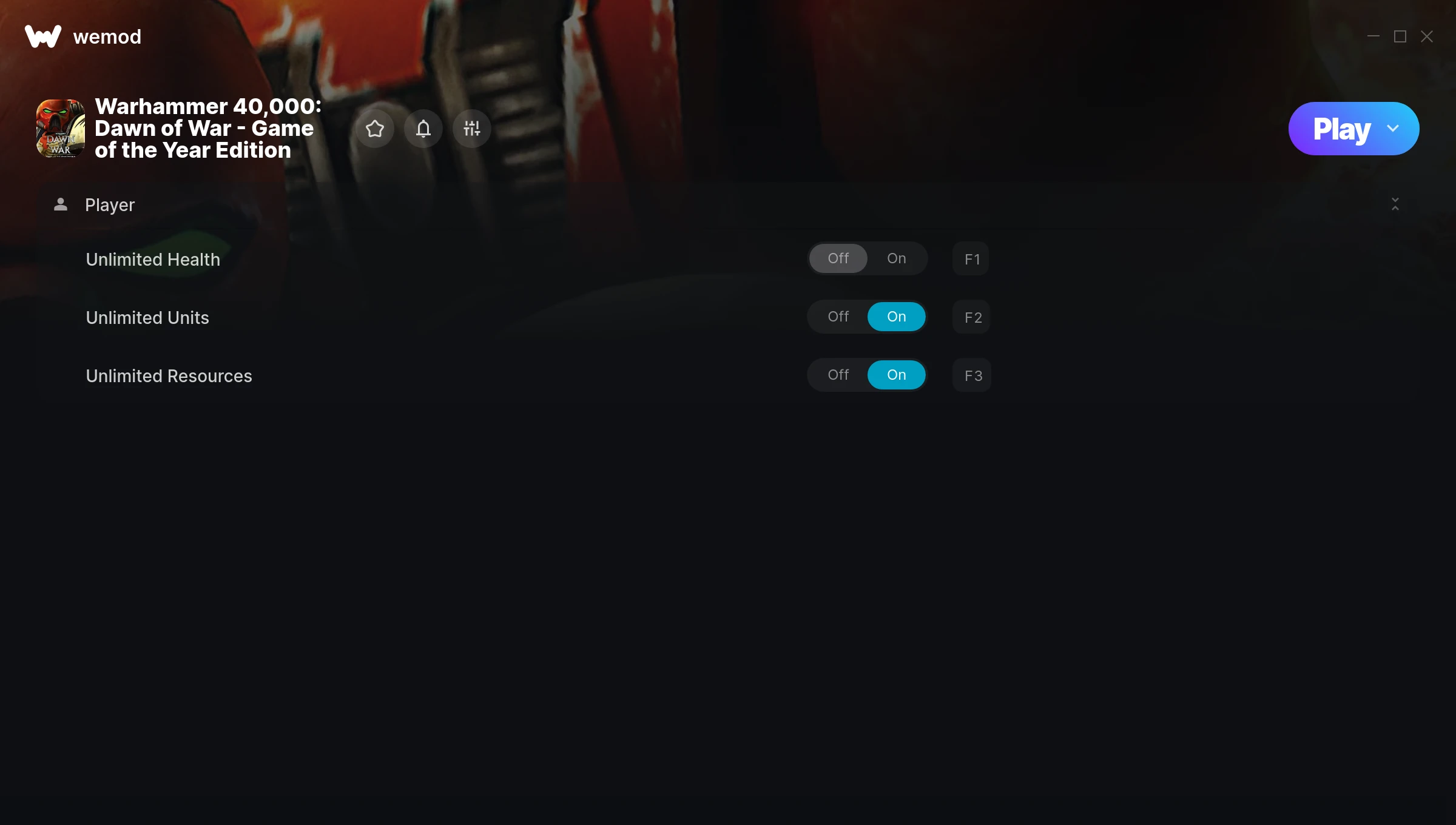
The Warhammer 40,000: Dawn of War – Game of the Year Edition Trainer gives you access to 3 cheats that let you play the game however you want. Struggling with a tough section? Want to skip the grind? Just want to mess around? This trainer has you covered.
First playthrough? Maybe hold off. Second playthrough? Go nuts.
Released in 2007, this real time strategy (rts) and strategy title continues to pull in players who want to get more out of it.
This is an auto-updating trainer that keeps pace with every game patch automatically. No need to manually grab new versions after updates.
Warhammer 40,000: Dawn of War – Game of the Year Edition Cheats
This trainer includes 3 cheats covering health, resources.
| # | Cheat | Effect |
|---|---|---|
| 1 | Unlimited Health | Your health stays maxed out no matter what hits you |
| 2 | Unlimited Units | Remove all limits on your units |
| 3 | Unlimited Resources | Gather and spend resources without worrying about running low |
What Can You Do With This Trainer?
Here are some of the standout cheats in this trainer – the ones that really change how you play:
- Unlimited Health – Your health stays maxed out no matter what hits you
- Unlimited Units – Remove all limits on your units
- Unlimited Resources – Gather and spend resources without worrying about running low
And that’s just scratching the surface. The full Warhammer 40,000: Dawn of War – Game of the Year Edition cheat list above has everything you need to play completely on your own terms.
Download Warhammer 40,000: Dawn of War – Game of the Year Edition
Download the latest version of this trainer for PC below.
| Version | Creator | Platform | Date Added | Download |
|---|---|---|---|---|
| Auto-Updating Version (Latest) | MrAntiFun | Steam | 2025-11-10 | Download |
How to Use This Trainer
- Get Into Warhammer 40,000: Dawn of War – Game of the Year Edition – Launch the game, get past the splash screens, and load into gameplay. Once you can see your character or the main menu, move to step 2.
- Start the Trainer – Open WeMod, type “Warhammer 40,000: Dawn of War – Game of the Year Edition” in the search bar, and click Play. The overlay pops up in-game and you’re ready to go.
- Choose Your Cheats – Scroll through the WeMod overlay and enable the cheats that interest you. All changes happen live while you play.
- Jump Back In – You’re good to go. Return to the game and enjoy your modified experience. Toggle cheats on or off anytime as you play.
Tips & Known Issues
- Only use this trainer in single-player. Online and multiplayer modes have anti-cheat systems that will detect and ban you.
- Running the trainer as Admin avoids most permission-related issues. Right-click and choose Run as Administrator.
- If using Steam, consider disabling the Steam Overlay (Steam > Settings > In-Game) to avoid conflicts with the trainer.
- Running an older game version? The trainer may not work correctly. Update your game to the latest patch first.
- No need to check for updates manually with WeMod. The trainer patches itself whenever the game is updated.
Frequently Asked Questions
Will the trainer work with the latest game version?
The auto-updating trainer stays compatible with new patches on its own. If you grabbed the Standalone version, you might need to check for a newer release after big updates.
How do I use this trainer?
Just download the trainer and open it while the game is running. Each cheat has a toggle – flip them on or off as you play.
How do I know which version to download?
This trainer auto-updates whenever the game is patched, so you always have the latest compatible version. Just download it once and you’re set.
Do I need to restart the game after activating cheats?
Nope. Cheats kick in immediately while the game is running. Just toggle them on and off whenever you want.
Can I use multiple cheats at the same time?
Absolutely. Stack as many as you want. God mode plus unlimited ammo plus one-hit kills? Go for it. That’s half the fun.
Does this trainer work with Steam?
Yes, it works with the Steam version of the game.



