Welcome to the Game II Trainer
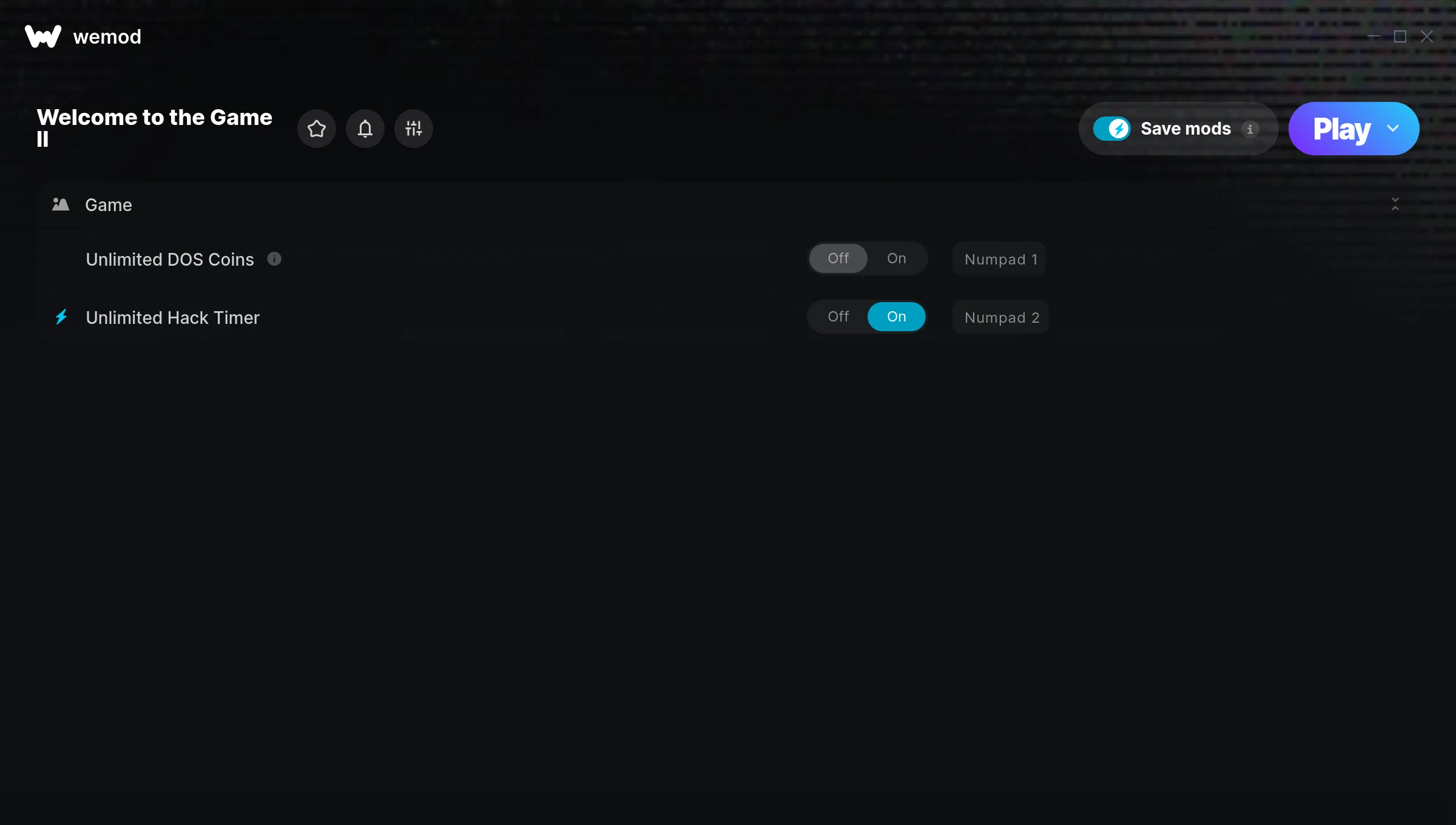
The Welcome to the Game II Trainer gives you access to 2 cheats that let you play the game however you want. Struggling with a tough section? Want to skip the grind? Just want to mess around? This trainer has you covered.
If you’re the type who reads every tooltip and explores every corner, infinite health makes that a lot more relaxing.
Welcome to the Game II first launched in 2018 as a puzzle and simulator title and still has a strong community of players today.
No need to check for updates manually. This auto-updating trainer keeps itself compatible with the latest version of the game so your cheats always work.
Welcome to the Game II Trainer Cheats
This trainer includes 2 cheats covering resources, time.
| # | Cheat | Effect |
|---|---|---|
| 1 | Unlimited DOS Coins | Use your dos coins as much as you want without limits |
| 2 | Unlimited Hack Timer | Use your hack timer as much as you want without limits |
Download Welcome to the Game II Trainer
Download the latest version of this trainer for PC below.
| Version | Creator | Platform | Date Added | Download |
|---|---|---|---|---|
| Auto-Updating Version (Latest) | STiNGERR | Steam | 2025-12-10 | Download |
How to Use This Trainer
- Run Welcome to the Game II – Get the game running first – load a save or start fresh. The trainer won’t work unless the game is already open.
- Activate WeMod – Run the WeMod app, locate “Welcome to the Game II”, and hit Play. WeMod attaches to the game and shows you the full cheat list in the overlay.
- Switch On Your Cheats – Browse the cheat list in the WeMod overlay and toggle on whatever you want. Effects are instant and reversible.
- Get Back to the Game – Everything is set up. Continue playing Welcome to the Game II with your chosen cheats active. Experiment freely – you can change things at any time.
Tips & Known Issues
- This trainer is strictly for single-player gameplay. Anti-cheat software in online modes will flag and ban your account.
- Having issues on Steam? Try disabling the Steam Overlay under Settings > In-Game. It can sometimes clash with trainers.
- Running into problems? Other overlay software (Discord, NVIDIA ShadowPlay) can conflict with trainers. Try turning them off.
- Antivirus software may detect the trainer as suspicious. This is normal for game trainers – add an exclusion to proceed.
- Using WeMod? The trainer stays current on its own – it auto-patches after every game update.
Frequently Asked Questions
What cheats are included in this trainer?
This trainer packs 2 cheats covering everything from infinite health to unlimited resources and more. The full list is in the table above.
How often is this trainer updated?
This trainer auto-updates shortly after each game patch, so it stays compatible without you having to do anything.
Do I need to restart the game after activating cheats?
Not at all. Everything applies in real-time. Turn cheats on, turn them off, no restarts required at any point.
Is this trainer free to download?
Yep, completely free. Just grab it from the download links above and you’re good to go.
Will this trainer affect my save files?
The trainer only modifies values in memory while the game is running. Your save files stay intact, though any progress you make with cheats on will save as normal.
Will the trainer work with the latest game version?
The Auto-Updating Version keeps itself current automatically after each game patch.
Does this trainer work with Steam?
It does. This trainer is built to work with the Steam version.