
Yu-Gi-Oh! Legacy of the Duelist : Link Evolution Trainer
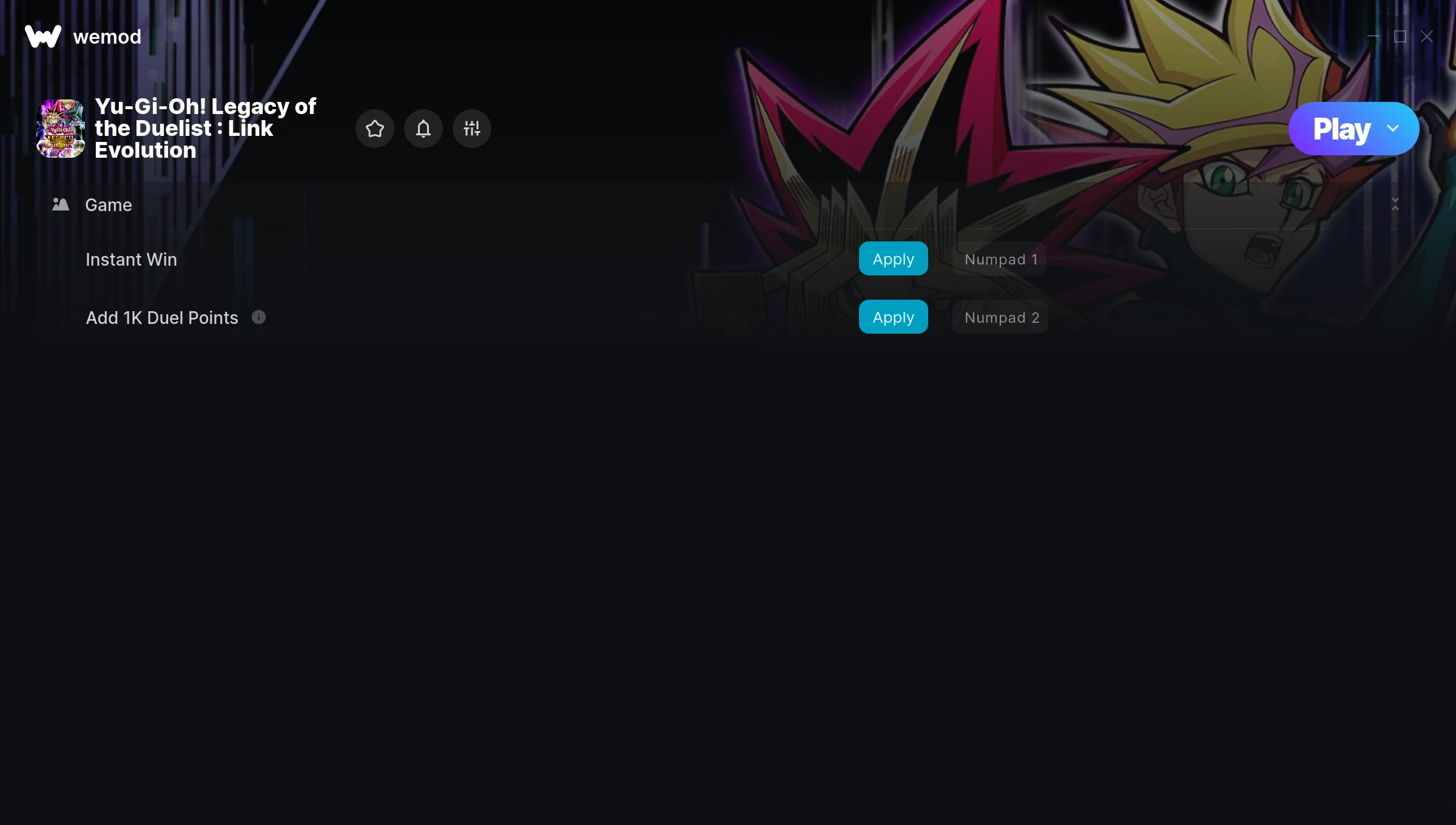
The Yu-Gi-Oh! Legacy of the Duelist : Link Evolution Trainer gives you access to 2 cheats that let you play the game however you want. Struggling with a tough section? Want to skip the grind? Just want to mess around? This trainer has you covered.
Pro tip: start with one or two cheats and see how it feels. Or turn them all on. Your call.
Released in 2019, this puzzle and simulator title continues to pull in players who want to get more out of it.
Once you’ve got this trainer installed, it takes care of itself. Every time the game gets a patch, the trainer updates automatically so your cheats keep working.
Yu-Gi-Oh! Legacy of the Duelist : Link Evolution Cheats
This trainer includes 2 cheats for tweaking your gameplay.
| # | Cheat | Effect |
|---|---|---|
| 1 | Instant Win | Skip the wait and trigger win right away |
| 2 | Add 1K Duel Points | Give yourself more 1k duel points on demand |
Download Yu-Gi-Oh! Legacy of the Duelist : Link Evolution Trainer
Download the latest version of this trainer for PC below.
| Version | Creator | Platform | Date Added | Download |
|---|---|---|---|---|
| Auto-Updating Version (Latest) | STiNGERR | Steam | 2026-01-29 | Download |
How to Use This Trainer
- Open Yu-Gi-Oh! Legacy of the Duelist : Link Evolution – Launch the game and wait until you’re in-game or at the main menu. The trainer needs the game process running to hook into it.
- Connect WeMod – Launch the WeMod application and find “Yu-Gi-Oh! Legacy of the Duelist : Link Evolution” in the library. Press Play and WeMod will hook into the running game automatically.
- Flip On the Cheats – In the WeMod overlay, toggle the cheats you’re interested in. They apply immediately to your game session.
- Enjoy the Game – You’re all set. Play the game with your cheats active and switch them around as you go. Try different combinations to see what’s the most fun.
Tips & Known Issues
- This is a single-player trainer only. Do not use it in online or multiplayer modes – you will get banned.
- Running into problems? Other overlay software (Discord, NVIDIA ShadowPlay) can conflict with trainers. Try turning them off.
- Don’t be alarmed if Windows Defender or your antivirus flags the download. Trainers are routinely flagged as false positives.
- If the trainer isn’t working, make sure your game is fully updated to the latest version.
- WeMod auto-updates the trainer after game patches, so you never have to manually download a new version.
Frequently Asked Questions
What should I do if the trainer stops working after an update?
If a game patch breaks things, the auto-updating trainer will fix itself automatically – usually within a day or two.
Can I get banned for using this trainer?
Single-player? No risk at all. Online or multiplayer? Do not even think about it. Anti-cheat systems will catch you and you will be banned.
Do I need to restart the game after activating cheats?
Not at all. Everything applies in real-time. Turn cheats on, turn them off, no restarts required at any point.
How do I know which version to download?
This trainer auto-updates whenever the game is patched, so you always have the latest compatible version. Just download it once and you’re set.
Will this trainer affect my save files?
No damage to saves. The trainer tweaks memory values on the fly, not your save data. That said, if you earn a million gold with cheats on, that gold saves too.
Does this trainer work with Steam?
Yes. The trainer hooks into the game process when launched through Steam.



