ADR1FT Trainer
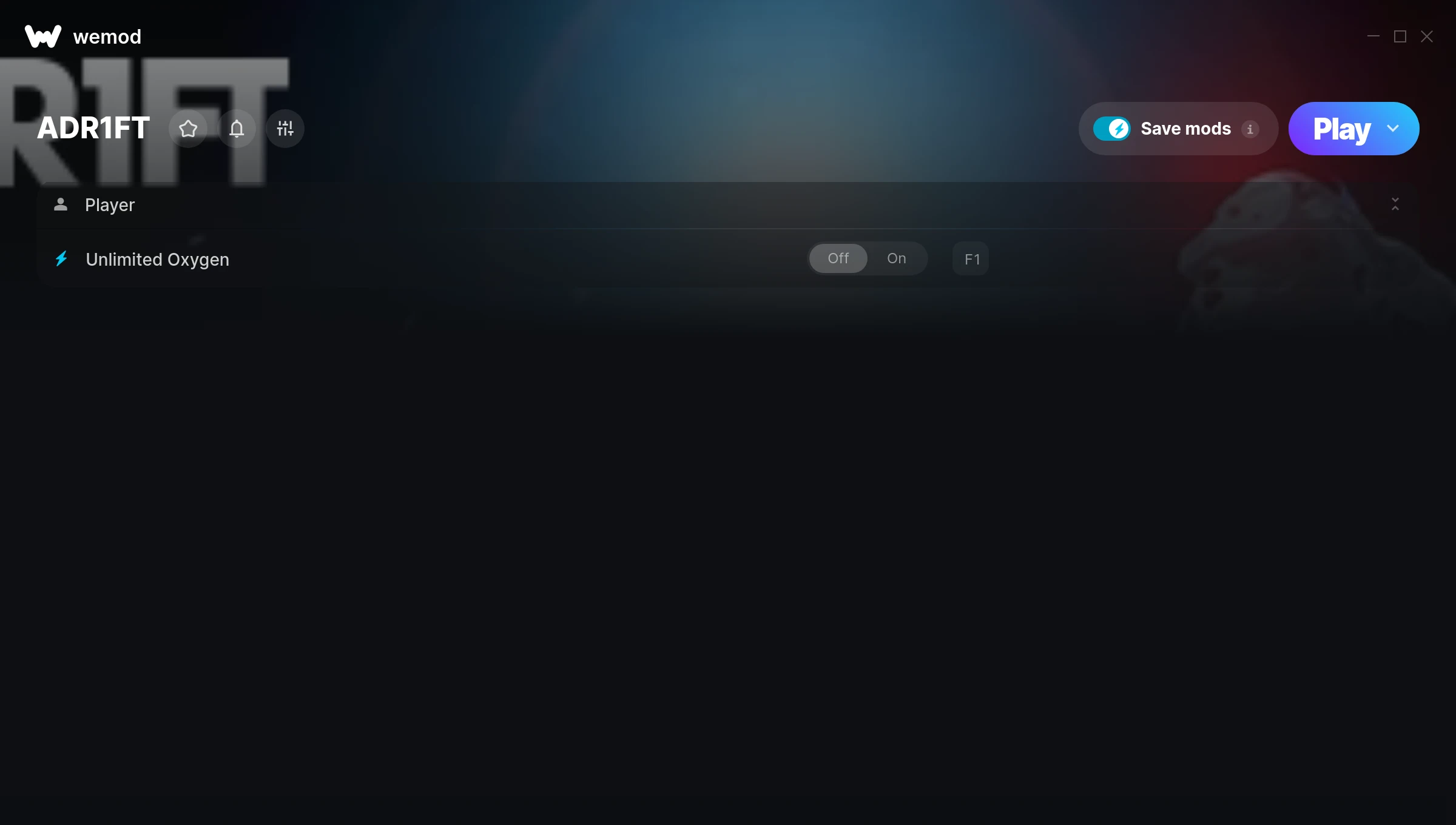
The ADR1FT Trainer gives you access to 1 cheats that let you play the game however you want. Struggling with a tough section? Want to skip the grind? Just want to mess around? This trainer has you covered.
Whether you want a slight edge or total domination, there’s something here for you.
Out since 2016, this puzzle and adventure title is still going strong with players who want to shape the experience on their own terms.
This trainer is auto-updating – it patches itself every time the game gets an update, so you never have to hunt for a new download. Just install it once and you’re set.
ADR1FT Trainer Cheats
This trainer includes 1 cheats for tweaking your gameplay.
| # | Cheat | Effect |
|---|---|---|
| 1 | Unlimited Oxygen | Use your oxygen as much as you want without limits |
Download ADR1FT Trainer
Download the latest version of this trainer for PC below.
| Version | Creator | Platform | Date Added | Download |
|---|---|---|---|---|
| Auto-Updating Version (Latest) | MrAntiFun | Steam | 2025-12-12 | Download |
How to Use This Trainer
- Boot Up ADR1FT – Start the game like you normally would. Once you’re at the main menu or loaded into your save, you’re ready for the next step.
- Open WeMod Overlay – Search for “ADR1FT” in WeMod and click Play. The in-game overlay will appear with toggles for every available cheat.
- Switch On Your Cheats – Browse the cheat list in the WeMod overlay and toggle on whatever you want. Effects are instant and reversible.
- Enjoy Your Playthrough – All done. Now play ADR1FT however you want. You can tweak your active cheats at any point without restarting.
Tips & Known Issues
- Never activate this trainer during online play. It’s built for single-player only and multiplayer anti-cheat will catch it.
- Trainer compatibility depends on game version. If cheats aren’t activating, check that your game is up to date.
- Right-click the trainer and select Run as Administrator to ensure it has the access it needs.
- Steam’s in-game overlay sometimes interferes with trainers. If cheats aren’t activating, disable it in Steam > Settings > In-Game.
- WeMod handles version compatibility automatically. When the game updates, the trainer follows shortly after.
Frequently Asked Questions
Will this trainer affect my save files?
The trainer only modifies values in memory while the game is running. Your save files stay intact, though any progress you make with cheats on will save as normal.
What should I do if the trainer stops working after an update?
If a game patch breaks things, the auto-updating trainer will fix itself automatically – usually within a day or two.
How do I use this trainer?
Grab the download, launch the game, then fire up the trainer. Toggle cheats with the hotkeys or the overlay – done.
Is this trainer free to download?
Yep, completely free. Just grab it from the download links above and you’re good to go.
How often is this trainer updated?
This trainer auto-updates shortly after each game patch, so it stays compatible without you having to do anything.
Do I need to restart the game after activating cheats?
Not at all. Everything applies in real-time. Turn cheats on, turn them off, no restarts required at any point.
Does this trainer work with Steam?
It does. This trainer is built to work with the Steam version.