Alone in the Dark Trainer
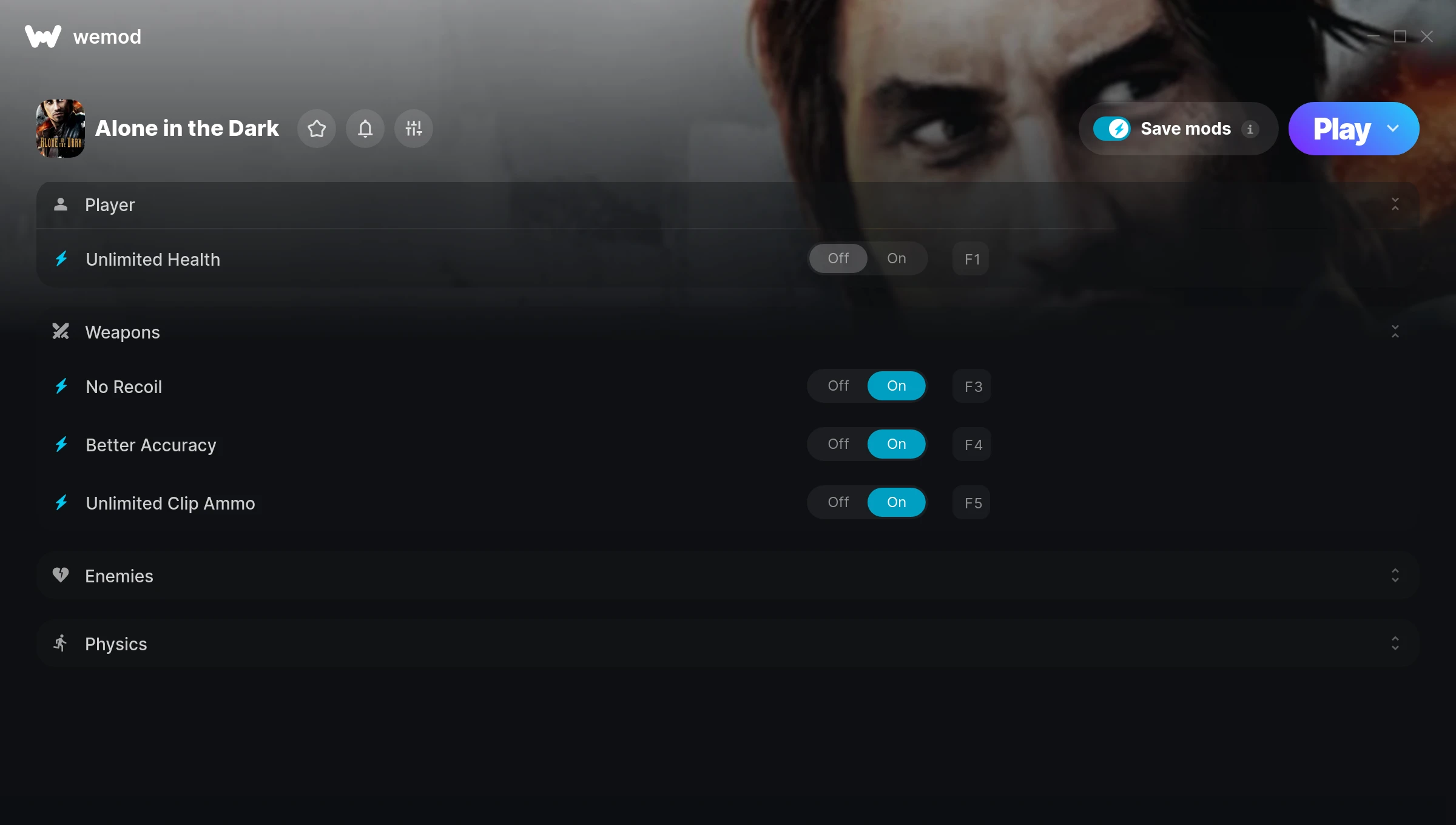
The Alone in the Dark Trainer gives you access to 6 cheats that let you play the game however you want. Struggling with a tough section? Want to skip the grind? Just want to mess around? This trainer has you covered.
Stuck at a difficulty wall? This trainer turns that wall into tissue paper.
Alone in the Dark first launched in 2008 as a shooter and puzzle title and still has a strong community of players today.
This trainer ships in two flavours. The Auto-Updating Version patches itself every time the game gets an update, so you never have to hunt for a new download. The Standalone version is a single fixed release if you prefer to manage things yourself.
Some of the most popular cheats included in this trainer are Unlimited Health, No Recoil, Better Accuracy, Unlimited Clip Ammo, and many more. These modifications let you customize difficulty, skip grinding, or simply experiment with the game in new ways.
Alone in the Dark Trainer Cheats
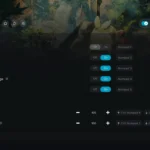
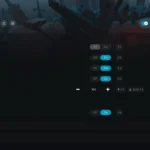
This trainer includes 6 cheats covering health, ammo, movement.
| # | Cheat | Effect |
|---|---|---|
| 1 | Unlimited Health | Your health stays maxed out no matter what hits you |
| 2 | No Recoil | Eliminate all weapon recoil for laser-accurate shots |
| 3 | Better Accuracy | Tweak the better accuracy mechanic to your advantage |
| 4 | Unlimited Clip Ammo | Your clip ammo never runs out or depletes |
| 5 | One-Hit Kills | Tweak the one hit kills mechanic to your advantage |
| 6 | Super Walking Speed | Massively boost your walking speed beyond normal limits |
What Can You Do With This Trainer?
Here are some of the standout cheats in this trainer – the ones that really change how you play:
- Unlimited Health – Your health stays maxed out no matter what hits you
- No Recoil – Eliminate all weapon recoil for laser-accurate shots
- Better Accuracy – Tweak the better accuracy mechanic to your advantage
- Unlimited Clip Ammo – Your clip ammo never runs out or depletes
- One-Hit Kills – Tweak the one hit kills mechanic to your advantage
And that’s just scratching the surface. The full cheat list above has everything you need to play the game completely on your own terms.
Download Alone in the Dark Trainer
Download the latest version of this trainer for PC below.
| Version | Creator | Platform | Date Added | Download |
|---|---|---|---|---|
| Auto-Updating Version (Latest) | MrAntiFun | Steam | 2025-10-11 | Download |
| Standalone Version | FLiNG | Steam | 2025-08-05 | Download |
How to Use This Trainer
- Get Alone in the Dark Running – Launch the game through your usual platform. Wait until you’re past any intro screens and into the menu or gameplay.
- Launch Your Trainer – WeMod users: open the app, find “Alone in the Dark”, and hit Play. FLiNG users: right-click the downloaded trainer and run it as Administrator.
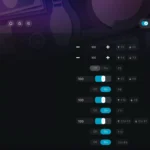
- Choose Your Cheats – Scroll through the WeMod overlay and enable the cheats that interest you. All changes happen live while you play.
- Enjoy the Game – You’re all set. Play the game with your cheats active and switch them around as you go. Try different combinations to see what’s the most fun.
Tips & Known Issues
- Trainers are designed for single-player use only. Using them online or in multiplayer will result in a ban.
- If you’re running other overlays (Discord, NVIDIA, MSI Afterburner), try disabling them if the trainer isn’t responding.
- If the trainer isn’t working, make sure your game is fully updated to the latest version.
- Consider backing up your save files before using cheats, especially if you’re on your main playthrough.
- The WeMod version updates itself automatically after each game patch. No action needed on your end.
Frequently Asked Questions
How do I use this trainer?
It’s straightforward: download, run the trainer while the game is open, and press the hotkeys to activate whichever cheats you want.
What should I do if the trainer stops working after an update?
The Auto-Updating Version handles this on its own – give it a day or two after a big patch. Standalone users should check for an updated download.
Can I use multiple cheats at the same time?
Yes – enable as many as you like simultaneously. Combining cheats is where things get really fun.
Is this trainer compatible with mods?
In most cases they work fine together. Conflicts only happen when a mod alters the exact same memory values the trainer is trying to modify.
Does this trainer work with Steam?
Fully compatible with Steam. Just launch the game through Steam and run the trainer alongside it.