Decision: Red Daze Trainer
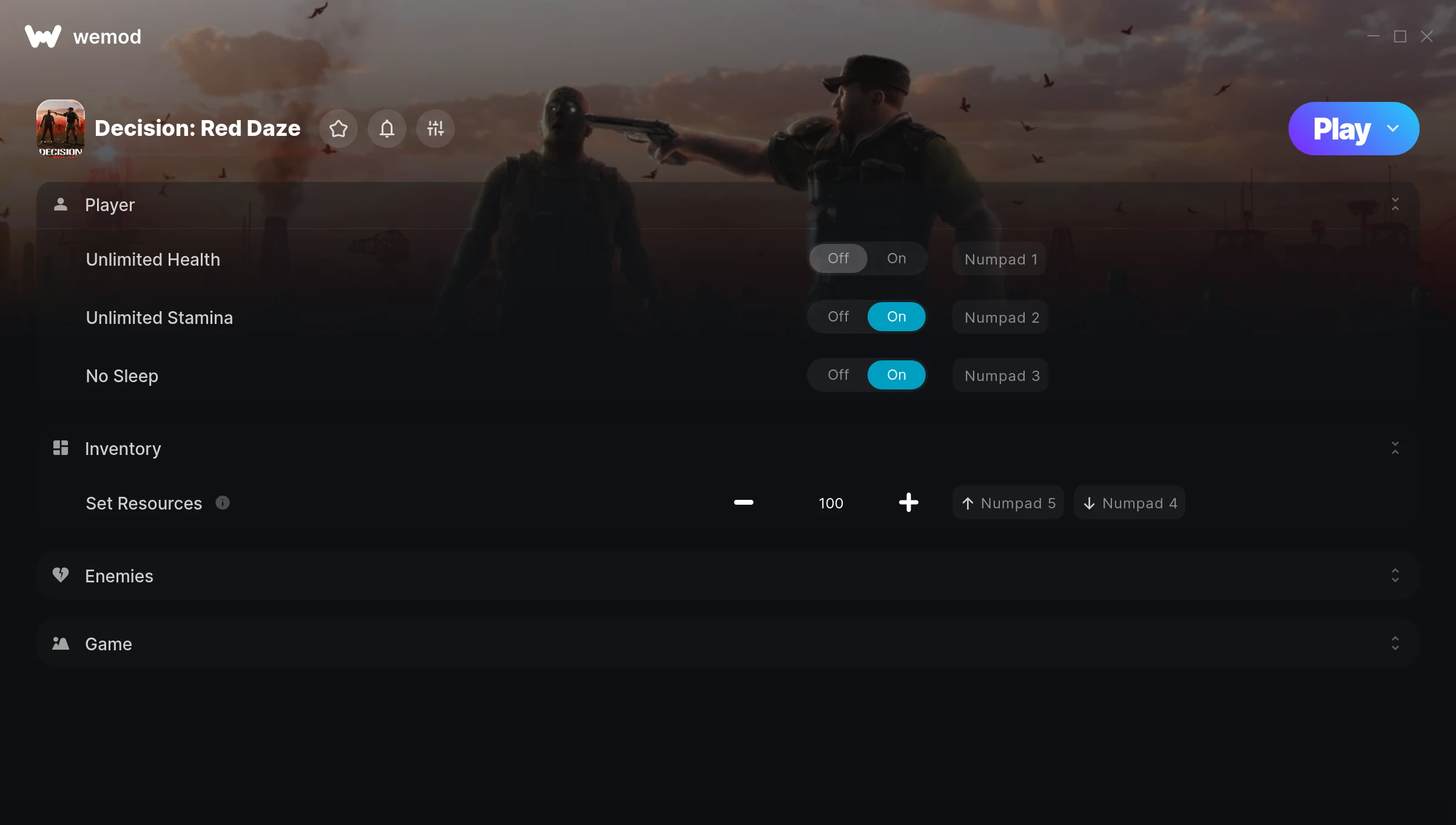
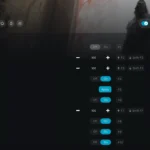
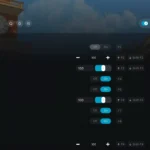
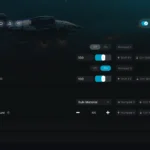
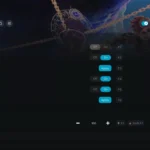
The Decision: Red Daze Trainer gives you access to 6 cheats that let you play the game however you want. Struggling with a tough section? Want to skip the grind? Just want to mess around? This trainer has you covered.
Unlimited stamina means you can sprint, dodge, and fight nonstop without that annoying stamina bar slowing you down. These cheats let you get past the frustrating parts and actually enjoy the game at your own pace.
You already bought the game. Might as well play it exactly the way you want to.
Decision: Red Daze has been a go-to role-playing (rpg) and strategy title since 2022, and players are still finding new ways to enjoy it.
This trainer stays in sync with game patches automatically. You’ll never have to worry about downloading a new version after an update – it handles everything behind the scenes.
Some of the most popular cheats included in this trainer are Unlimited Health, Unlimited Stamina, No Sleep, Set Resources, and many more. These modifications let you customize difficulty, skip grinding, or simply experiment with the game in new ways.
Decision: Red Daze Trainer Cheats
This trainer includes 6 cheats covering health, resources, movement, time.
| # | Cheat | Effect |
|---|---|---|
| 1 | Unlimited Health | Your health stays maxed out no matter what hits you |
| 2 | Unlimited Stamina | Sprint, dodge, and fight without ever getting winded |
| 3 | No Sleep | Turn off sleep entirely for easier gameplay |
| 4 | Set Resources | Manually set your resources to any number |
| 5 | One-Hit Kills | Tweak the one hit kills mechanic to your advantage |
| 6 | Set Game Speed | Speed up or slow down the entire game to your liking |
What Can You Do With This Trainer?
Here are some of the standout cheats in this trainer – the ones that really change how you play:
- Unlimited Health – Your health stays maxed out no matter what hits you
- Unlimited Stamina – Sprint, dodge, and fight without ever getting winded
- No Sleep – Remove sleep from the equation
- Set Resources – Adjust resources to whatever feels right
- One-Hit Kills – Tweak the one hit kills mechanic to your advantage
And that’s just scratching the surface. The full Decision: Red Daze cheat list above has everything you need to play completely on your own terms.
Download Decision: Red Daze Trainer
Download the latest version of this trainer for PC below.
| Version | Creator | Platform | Date Added | Download |
|---|---|---|---|---|
| Auto-Updating Version (Latest) | STiNGERR | Steam | 2026-01-29 | Download |
How to Use This Trainer
- Launch Decision: Red Daze – Start the game and load into your save file or start a new game. Make sure it’s running before activating the trainer.
- Open WeMod Overlay – Search for “Decision: Red Daze” in WeMod and click Play. The in-game overlay will appear with toggles for every available cheat.
- Switch On Your Cheats – Browse the cheat list in the WeMod overlay and toggle on whatever you want. Effects are instant and reversible.
- Play Your Way – That’s the full setup. Get back into Decision: Red Daze and play on your own terms. Adjust cheats whenever the mood strikes.
Tips & Known Issues
- This trainer is strictly for single-player gameplay. Anti-cheat software in online modes will flag and ban your account.
- If this is your primary save, consider making a backup first. Cheats won’t corrupt data, but it’s good to have a safety net.
- For the smoothest experience on Steam, switch off the Steam Overlay in your Steam settings before running the trainer.
- For the trainer to work properly, make sure you launch it with Administrator privileges.
- WeMod handles version compatibility automatically. When the game updates, the trainer follows shortly after.
Frequently Asked Questions
Can I use multiple cheats at the same time?
Of course. There’s no limit to how many you can have active. Layer them however you want.
Can I customise how much health or money I get?
Certain cheats let you choose exact amounts instead of just toggling unlimited. Check for any ‘set’ or ‘edit’ options in the cheat list.
Can I get banned for using this trainer?
As long as you stick to single-player, you’re fine. Using cheats in multiplayer or online modes is a completely different story – don’t do it.
What should I do if the trainer stops working after an update?
If a game patch breaks things, the auto-updating trainer will fix itself automatically – usually within a day or two.
How do I know which version to download?
This trainer auto-updates whenever the game is patched, so you always have the latest compatible version. Just download it once and you’re set.
Is this trainer compatible with mods?
They’re typically fine together. The rare exception is when a mod overwrites the same values the trainer hooks into, but that’s uncommon.
Does this trainer work with Steam?
Yes. The trainer hooks into the game process when launched through Steam.