How Trainer
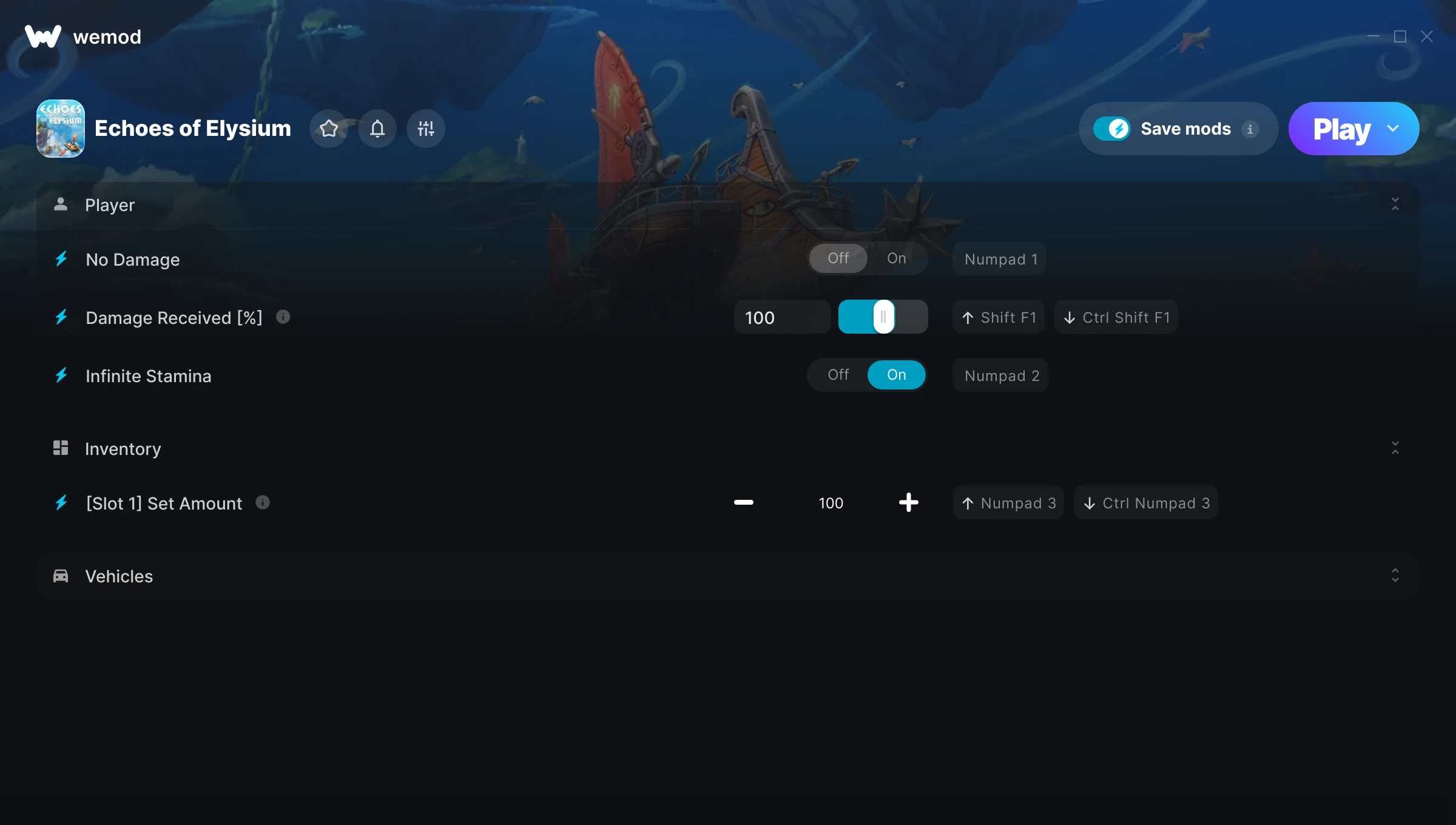
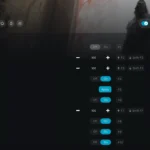
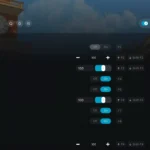
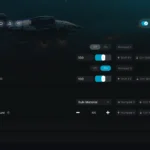
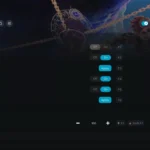
The How Trainer gives you access to 6 cheats that let you play the game however you want. Struggling with a tough section? Want to skip the grind? Just want to mess around? This trainer has you covered.
These cheats won’t break your save file. Toggle them on, have fun, toggle them off whenever you want.
Players have been diving into How since 2013, making it one of the more enduring role-playing (rpg) and tactical titles out there.
The best part? This PC trainer auto-updates whenever the game is patched. Zero effort on your part – it stays compatible in the background so you can just play.
Some of the most popular cheats included in this trainer are Infinite Stamina, No Damage, Damage Received [%], [Slot 1] Set Amount, and many more. These modifications let you customize difficulty, skip grinding, or simply experiment with the game in new ways.
How Trainer Cheats
This trainer includes 6 cheats covering combat, movement, inventory.
| # | Cheat | Effect |
|---|---|---|
| 1 | No Damage | Remove damage from the equation |
| 2 | Damage Received [%] | Tweak the damage received [%] mechanic to your advantage |
| 3 | Infinite Stamina | Your stamina bar never depletes no matter what you do |
| 4 | [Slot 1] Set Amount | Choose exactly how much [slot 1] amount you want |
| 5 | No Airship Damage | Turn off airship damage entirely for easier gameplay |
| 6 | No Part Weight | Turn off part weight entirely for easier gameplay |
What Can You Do With This Trainer?
Here are some of the standout cheats in this trainer – the ones that really change how you play:
- No Damage – Turn off damage entirely for easier gameplay
- Damage Received [%] – Tweak the damage received [%] mechanic to your advantage
- Infinite Stamina – Your stamina bar never depletes no matter what you do
- [Slot 1] Set Amount – Manually set your [slot 1] amount to any number
- No Airship Damage – Remove airship damage from the equation
And that’s just scratching the surface. The full How cheat list above has everything you need to play completely on your own terms.
Download How Trainer
Download the latest version of this trainer for PC below.
| Version | Creator | Platform | Date Added | Download |
|---|---|---|---|---|
| Auto-Updating Version (Latest) | GreenHouse | Steam | 2026-02-07 | Download |
How to Use This Trainer
- Get Into How – Launch the game, get past the splash screens, and load into gameplay. Once you can see your character or the main menu, move to step 2.
- Connect WeMod – Launch the WeMod application and find “How” in the library. Press Play and WeMod will hook into the running game automatically.
- Activate Cheats – Toggle the cheats you want using the WeMod overlay or press the assigned hotkeys. Cheats activate in real-time while you play.
- Enjoy the Game – You’re all set. Play the game with your cheats active and switch them around as you go. Try different combinations to see what’s the most fun.
Tips & Known Issues
- This is a single-player trainer only. Do not use it in online or multiplayer modes – you will get banned.
- Trainers modify game memory, which can trigger antivirus warnings. These are false positives – add an exception if needed.
- If cheats toggle on but have no effect, your game version might be out of date. Update the game and try again.
- Running into problems? Other overlay software (Discord, NVIDIA ShadowPlay) can conflict with trainers. Try turning them off.
- One of the perks of WeMod is automatic updates. The trainer syncs with game patches behind the scenes.
Frequently Asked Questions
Is this trainer compatible with mods?
In most cases they work fine together. Conflicts only happen when a mod alters the exact same memory values the trainer is trying to modify.
Is this trainer free to download?
100% free. Hit one of the download buttons above and you can be up and running in seconds.
What cheats are included in this trainer?
There are 6 cheats in total – check the cheat table further up the page for the complete breakdown.
How do I know which version to download?
This trainer auto-updates whenever the game is patched, so you always have the latest compatible version. Just download it once and you’re set.
How often is this trainer updated?
This trainer auto-updates shortly after each game patch, so it stays compatible without you having to do anything.
What should I do if the trainer stops working after an update?
If a game patch breaks things, the auto-updating trainer will fix itself automatically – usually within a day or two.
Does this trainer work with Steam?
Yes, it works with the Steam version of the game.