Monster Prom Trainer
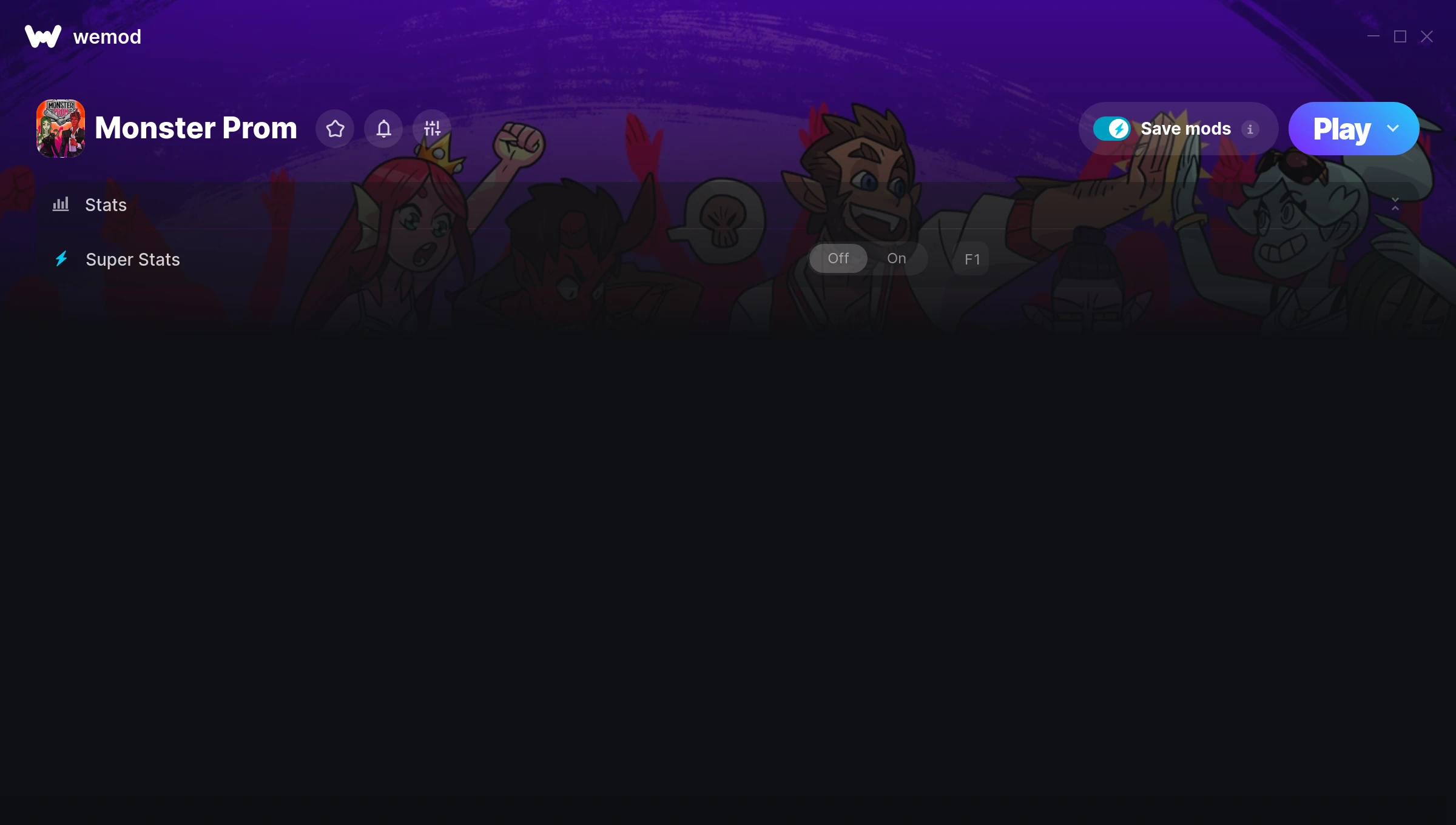
The Monster Prom Trainer gives you access to 1 cheats that let you play the game however you want. Struggling with a tough section? Want to skip the grind? Just want to mess around? This trainer has you covered.
Think of it as unlocking developer mode. Except better.
It’s been a while since Monster Prom first hit in 2018, but this simulator and adventure title still has plenty to offer.
This trainer is auto-updating – it patches itself every time the game gets an update, so you never have to hunt for a new download. Just install it once and you’re set.
Monster Prom Trainer Cheats
This trainer includes 1 cheats for tweaking your gameplay.
| # | Cheat | Effect |
|---|---|---|
| 1 | Super Stats | Massively boost your stats beyond normal limits |
Download Monster Prom Trainer
Download the latest version of this trainer for PC below.
| Version | Creator | Platform | Date Added | Download |
|---|---|---|---|---|
| Auto-Updating Version (Latest) | STN | Steam | 2025-10-11 | Download |
How to Use This Trainer
- Launch the Game – Open Monster Prom and get to the point where you’re actually playing. The trainer hooks into the game while it’s running.
- Start the Trainer – Open WeMod, type “Monster Prom” in the search bar, and click Play. The overlay pops up in-game and you’re ready to go.
- Switch On Your Cheats – Browse the cheat list in the WeMod overlay and toggle on whatever you want. Effects are instant and reversible.
- Start Playing – That’s all there is to it. Dive back in and enjoy Monster Prom with your cheats running. Feel free to adjust them anytime mid-game.
Tips & Known Issues
- Never activate this trainer during online play. It’s built for single-player only and multiplayer anti-cheat will catch it.
- A quick save backup takes seconds and gives you peace of mind when experimenting with trainer cheats.
- Running the trainer as Admin avoids most permission-related issues. Right-click and choose Run as Administrator.
- Third-party overlays like Discord or GeForce Experience can sometimes interfere with trainers. Disable them if you have issues.
- WeMod auto-updates the trainer after game patches, so you never have to manually download a new version.
Frequently Asked Questions
How do I use this trainer?
Download the trainer, run it alongside the game, and use the hotkeys to toggle cheats on and off. It really is that simple.
Can I customise how much health or money I get?
Certain cheats let you choose exact amounts instead of just toggling unlimited. Check for any ‘set’ or ‘edit’ options in the cheat list.
What should I do if the trainer stops working after an update?
If a game patch breaks things, the auto-updating trainer will fix itself automatically – usually within a day or two.
Can I get banned for using this trainer?
Not in single-player – that’s what trainers are designed for. Never use them in online or multiplayer though, that will get you banned.
Does this trainer work with Steam?
Yes, it works with the Steam version of the game.