Plants vs. Zombies: Battle for Neighborville Trainer
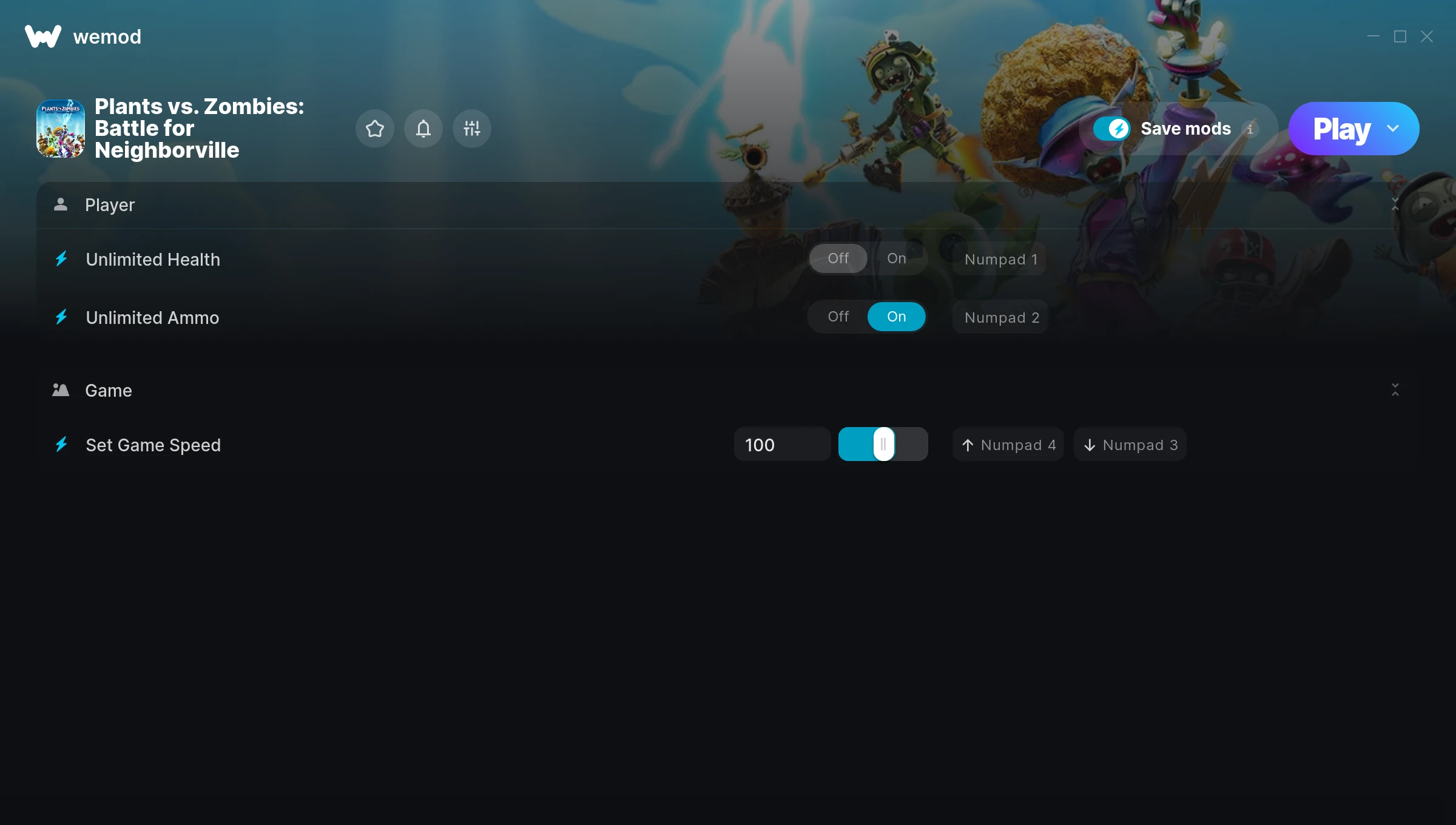
The Plants vs. Zombies: Battle for Neighborville Trainer gives you access to 3 cheats that let you play the game however you want. Struggling with a tough section? Want to skip the grind? Just want to mess around? This trainer has you covered.
Consider this your shortcut past every annoying difficulty spike in the game.
Players have been diving into Plants vs. Zombies: Battle for Neighborville since 2019, making it one of the more enduring shooter and strategy titles out there.
Once you’ve got this trainer installed, it takes care of itself. Every time the game gets a patch, the trainer updates automatically so your cheats keep working.
Plants vs. Zombies: Battle for Neighborville Trainer Cheats
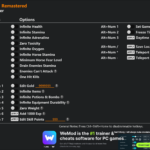
This trainer includes 3 cheats covering health, ammo, movement, time.
| # | Cheat | Effect |
|---|---|---|
| 1 | Unlimited Health | Your health stays maxed out no matter what hits you |
| 2 | Unlimited Ammo | Fire away without ever worrying about running dry |
| 3 | Set Game Speed | Speed up or slow down the entire game to your liking |
What Can You Do With This Trainer?
Here are some of the standout cheats in this trainer – the ones that really change how you play:
- Unlimited Health – Your health stays maxed out no matter what hits you
- Unlimited Ammo – Fire away without ever worrying about running dry
- Set Game Speed – Speed up or slow down the entire game to your liking
And that’s just scratching the surface. The full Plants vs. Zombies: Battle for Neighborville cheat list above has everything you need to play completely on your own terms.
Recommended Cheat Presets
Not sure which cheats to enable? Here are some recommended preset combinations for different playstyles:
Easy Mode
Turn the difficulty down to nothing. Perfect for enjoying the story, or for a second playthrough where you just want to feel unstoppable.
- Unlimited Health
- Unlimited Ammo
Download Plants vs. Zombies: Battle for Neighborville Trainer
Download the latest version of this trainer for PC below.
| Version | Creator | Platform | Date Added | Download |
|---|---|---|---|---|
| Auto-Updating Version (Latest) | STiNGERR | Steam | 2025-12-10 | Download |
How to Use This Trainer
- Launch Plants vs. Zombies: Battle for Neighborville – Start the game and load into your save file or start a new game. Make sure it’s running before activating the trainer.
- Connect WeMod – Launch the WeMod application and find “Plants vs. Zombies: Battle for Neighborville” in the library. Press Play and WeMod will hook into the running game automatically.
- Choose Your Cheats – Scroll through the WeMod overlay and enable the cheats that interest you. All changes happen live while you play.
- Jump Back In – You’re good to go. Return to the game and enjoy your modified experience. Toggle cheats on or off anytime as you play.
Tips & Known Issues
- This is a single-player trainer only. Do not use it in online or multiplayer modes – you will get banned.
- Trainers are PC-only. If you’re playing on console or through a cloud streaming service, the trainer won’t work.
- For the trainer to work properly, make sure you launch it with Administrator privileges.
- If cheats toggle on but have no effect, your game version might be out of date. Update the game and try again.
- WeMod auto-updates the trainer after game patches, so you never have to manually download a new version.
Frequently Asked Questions
Can I use multiple cheats at the same time?
You can run every single cheat at once if you want. Mix and match until you find a combination you enjoy.
What should I do if the trainer stops working after an update?
If a game patch breaks things, the auto-updating trainer will fix itself automatically – usually within a day or two.
Is this trainer free to download?
It is. No hidden fees, no sign-up walls – just download it from the links above and start playing.
Can I get banned for using this trainer?
As long as you stick to single-player, you’re fine. Using cheats in multiplayer or online modes is a completely different story – don’t do it.
How often is this trainer updated?
This trainer auto-updates shortly after each game patch, so it stays compatible without you having to do anything.
How do I know which version to download?
This trainer auto-updates whenever the game is patched, so you always have the latest compatible version. Just download it once and you’re set.
Does this trainer work with Steam?
Yes. The trainer hooks into the game process when launched through Steam.